3D printing · Stream Deck plugin
Slicing is a long run of small adjustments. This one leans hard on dials, and keeps the print's own numbers in view while you make them.
On the Elgato Marketplace
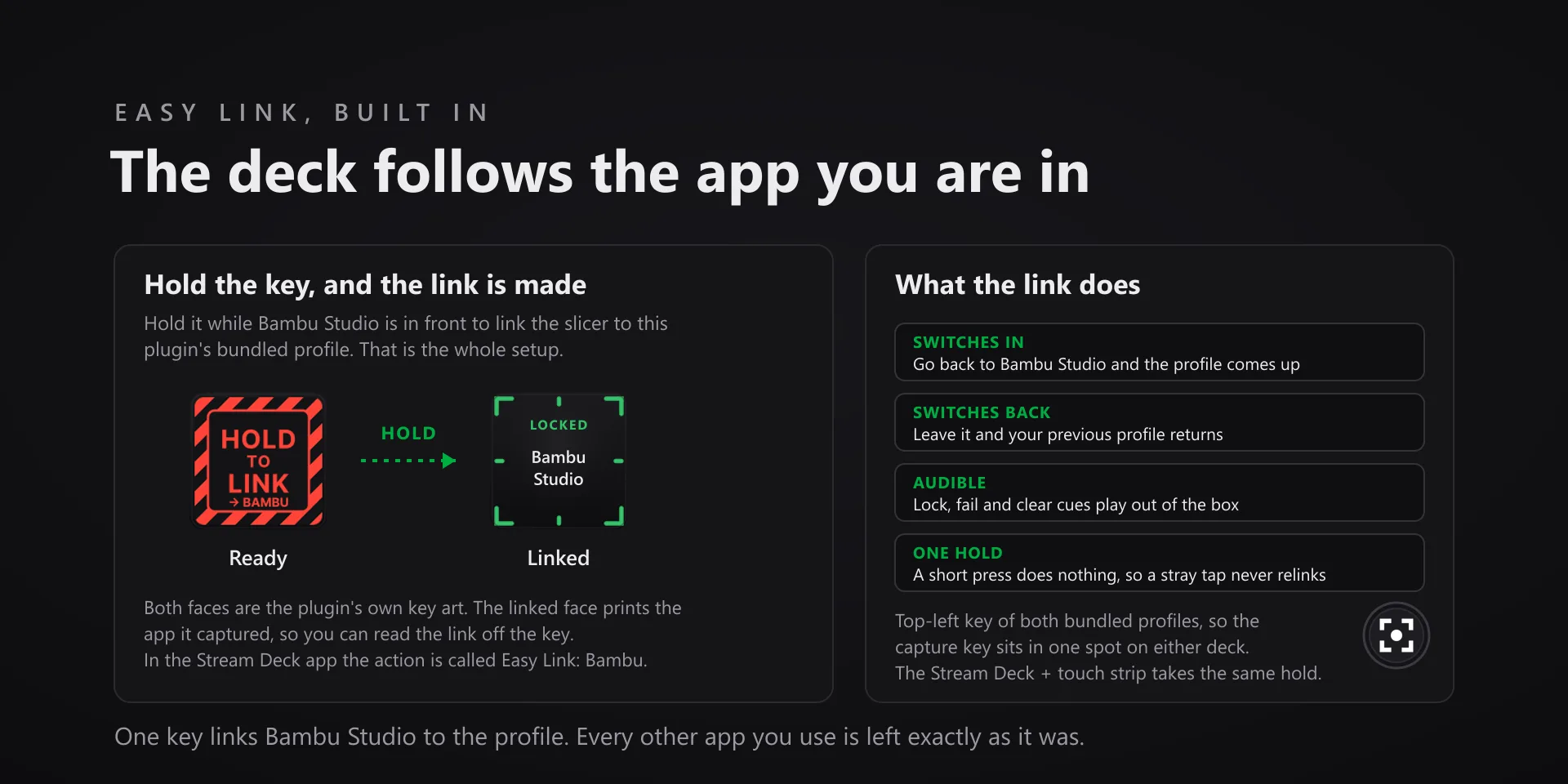
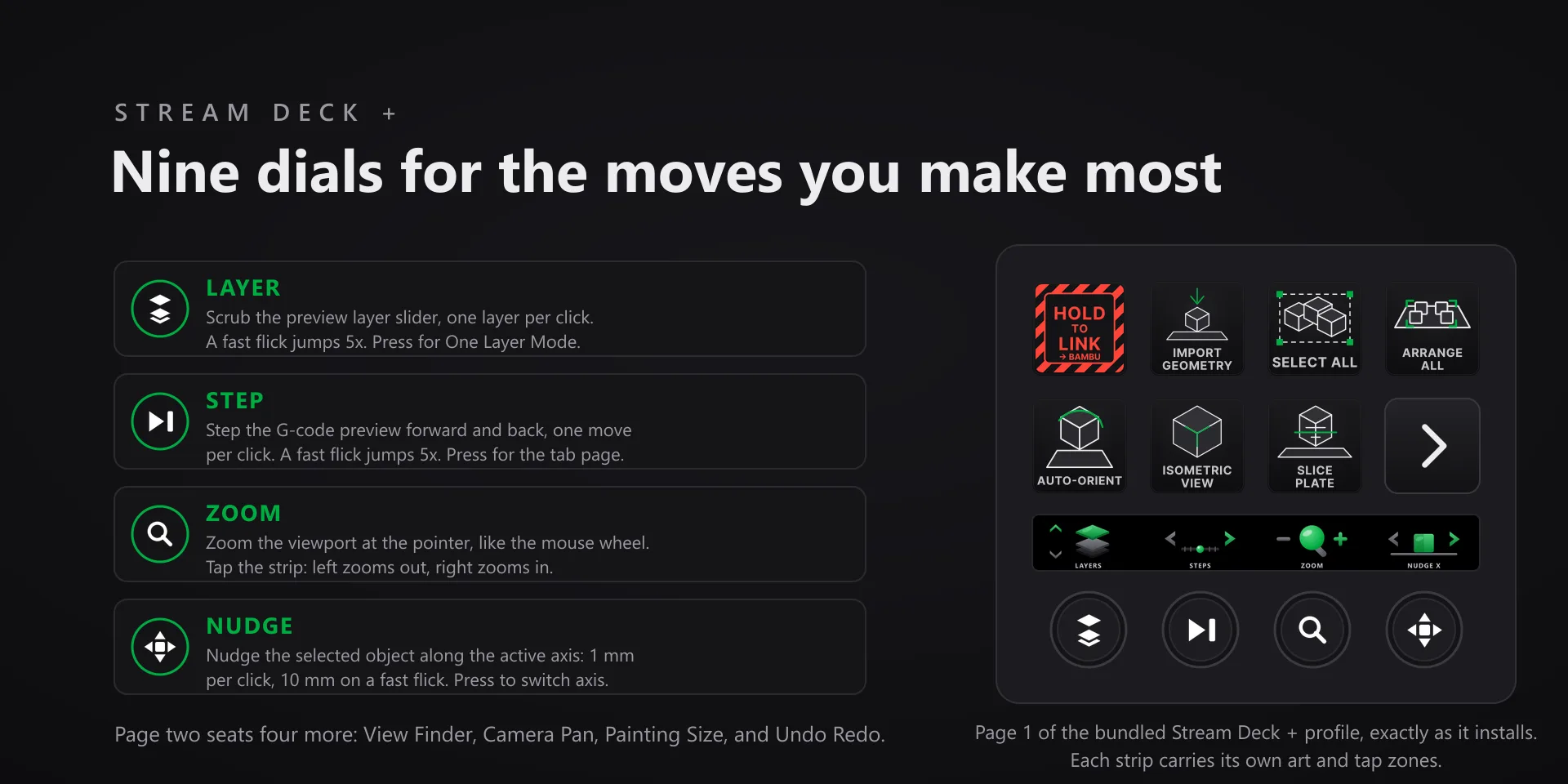
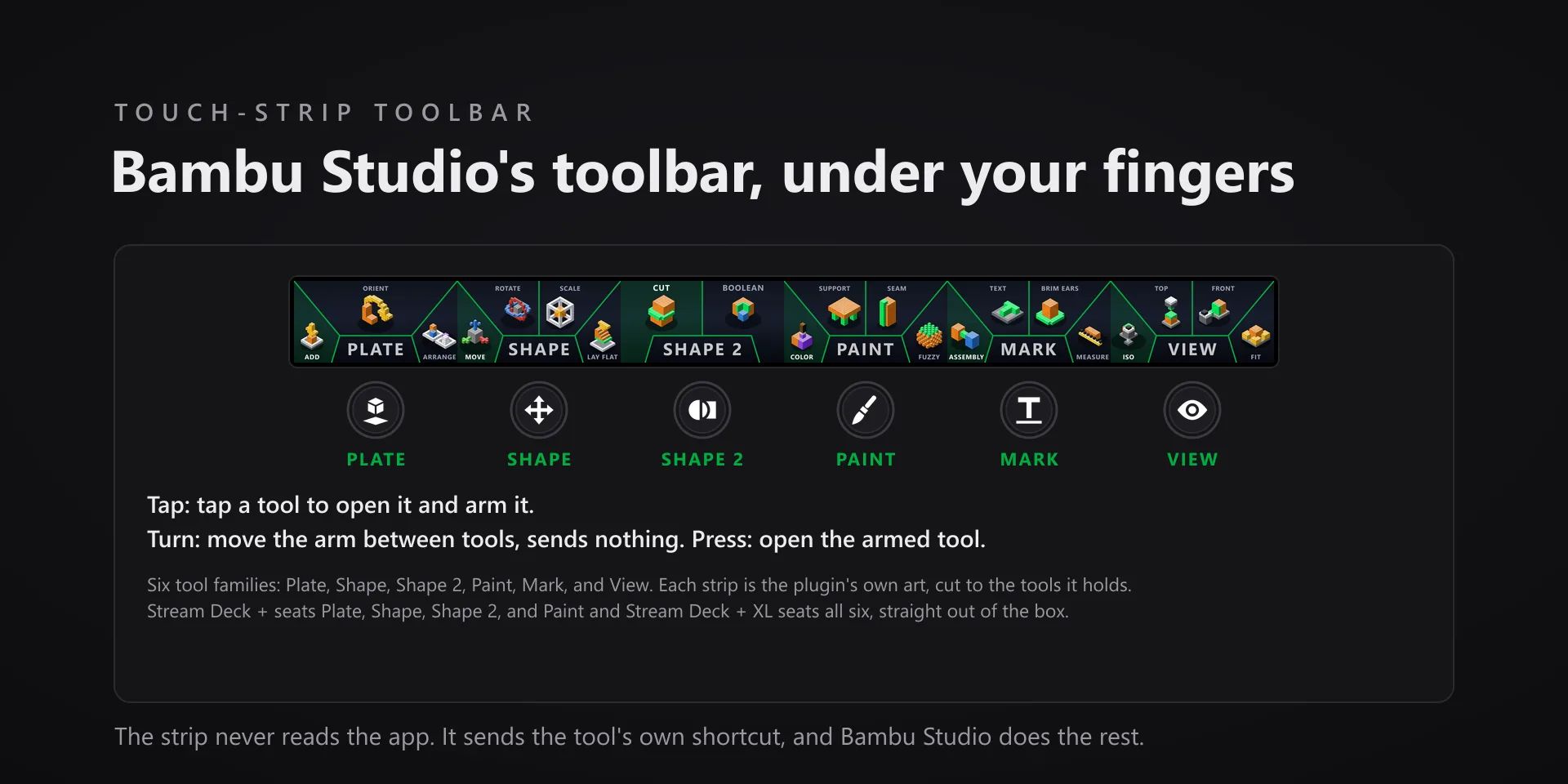
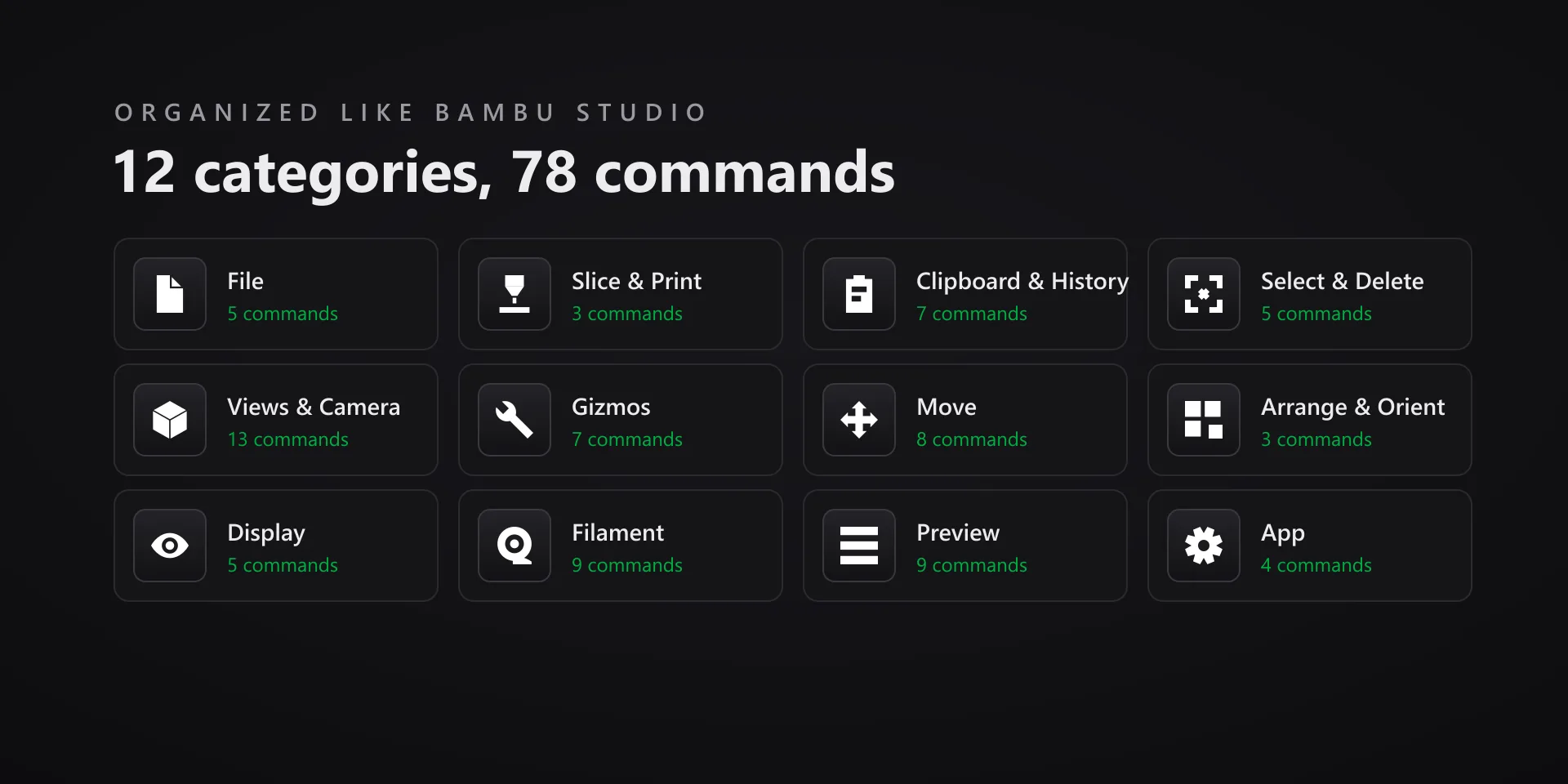
Windows 10 or later or macOS 13 or later, Stream Deck software 6.9 or newer, and Bambu Studio 02.08.02.61, the version the command set is built from. Keystrokes go to the active window, so keep Bambu Studio in front. On a Mac, Stream Deck needs Accessibility and System Events permission.
Read the full quick fixes, or see this plugin on the support hub.
Still stuck? Email [email protected] with the plugin name, your Stream Deck software version, and what you pressed versus what happened. A human answers.
