PathfinderPrototyping · St. Paul MN

Profile switching · Stream Deck plugin

Easy Link

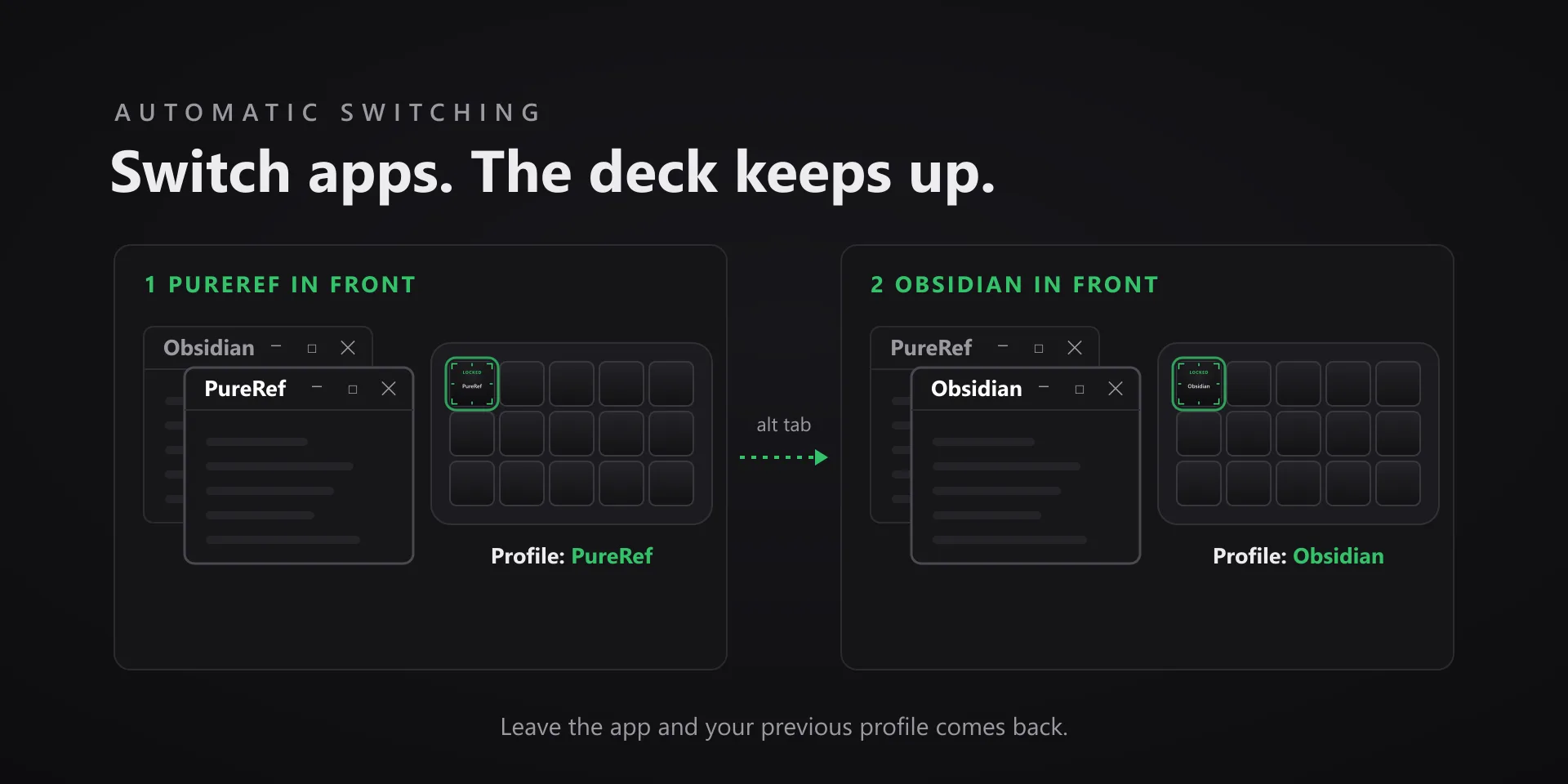
The deck should follow what you are working in without a settings trip. One held key gives whatever is in front its own named profile on the spot, and from then on it comes up when the app does and steps aside when you leave.

Download Now

Free on the Elgato Marketplace

What it does

What you need

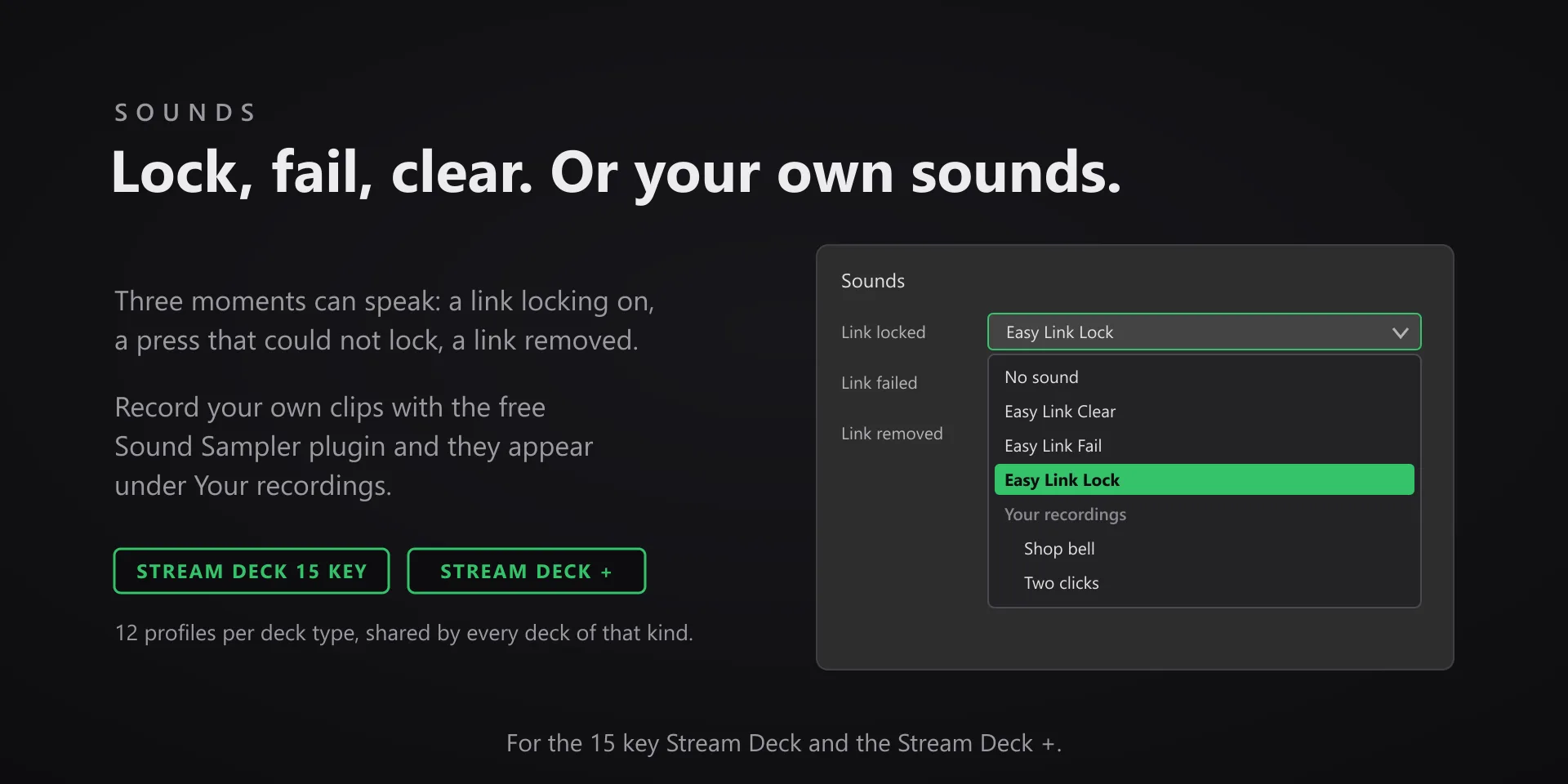
Windows 10 or later and Stream Deck software 6.9 or newer. Works on the 15-key Stream Deck and the Stream Deck +; other models are not supported yet and will refuse to link rather than fail quietly. Free.

Support

Good to know

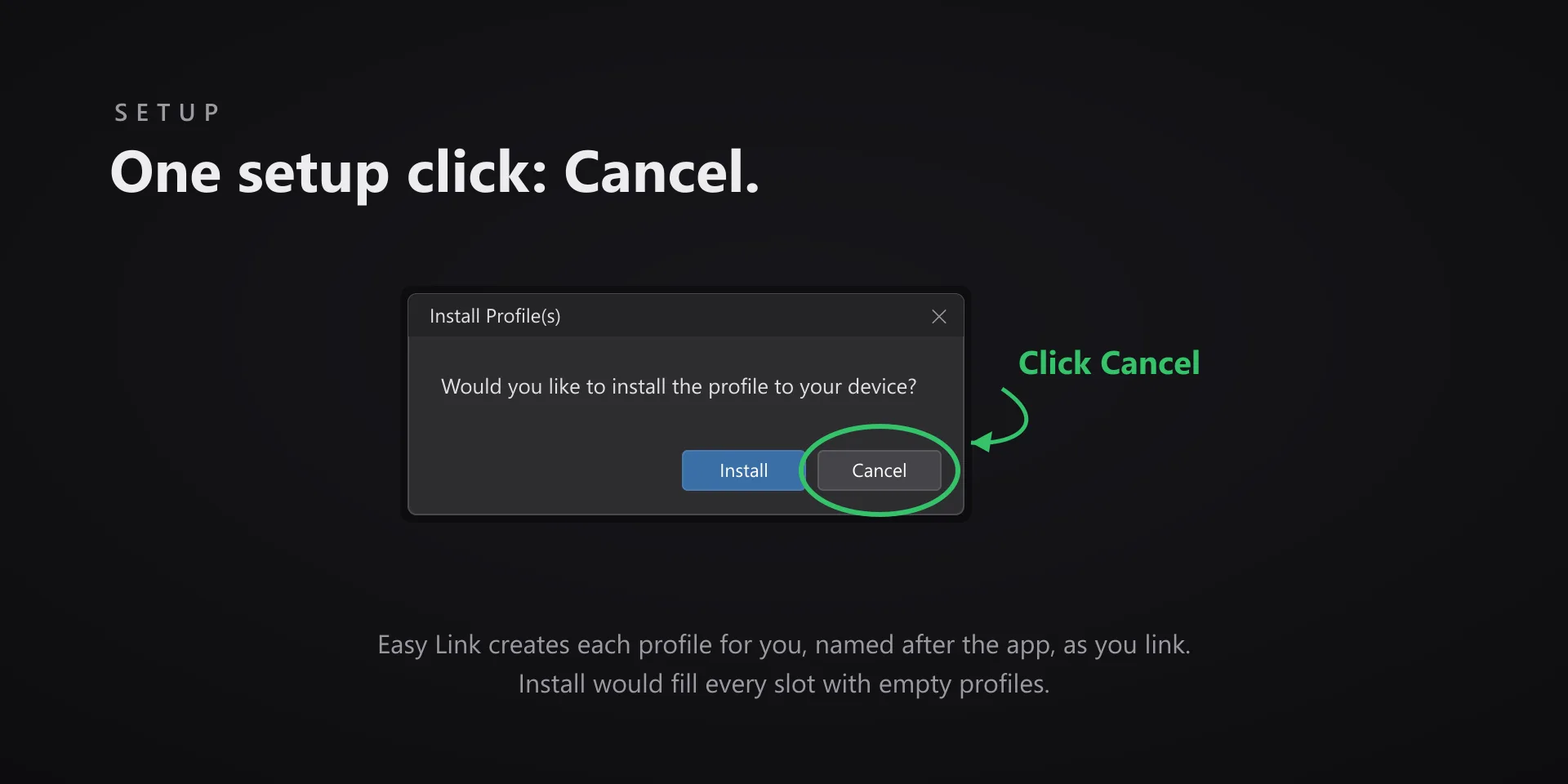
  • One setup step: when Stream Deck offers to install profiles right after you install Easy Link, click Cancel. Easy Link creates its profiles itself, one per app, named after the app, as you link. If you clicked Install, delete the Easy Link profiles in the Stream Deck app to free them.
  • Hold the Easy Link key about half a second while the app you want is in front. A short press does nothing, so a stray tap never links anything.
  • Supported decks: the 15-key Stream Deck and the Stream Deck +. The XL, Mini, Neo, Pedal and Mobile are not supported yet, and the key refuses to link on them rather than fail quietly.
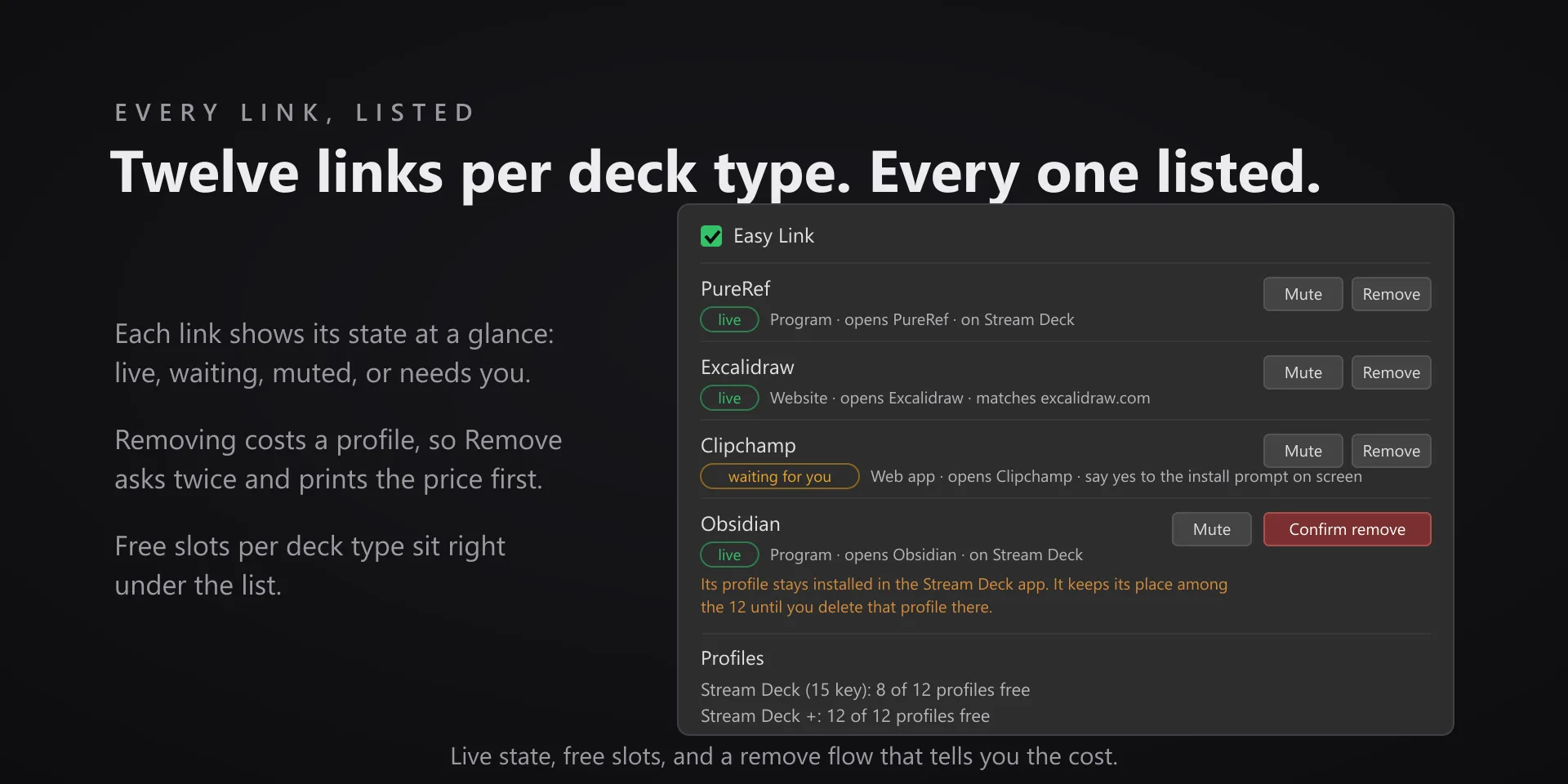
  • The property inspector lists every link with its live state and how many profiles are free per deck type. When a pool is full the key refuses the press rather than overwrite a link.
  • Removing a link does not free its installed profile: delete that profile in the Stream Deck app and Easy Link picks the space back up on its own.
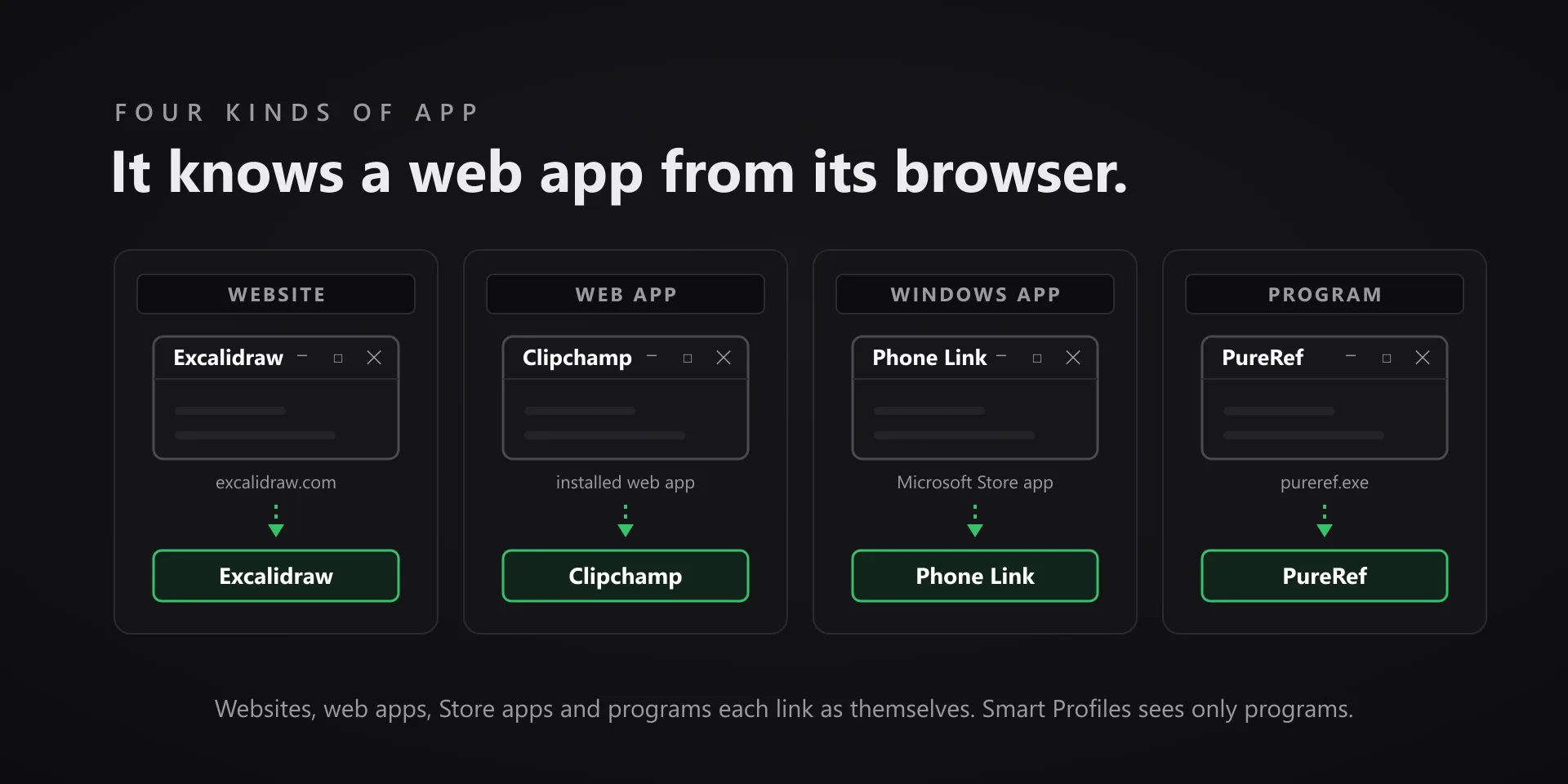
  • Our own hotkey plugins switch to their app from their own bundled profiles, so an app covered by one of them never needs an Easy Link slot.

True of every plugin we make

  • Every key ships with the app's stock default shortcut, and every key is remappable. Type your combination into the property inspector or click Capture and press it once.
  • Keystrokes go to the active window. The plugin never steals focus or targets a window, so keep the target app in front when you press.
  • Every command has its own drawn key art, so the deck reads at a glance instead of listing shortcuts.

Read the full quick fixes, or see this plugin on the support hub.

Still stuck? Email [email protected] with the plugin name, your Stream Deck software version, and what you pressed versus what happened. A human answers.