PathfinderPrototyping · St. Paul MN

Whiteboarding · Stream Deck plugin

Excalidraw Hotkeys

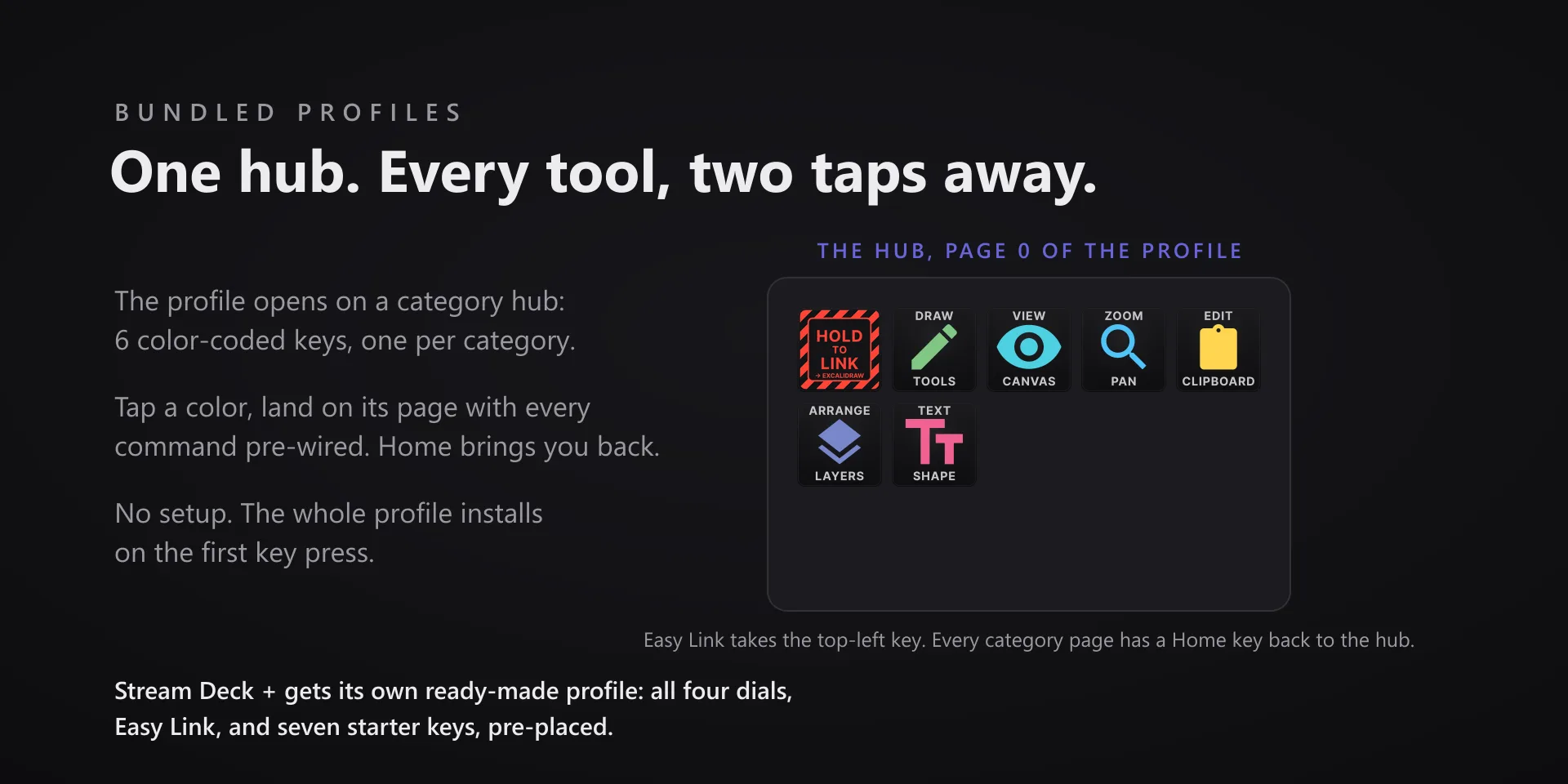
Excalidraw is fast because you never stop to think about the tool. The deck keeps every shape one press away, and shows you which one is live.

Download Now

On the Elgato Marketplace

What it does

What you need

Windows 10 or later, Stream Deck software 6.9 or later, and Excalidraw in a Chromium-based browser or installed as a PWA.

Support

Good to know

  • Excalidraw runs in a browser tab. That tab must be focused, and the canvas itself needs a click first so keystrokes land on the drawing and not the page.
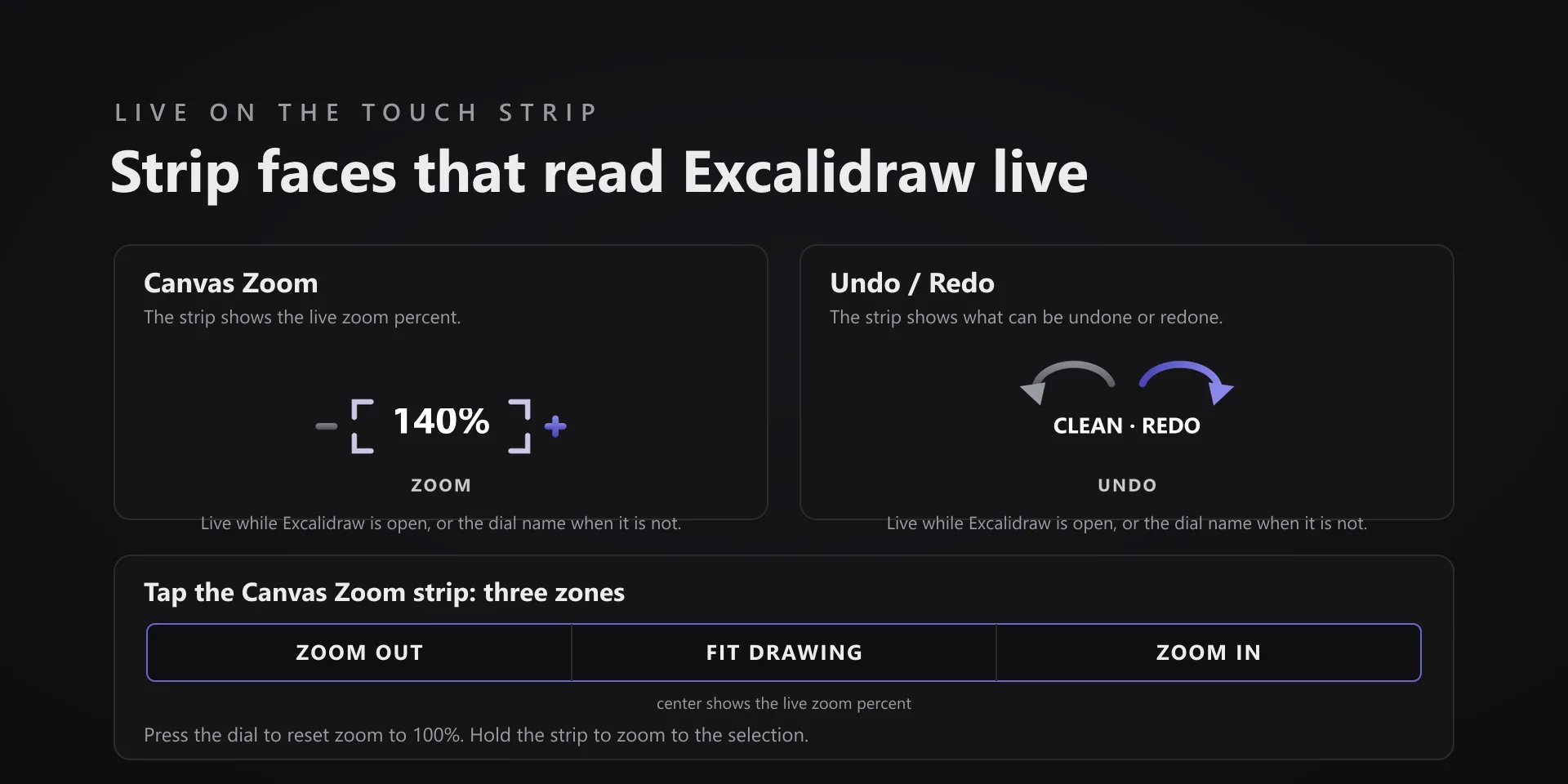
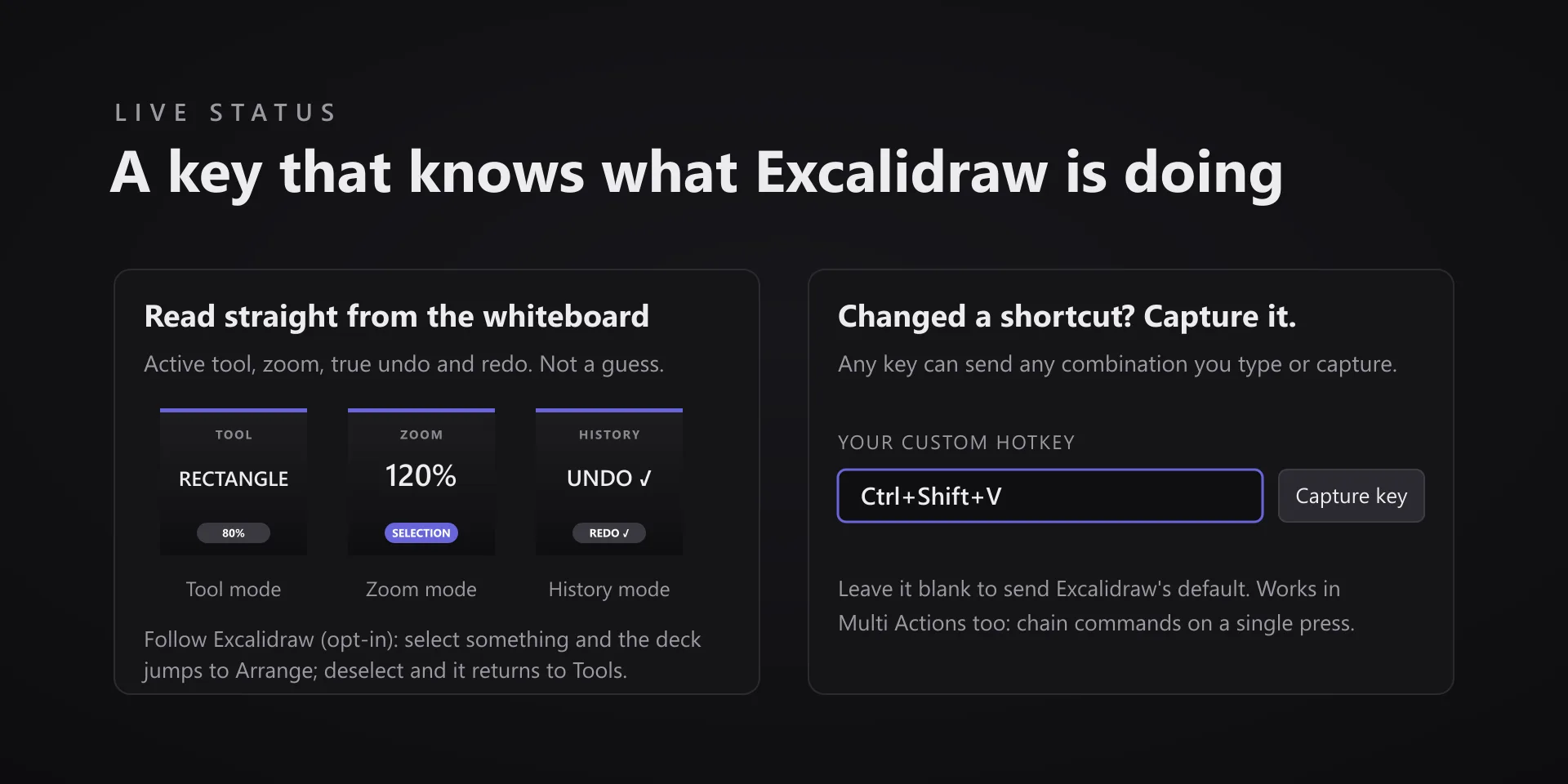
  • The status key reads the active tool live off the canvas. If it looks stuck, click the canvas once and it resyncs.

True of every plugin we make

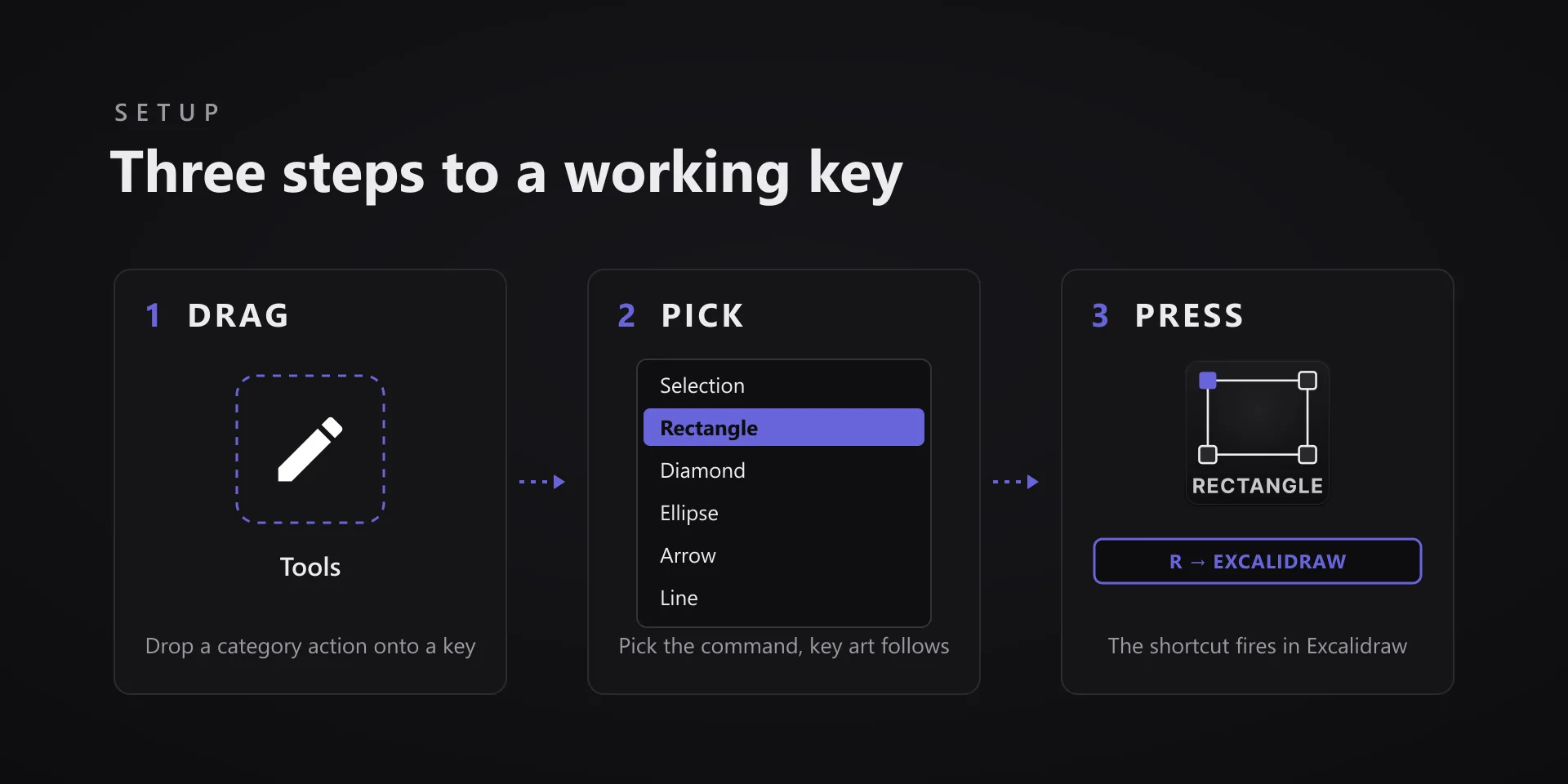
  • Every key ships with the app's stock default shortcut, and every key is remappable. Type your combination into the property inspector or click Capture and press it once.
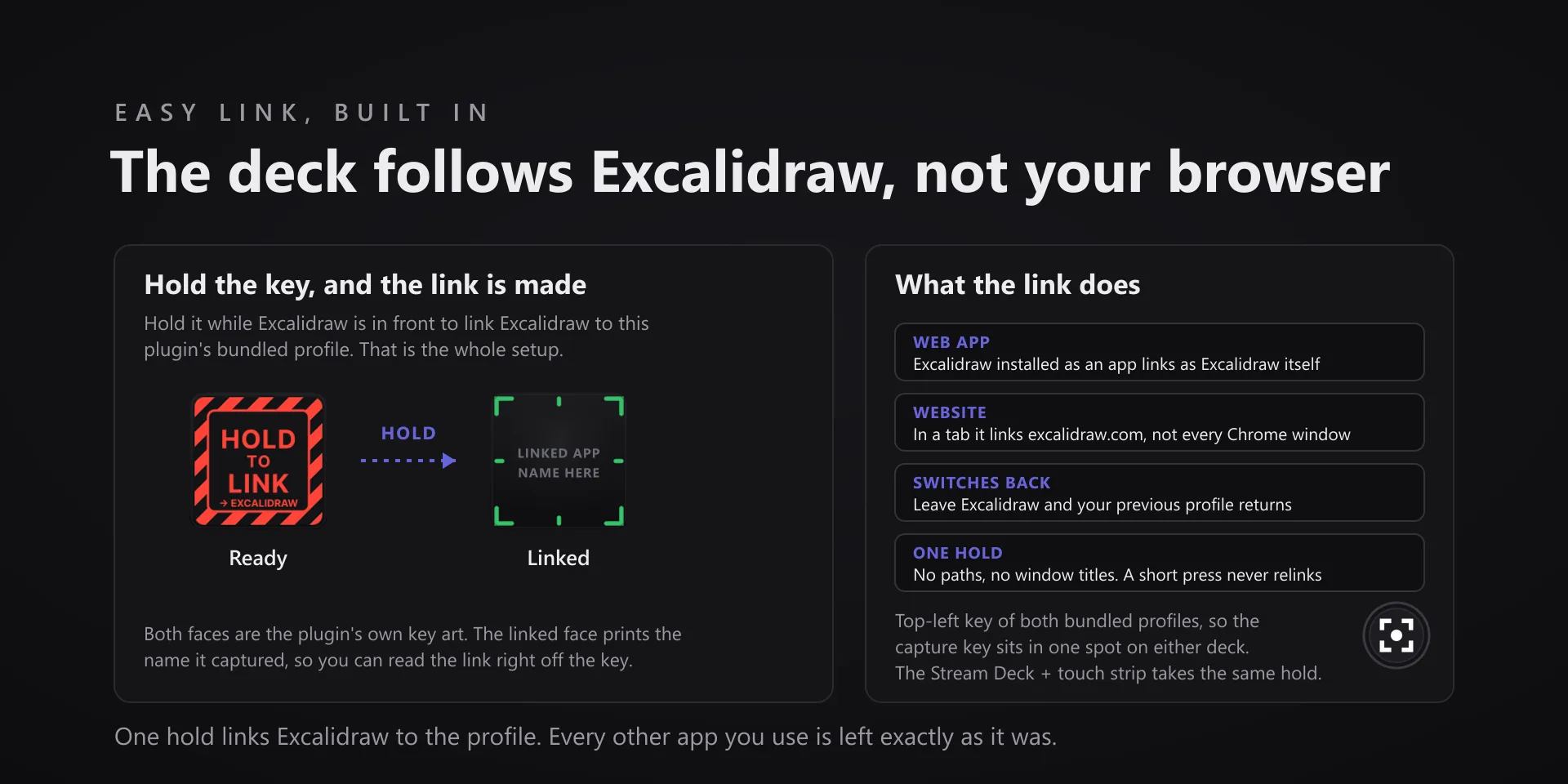
  • Keystrokes go to the active window. The plugin never steals focus or targets a window, so keep the target app in front when you press.
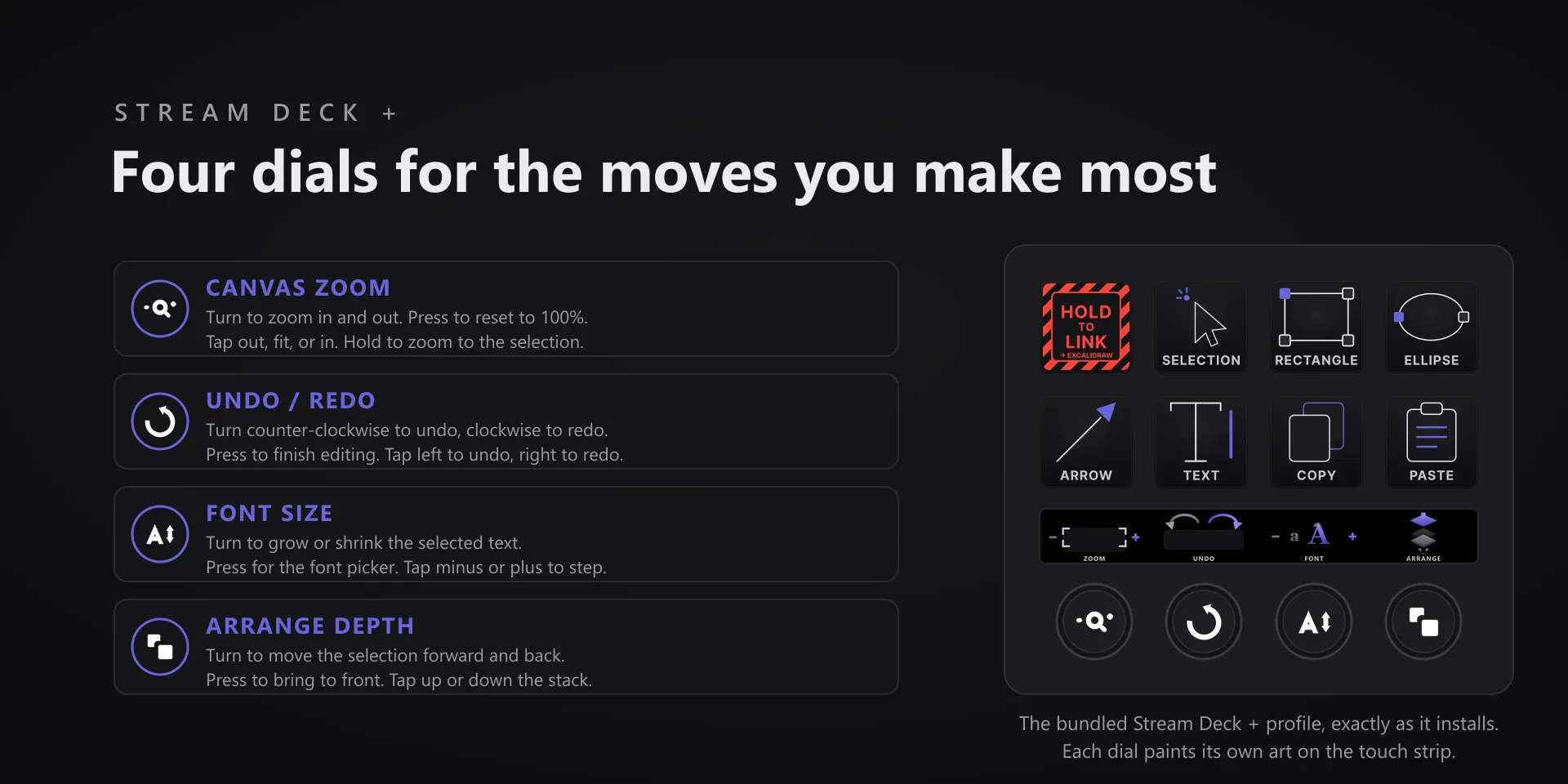
  • Every command has its own drawn key art, so the deck reads at a glance instead of listing shortcuts.

Read the full quick fixes, or see this plugin on the support hub.

Still stuck? Email [email protected] with the plugin name, your Stream Deck software version, and what you pressed versus what happened. A human answers.