PathfinderPrototyping · St. Paul MN

Image editing · Stream Deck plugin

GIMP macOS Studio Deck

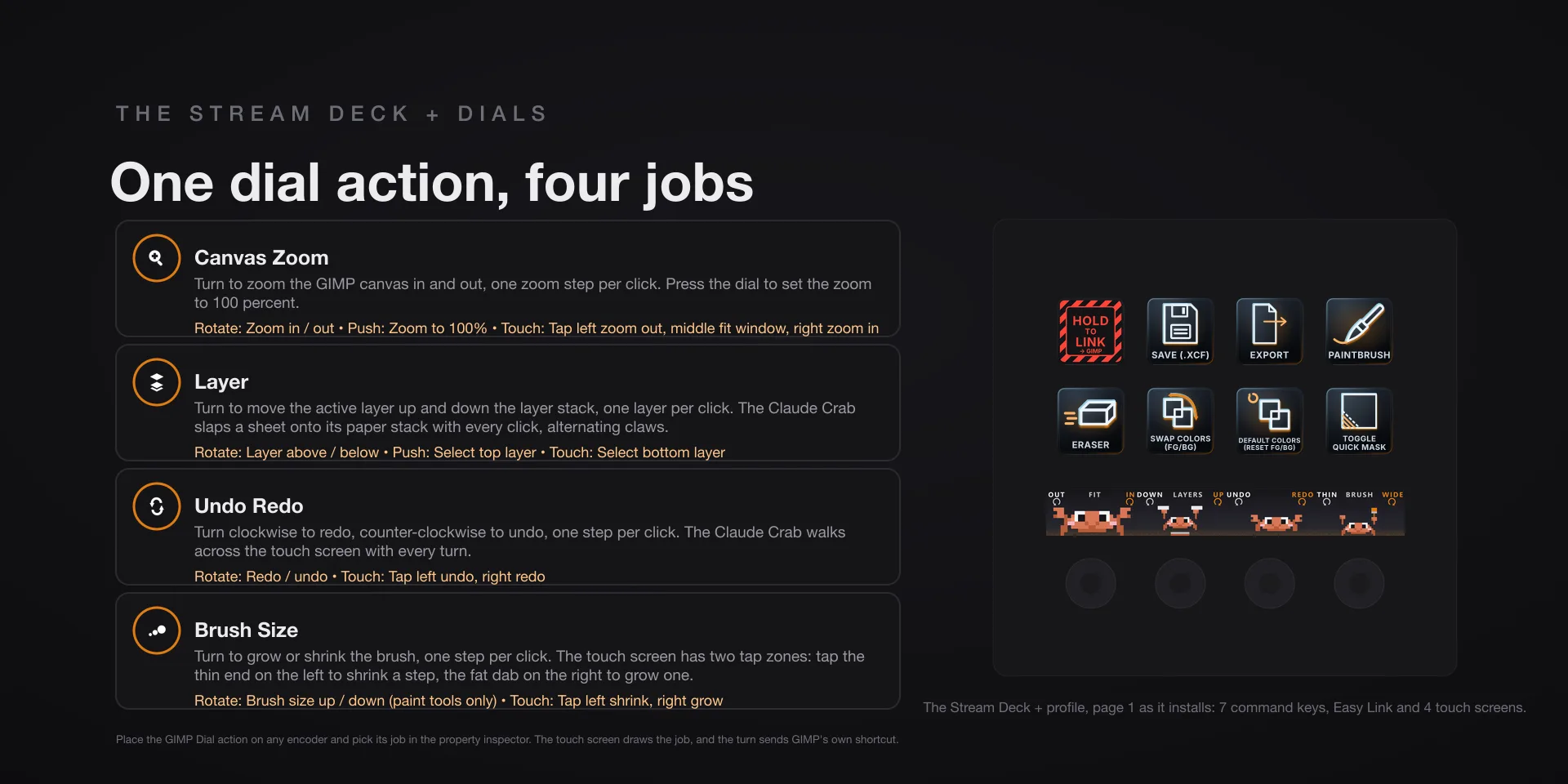
Eleven of the thirteen dials carry live readouts taken from GIMP itself, through its own Script-Fu server. The plugin sets that up for you: installing adds a one-click starter inside GIMP, and the deck presses it whenever the server is off.

Download Now

On the Elgato Marketplace

What it does

What you need

GIMP 3.2.4 on macOS 13 or later, and Stream Deck software 6.9 or newer. This is the macOS listing. The Windows edition is GIMP Hotkeys.

Support

Good to know

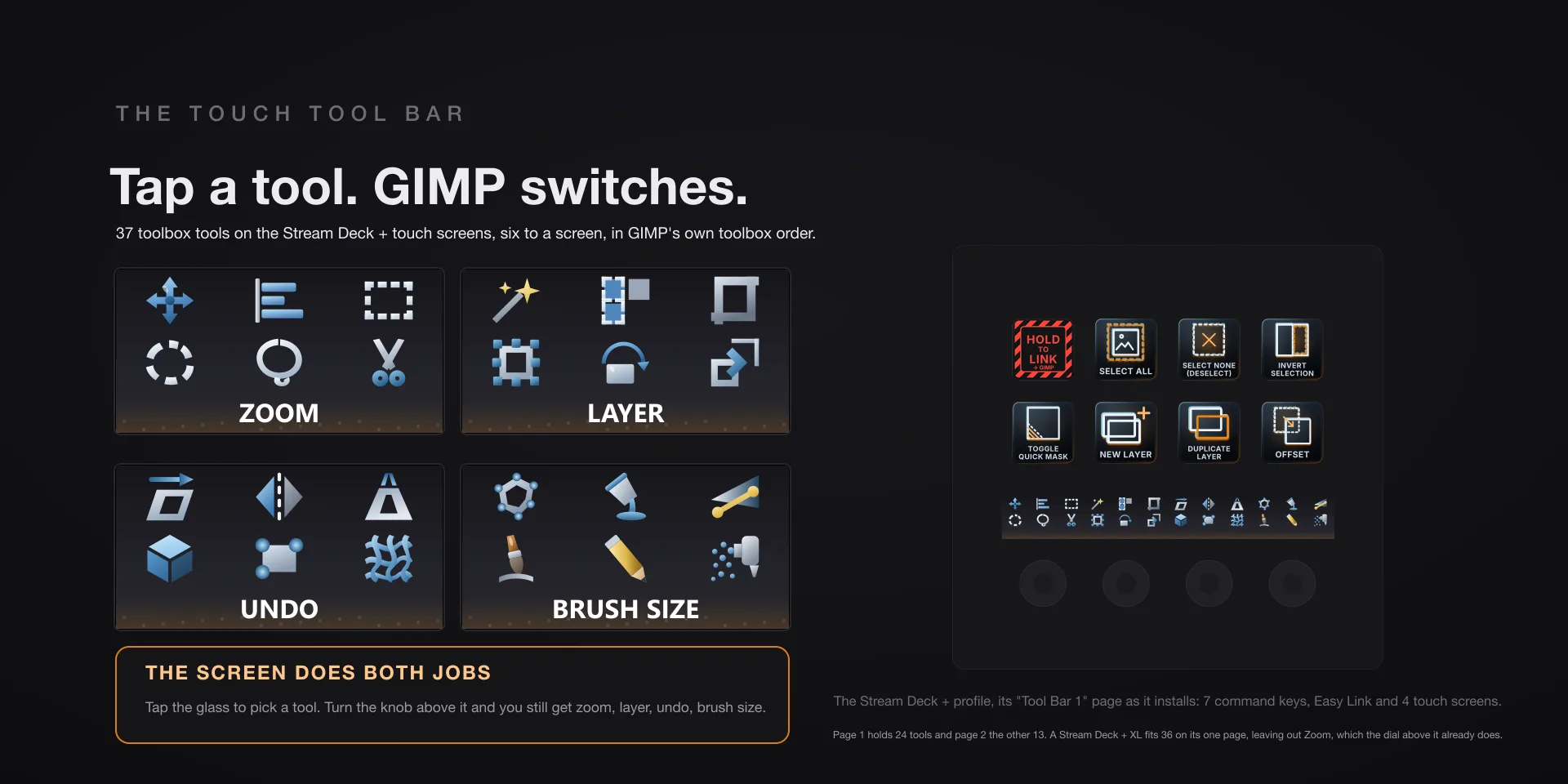
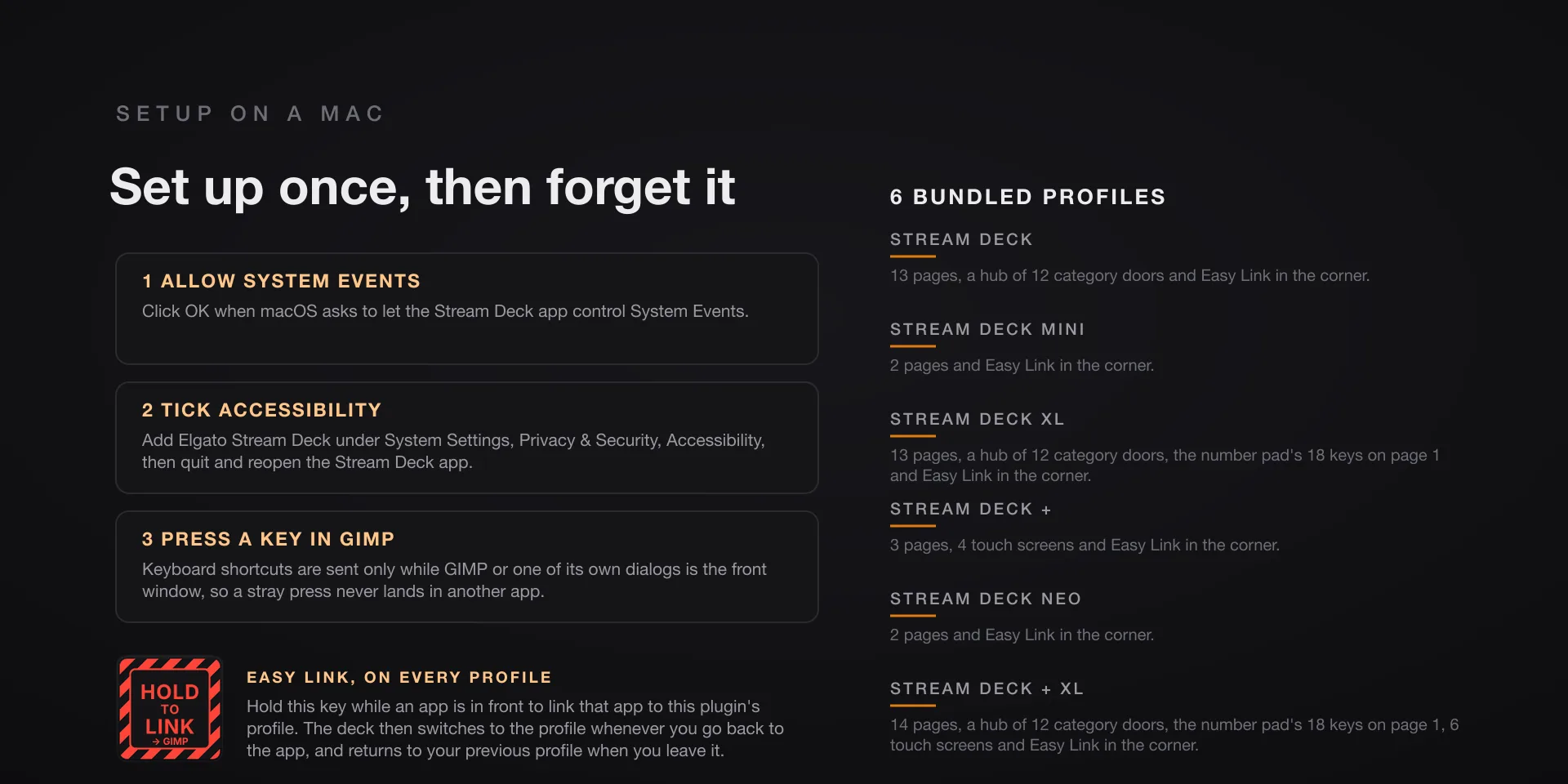
  • Built for GIMP 3.2.4 on macOS 13 or later. Requires the Stream Deck app 6.9 or newer. Profiles are bundled for six decks: the 15-key Stream Deck, the Stream Deck +, the Stream Deck + XL, the 32-key Stream Deck XL, the Mini and the Neo. The dials need one of the two Stream Deck + models.
  • Click OK when macOS asks to let Elgato Stream Deck control System Events. Accessibility has no prompt: add Elgato Stream Deck under System Settings, Privacy & Security, Accessibility, then quit and reopen the Stream Deck app.
  • The live dials and the two Script-Fu commands need GIMP's Script-Fu server. Installing adds a one-click starter to GIMP under Filters, Development, Script-Fu, Start Deck Server, and the deck presses it for you when GIMP is in front and the server is off. Restart GIMP once after install. The server is local only, 127.0.0.1 port 10008.
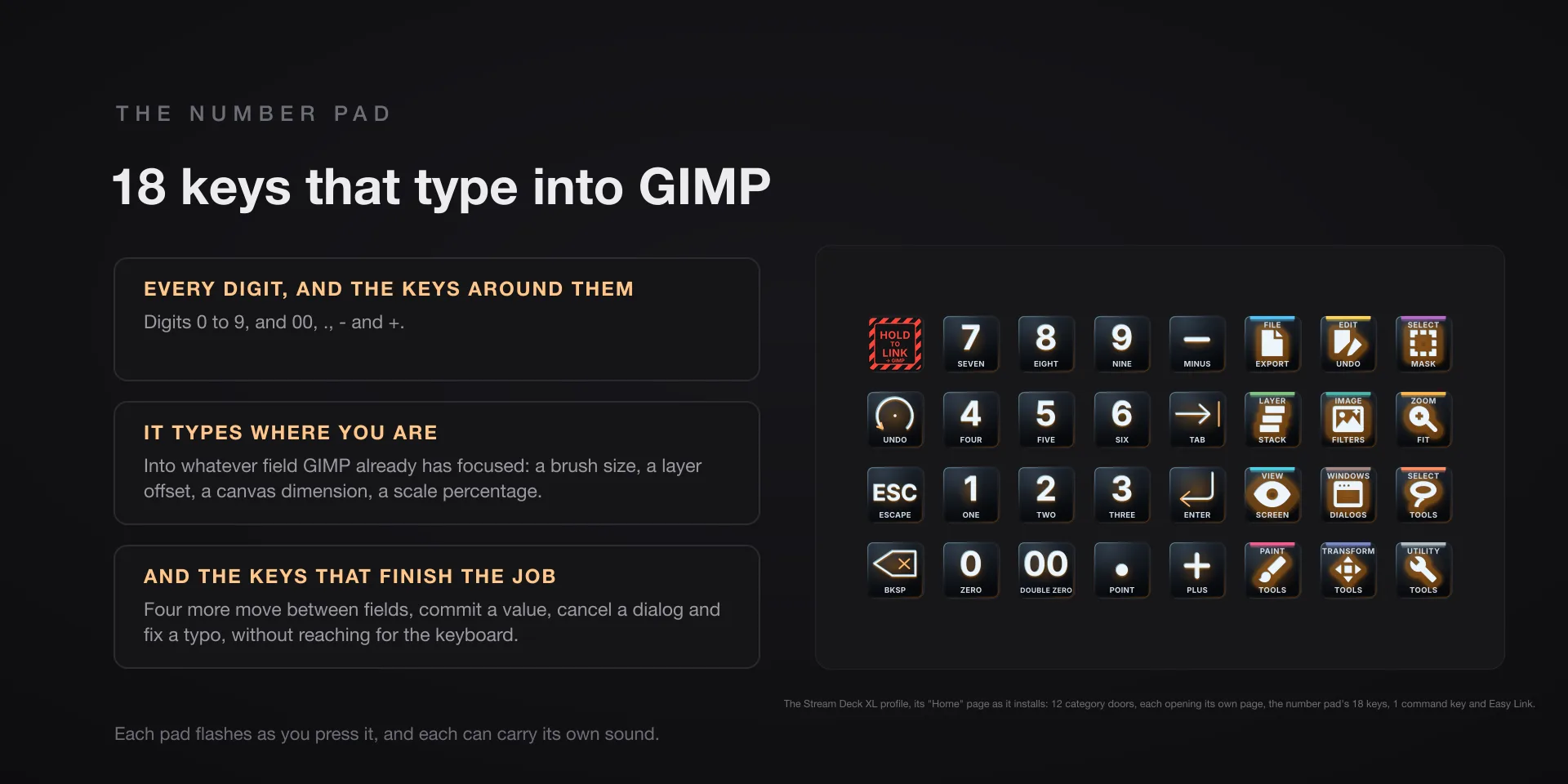
  • Without the server the 105 keystroke commands keep working, the list dials dim and say so, and the value dials hold a static face. Brush Size alone falls back to GIMP's bracket keys. Once the server is up, the dials pick it up on the next turn.
  • Keys send only while GIMP or one of its dialogs is the front window; with anything else in front the key refuses with an alert.

True of every plugin we make

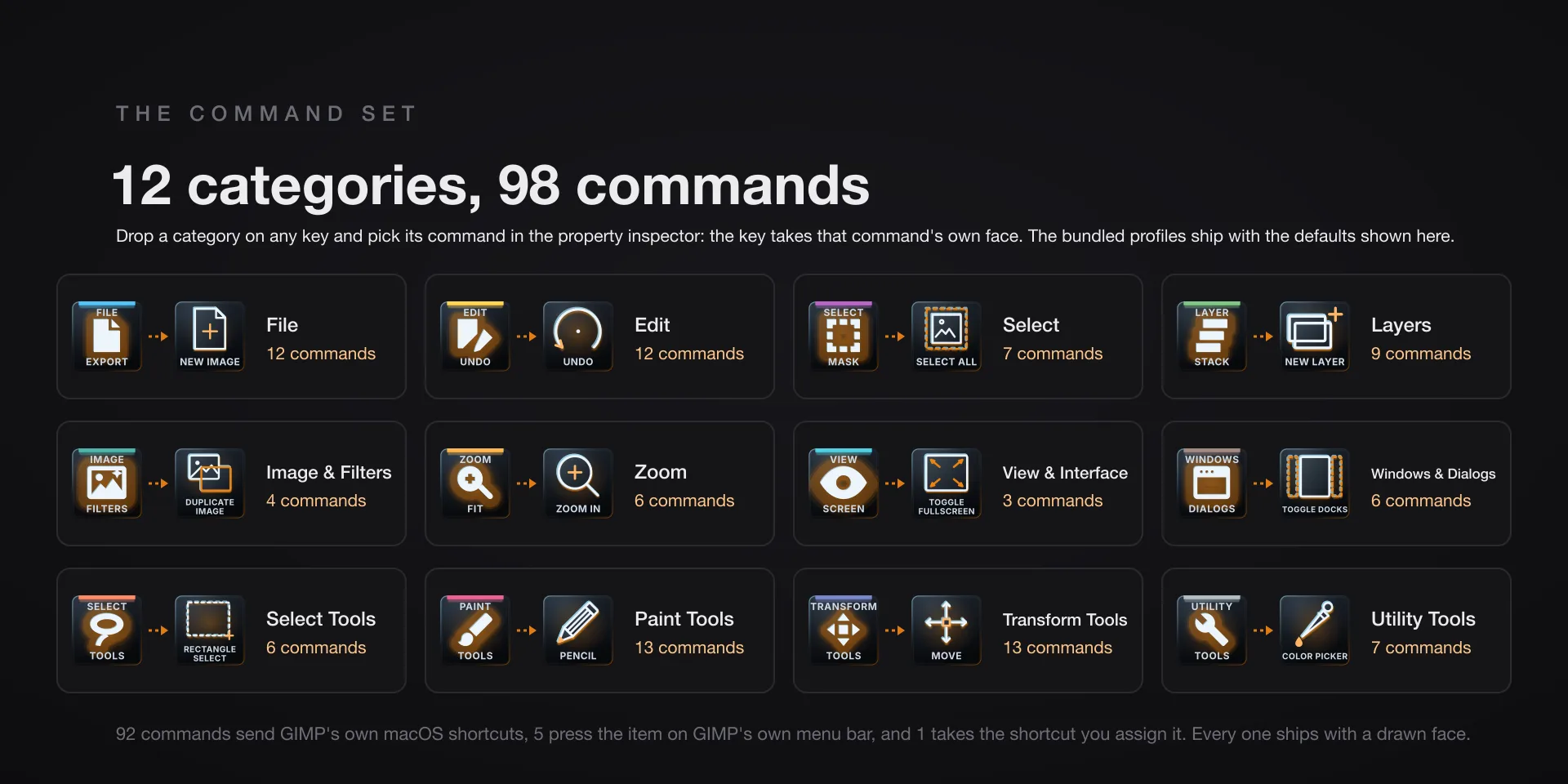
  • Every key carries the app's own shortcut for that command, and every key is remappable. Type your combination into the property inspector or click Capture and press it once. Where an app leaves a command unbound, the key still reaches it by the route that app exposes.
  • Keystrokes go to the front window and nothing steals focus, so keep the target app in front when you press.
  • Every command has its own drawn key art, so the deck reads at a glance instead of listing shortcuts.

Read the full quick fixes, or see this plugin on the support hub.

Still stuck? Email [email protected] with the plugin name, your Stream Deck software version, and what you pressed versus what happened. A human answers.