PathfinderPrototyping · St. Paul MN

PCB design · Stream Deck plugin

KiCad Hotkeys

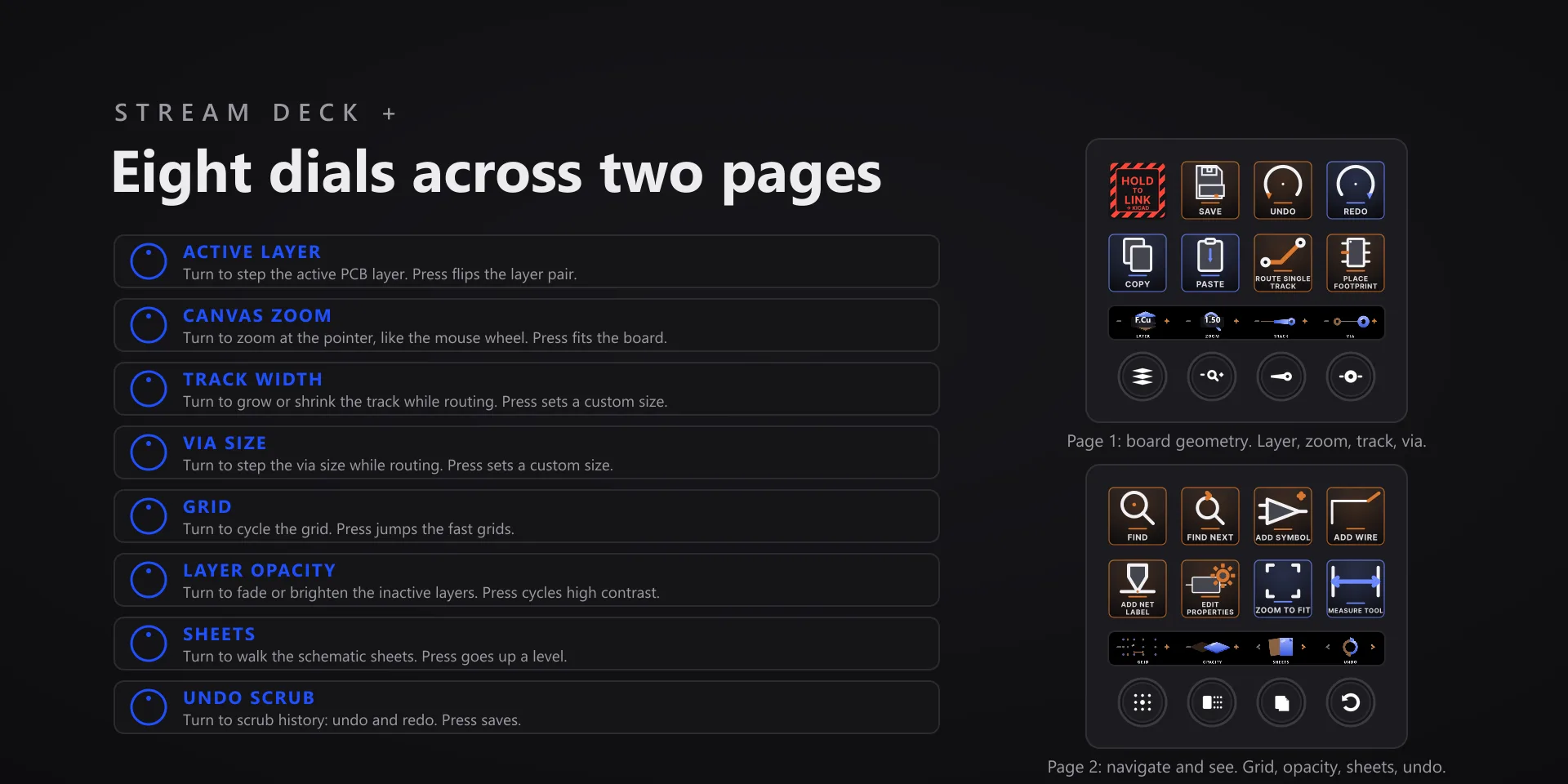
Routing is a two-handed job. The settings you change mid-trace live under your left hand, so the mouse never has to stop drawing.

Download Now

On the Elgato Marketplace

What it does

What you need

Windows 10 or later, Stream Deck software 6.9 or newer, and KiCad 10.

Support

Good to know

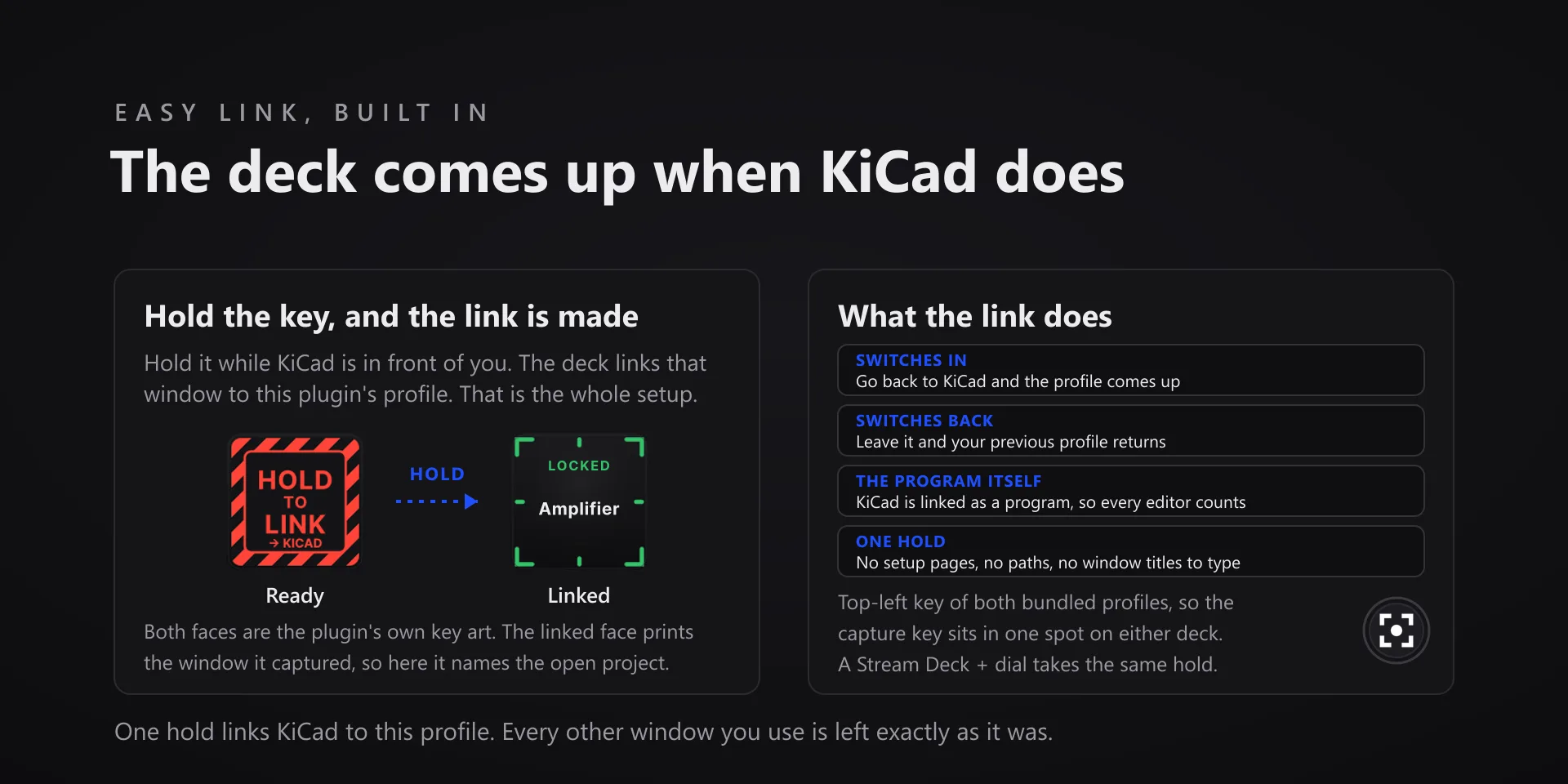
  • Click the canvas once after switching windows: KiCad's drawing canvas only listens to the keyboard after a mouse click inside it.
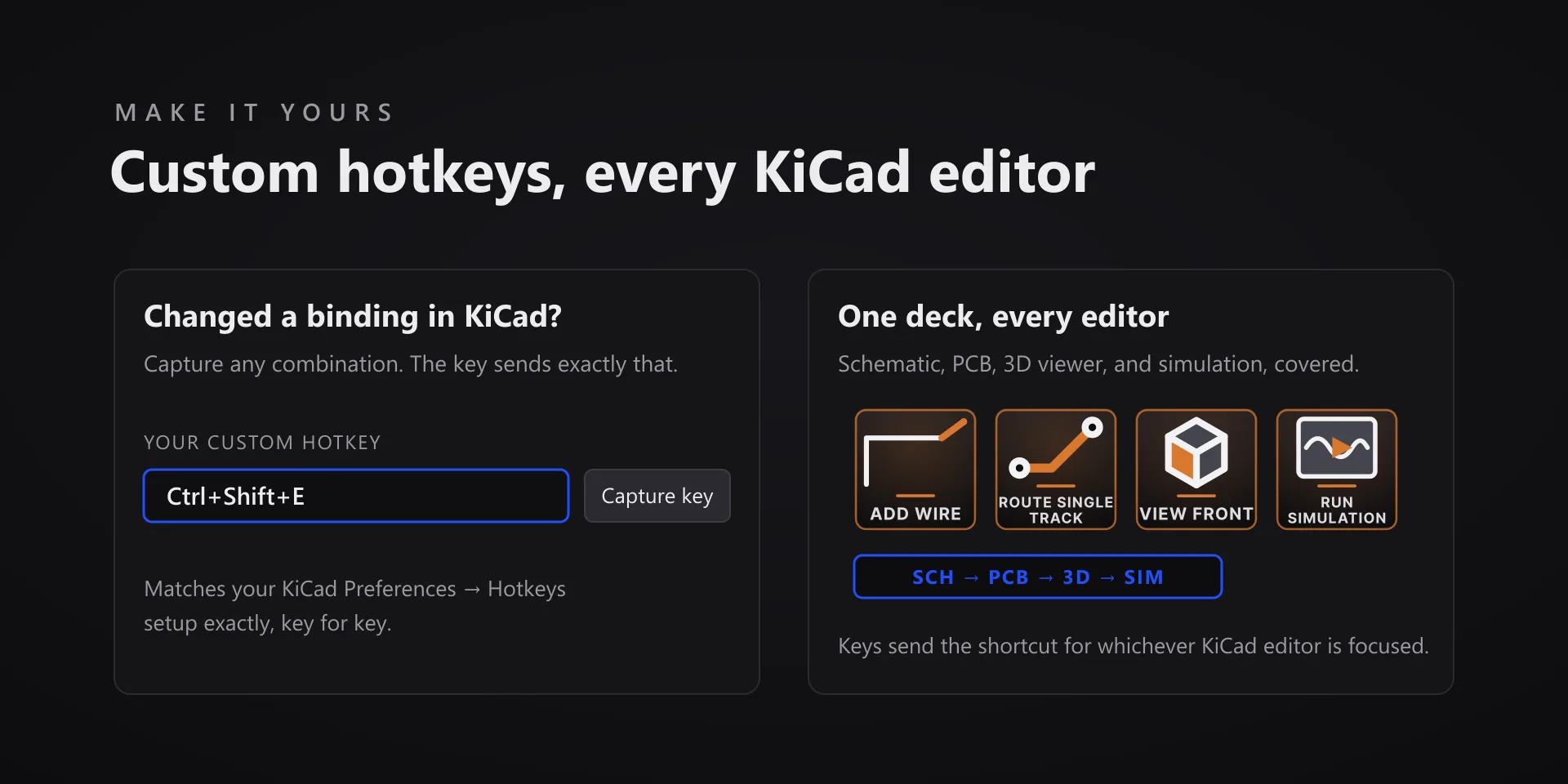
  • Keys apply to whichever editor is focused, schematic or board.

True of every plugin we make

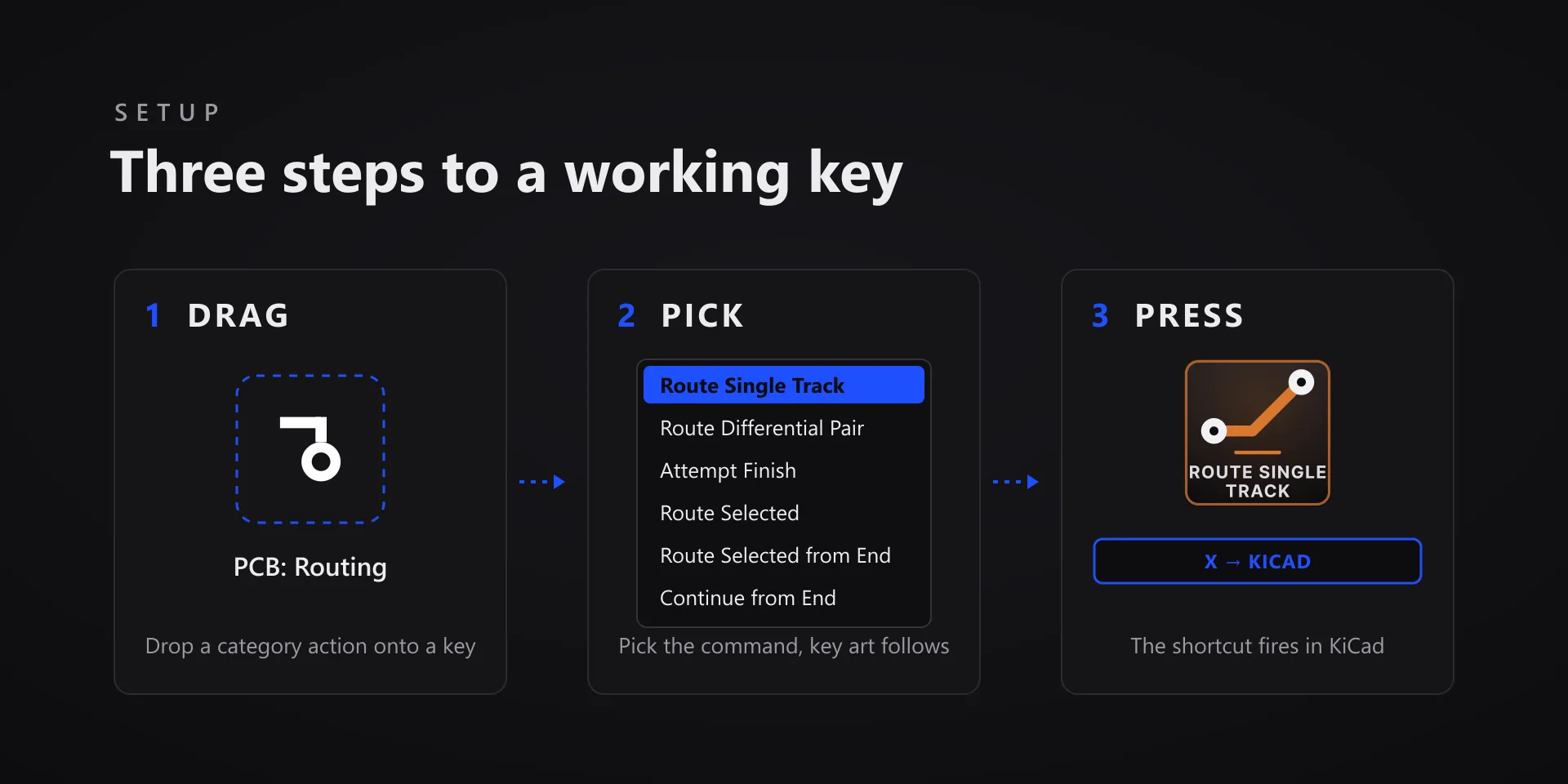
  • Every key ships with the app's stock default shortcut, and every key is remappable. Type your combination into the property inspector or click Capture and press it once.
  • Keystrokes go to the active window. The plugin never steals focus or targets a window, so keep the target app in front when you press.
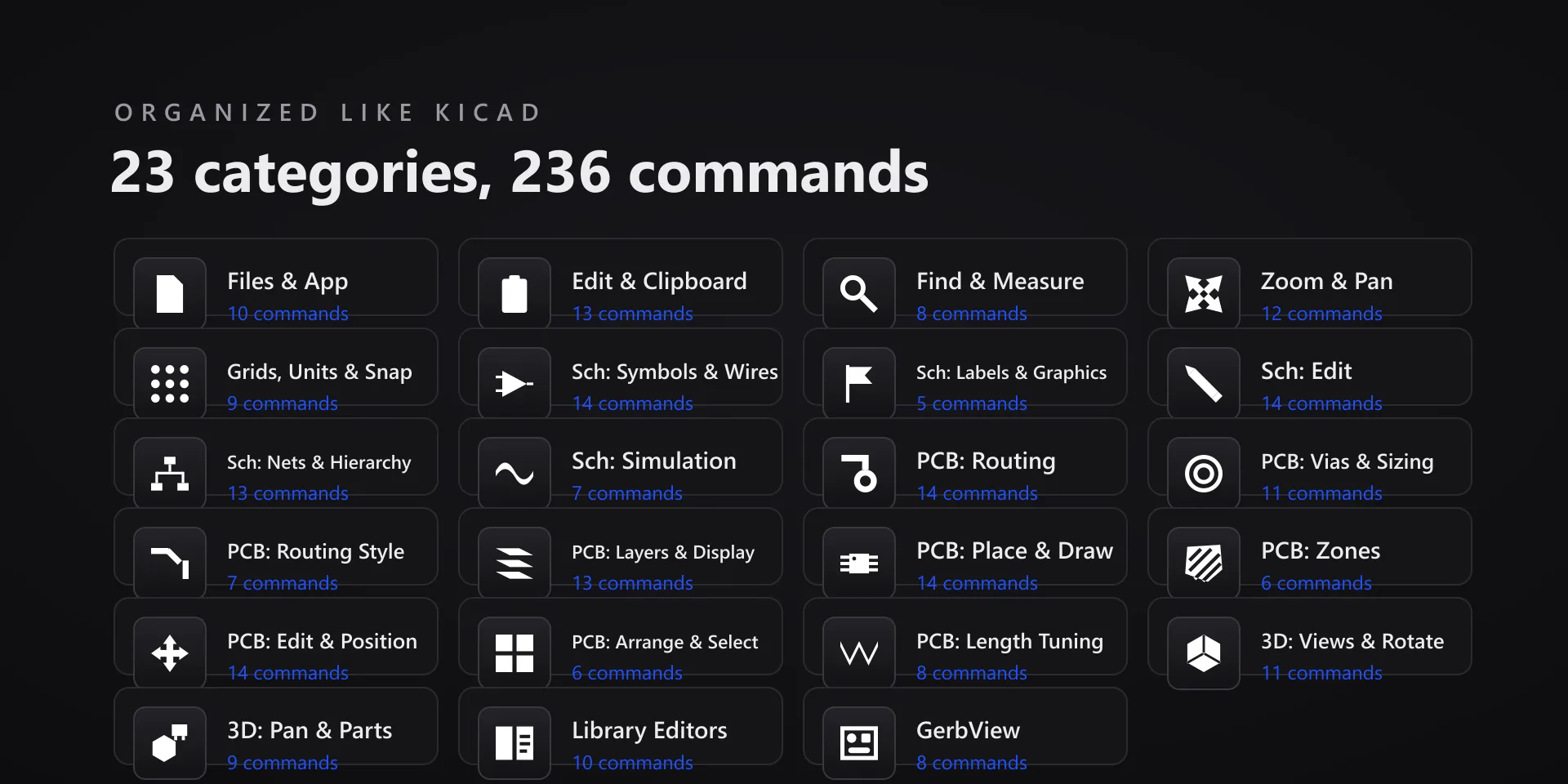
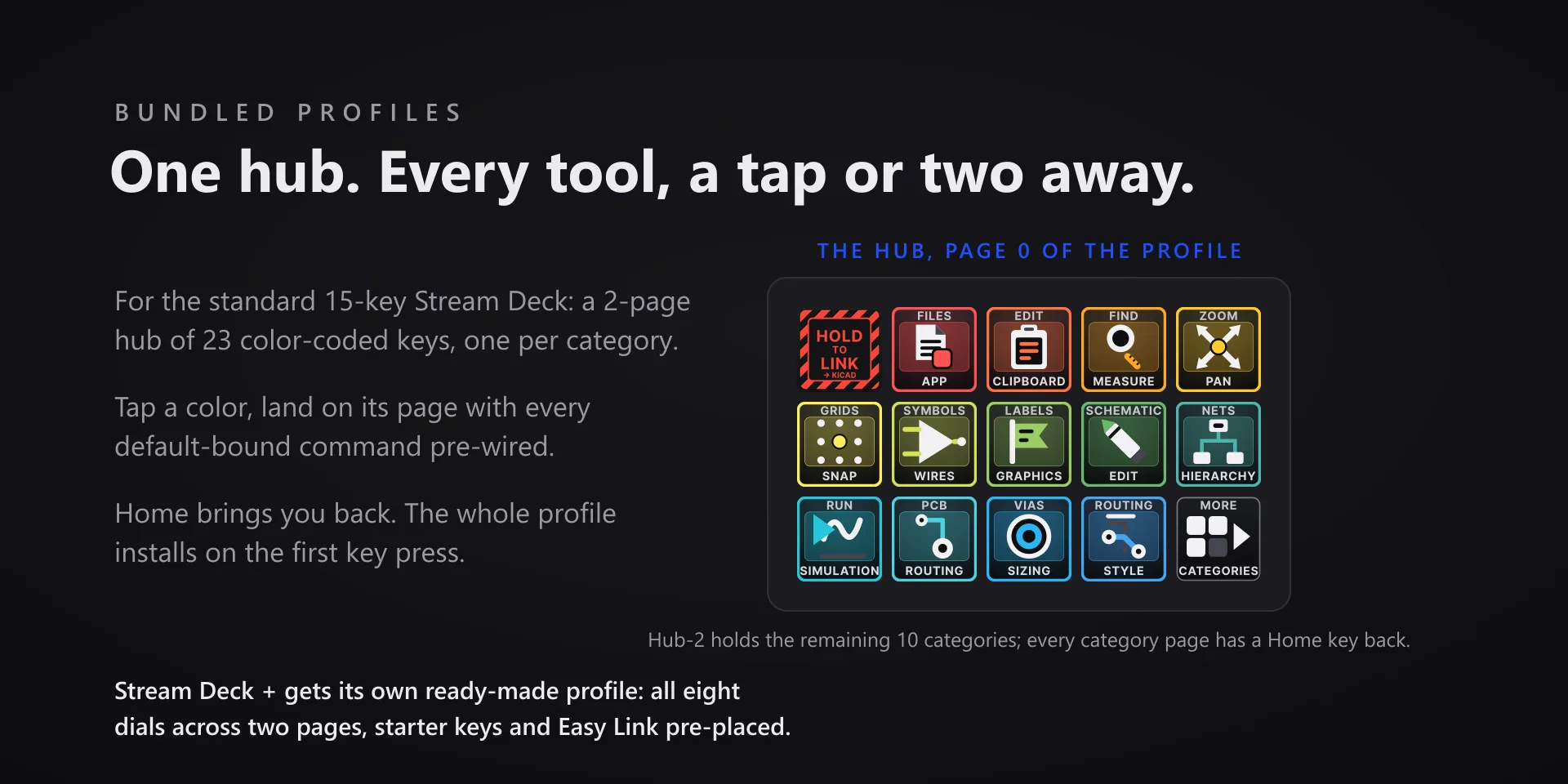
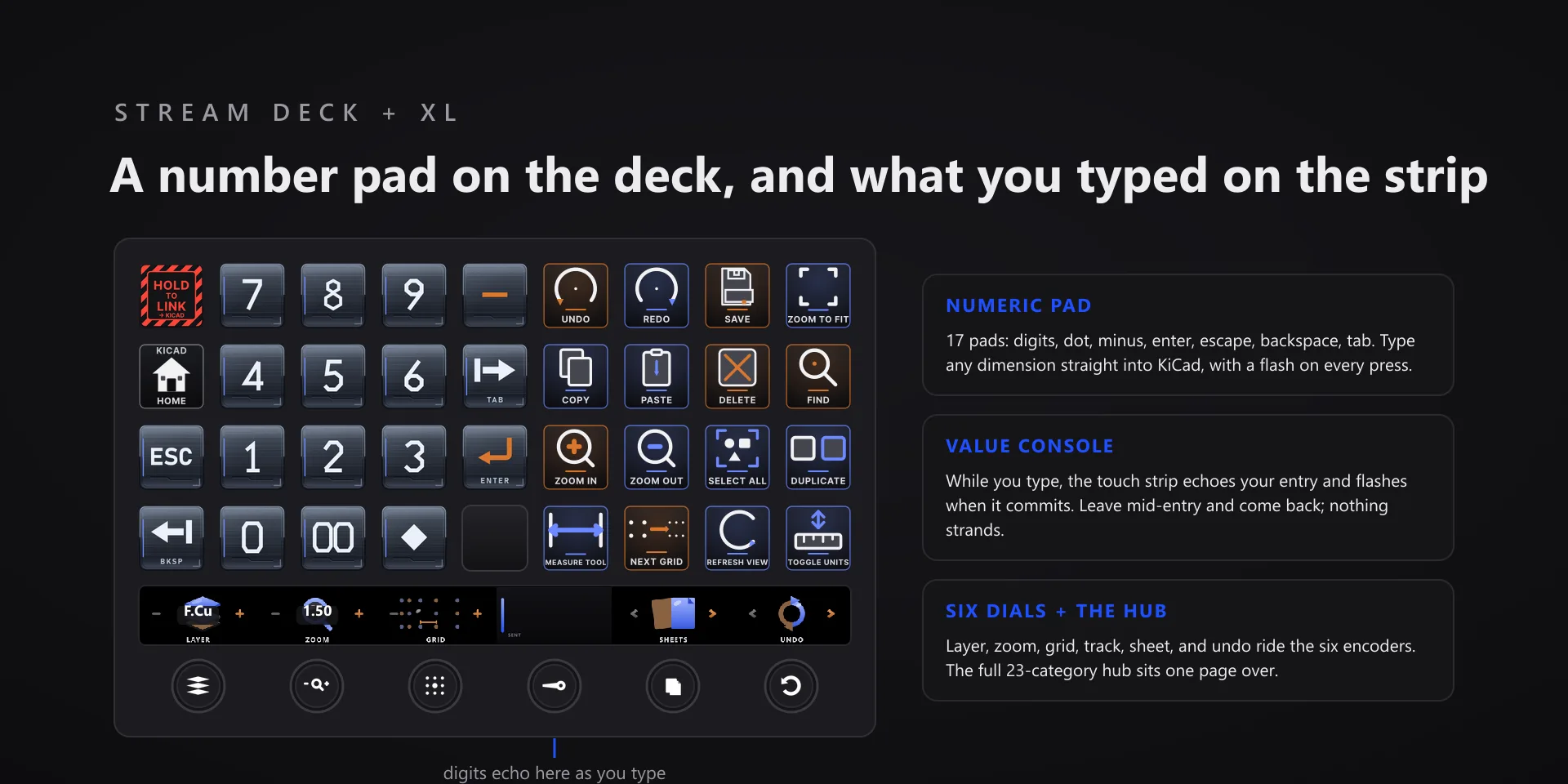
  • Every command has its own drawn key art, so the deck reads at a glance instead of listing shortcuts.

Read the full quick fixes, or see this plugin on the support hub.

Still stuck? Email [email protected] with the plugin name, your Stream Deck software version, and what you pressed versus what happened. A human answers.