PathfinderPrototyping · St. Paul MN

Digital painting · Stream Deck plugin

Krita Complete

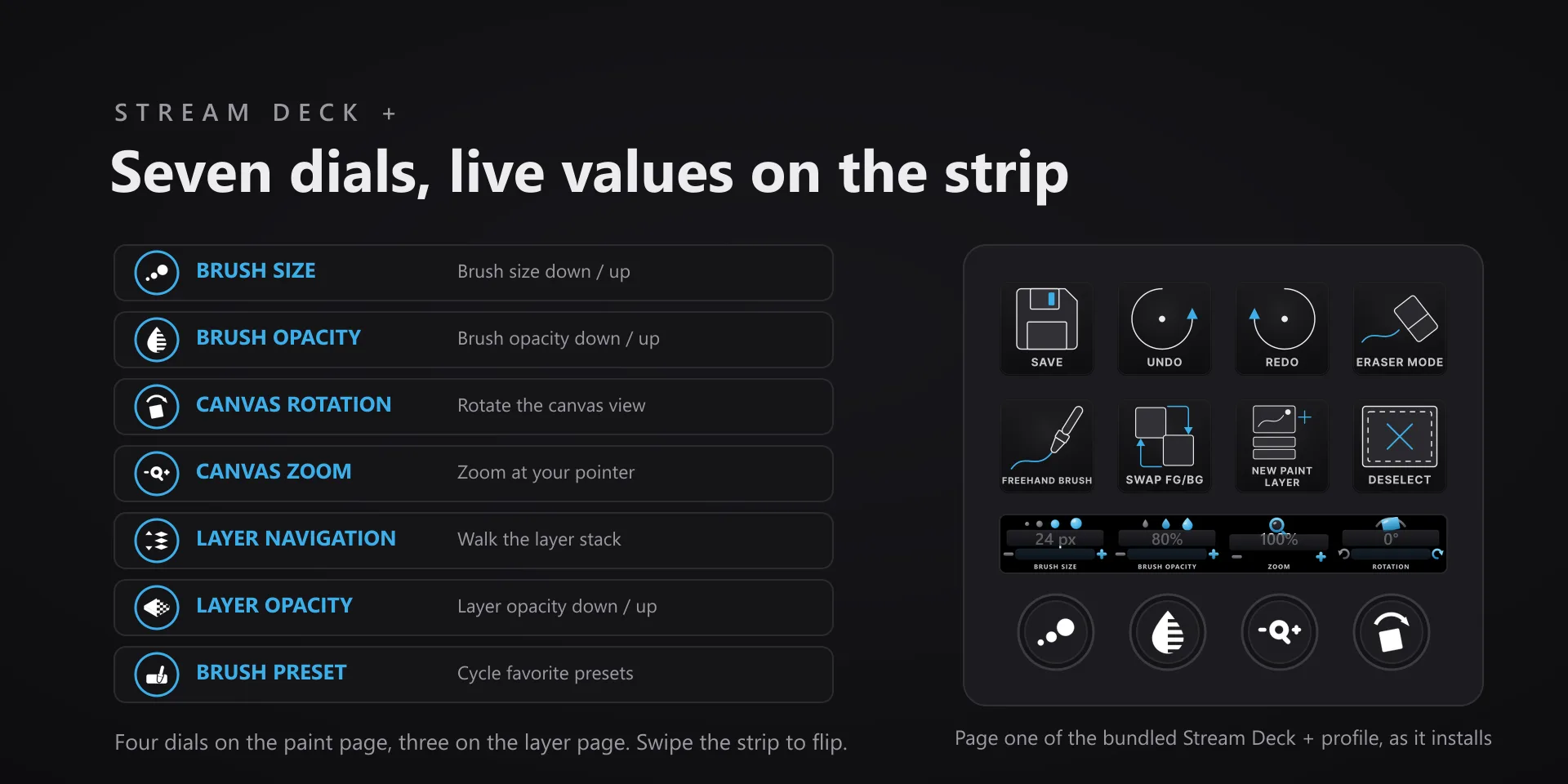
Brush size, opacity, and canvas rotation change constantly while painting, which makes them the settings that belong under a fingertip instead of in a docker.

In review Submitted to the Elgato Marketplace and waiting on review. Not purchasable yet.

What it does

What you need

Krita 5.3.2 desktop on Windows 10 or 11, and Stream Deck software 6.9 or later. The seven dials need a Stream Deck +; every key action works on any Stream Deck model.

Support

Good to know

  • Built and tested against Krita 5.3.2 desktop on Windows 10 and 11. Requires the Windows Stream Deck app 6.9 or later. The seven dials need a Stream Deck +; every key action works on any Stream Deck model.
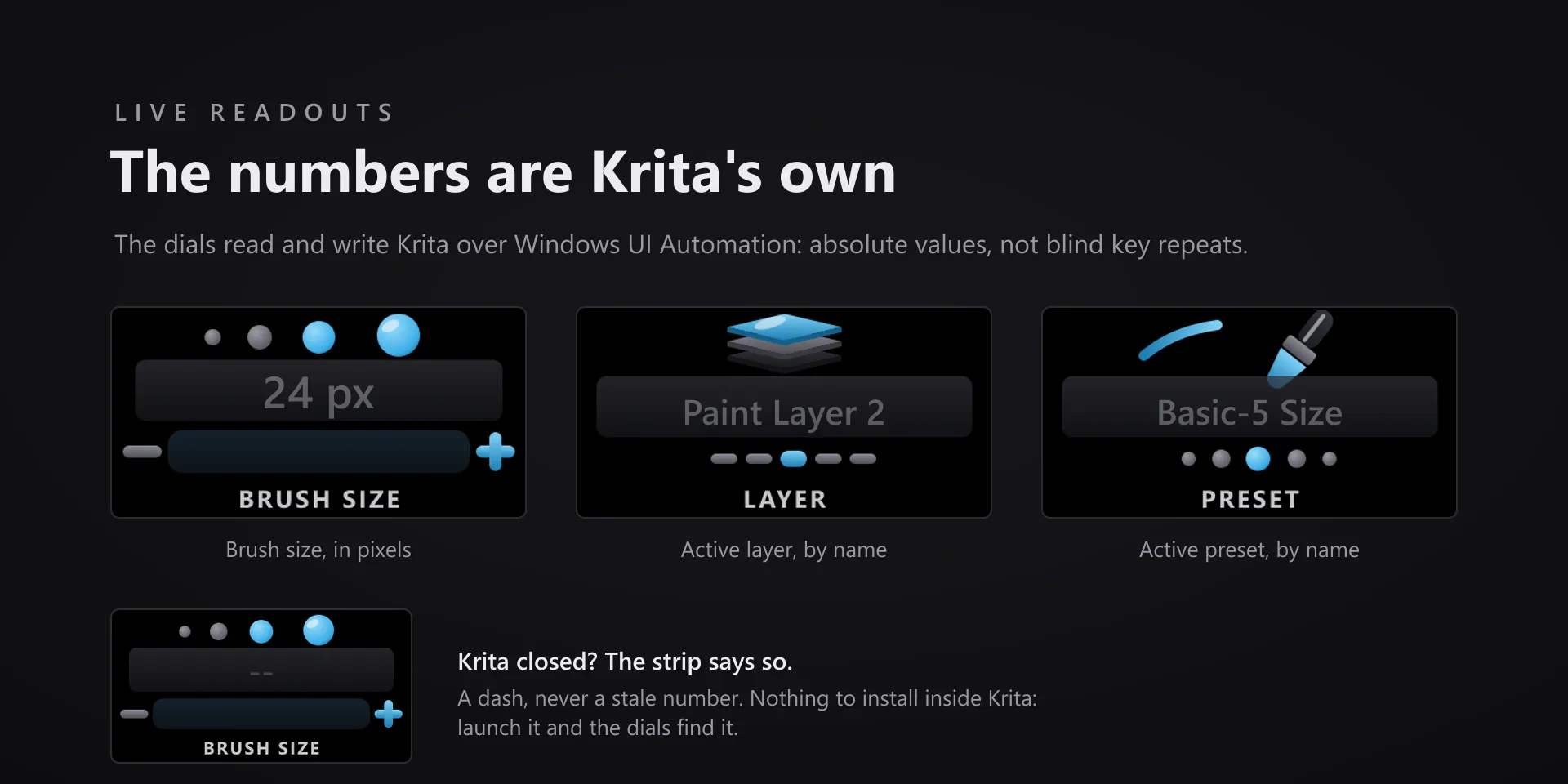
  • Command keys send keystrokes to the active window, so Krita has to be focused when you press one. The dials read and write Krita's own controls over UI automation, so their readouts stay correct without Krita in front.
  • The value dials read Krita's own widgets. Brush Size uses the Brushes and Stuff toolbar, Canvas Zoom and Canvas Rotation use the status bar, and the layer dials use the Layers docker. All three are visible in Krita's default workspace. If you have hidden one, that dial's readout goes blank until you bring it back.
  • A dash on the touch strip means Krita is not running. The dials show a dash instead of the last value they saw, so a number on the strip is always current.
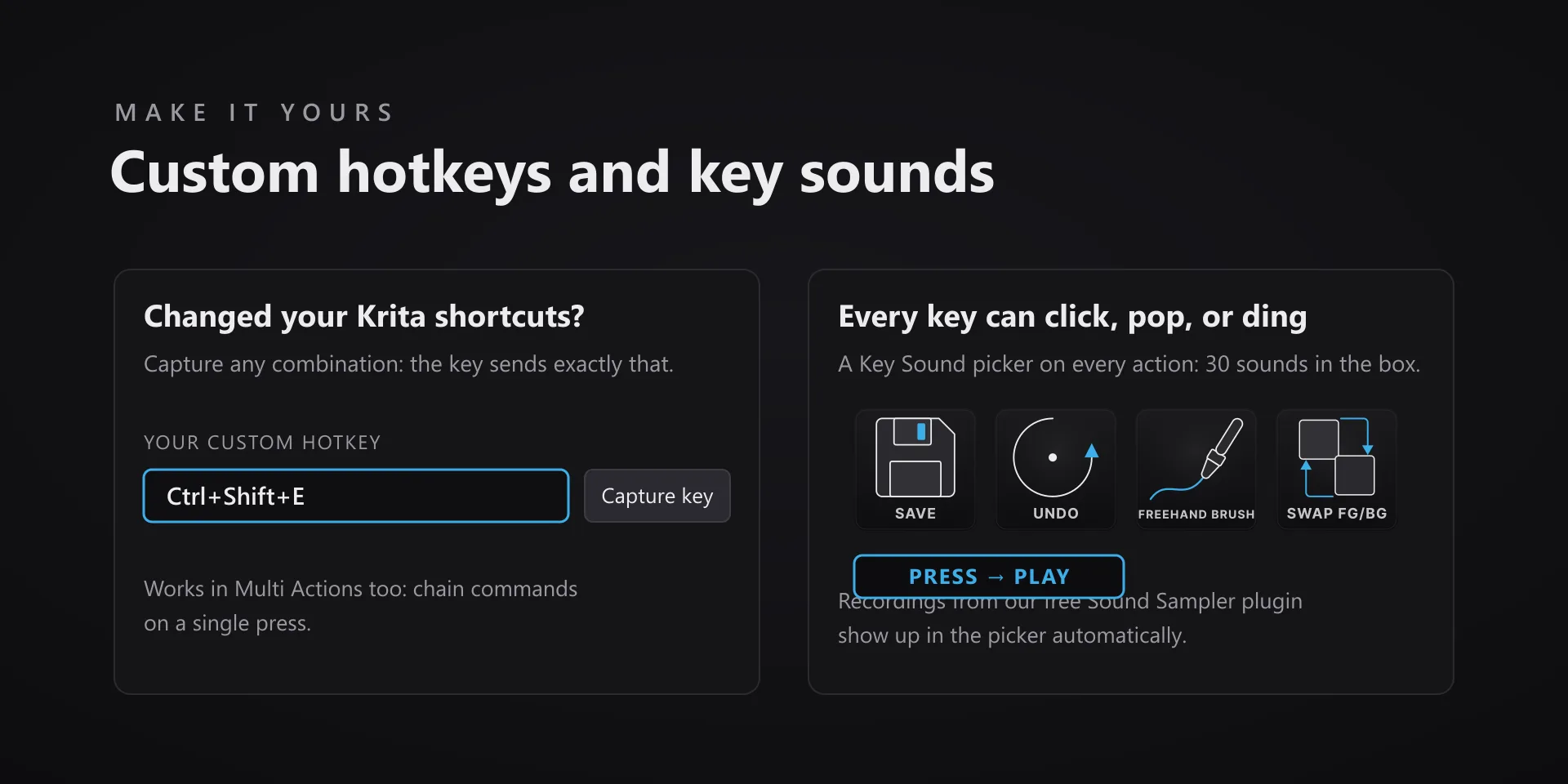
  • Remapped your Krita shortcuts? Every key has a Capture field in the property inspector: press your combination once and that key sends exactly that from then on. It works inside Multi Actions too.

True of every plugin we make

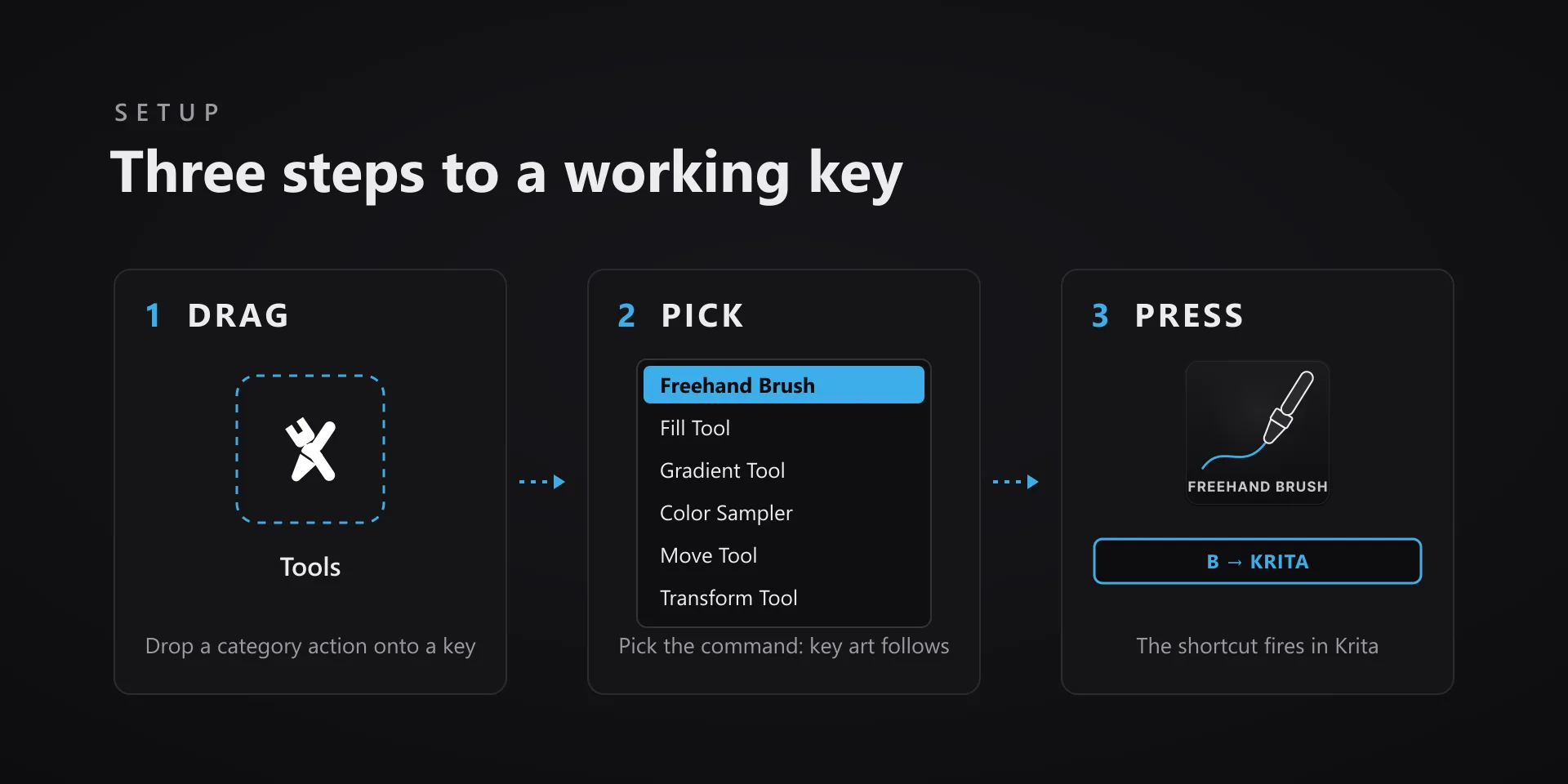
  • Every key ships with the app's stock default shortcut, and every key is remappable. Type your combination into the property inspector or click Capture and press it once.
  • Keystrokes go to the active window. The plugin never steals focus or targets a window, so keep the target app in front when you press.
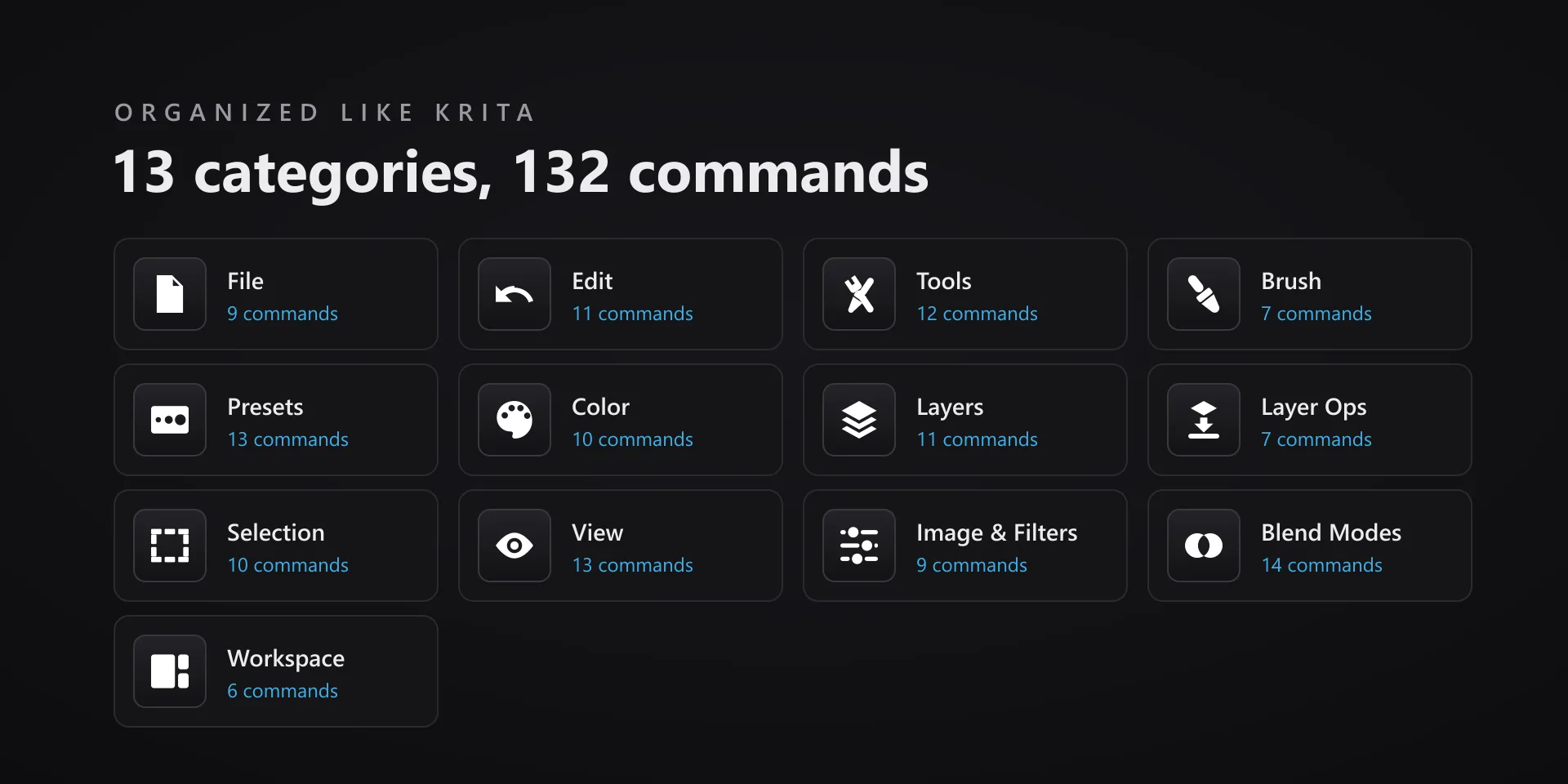
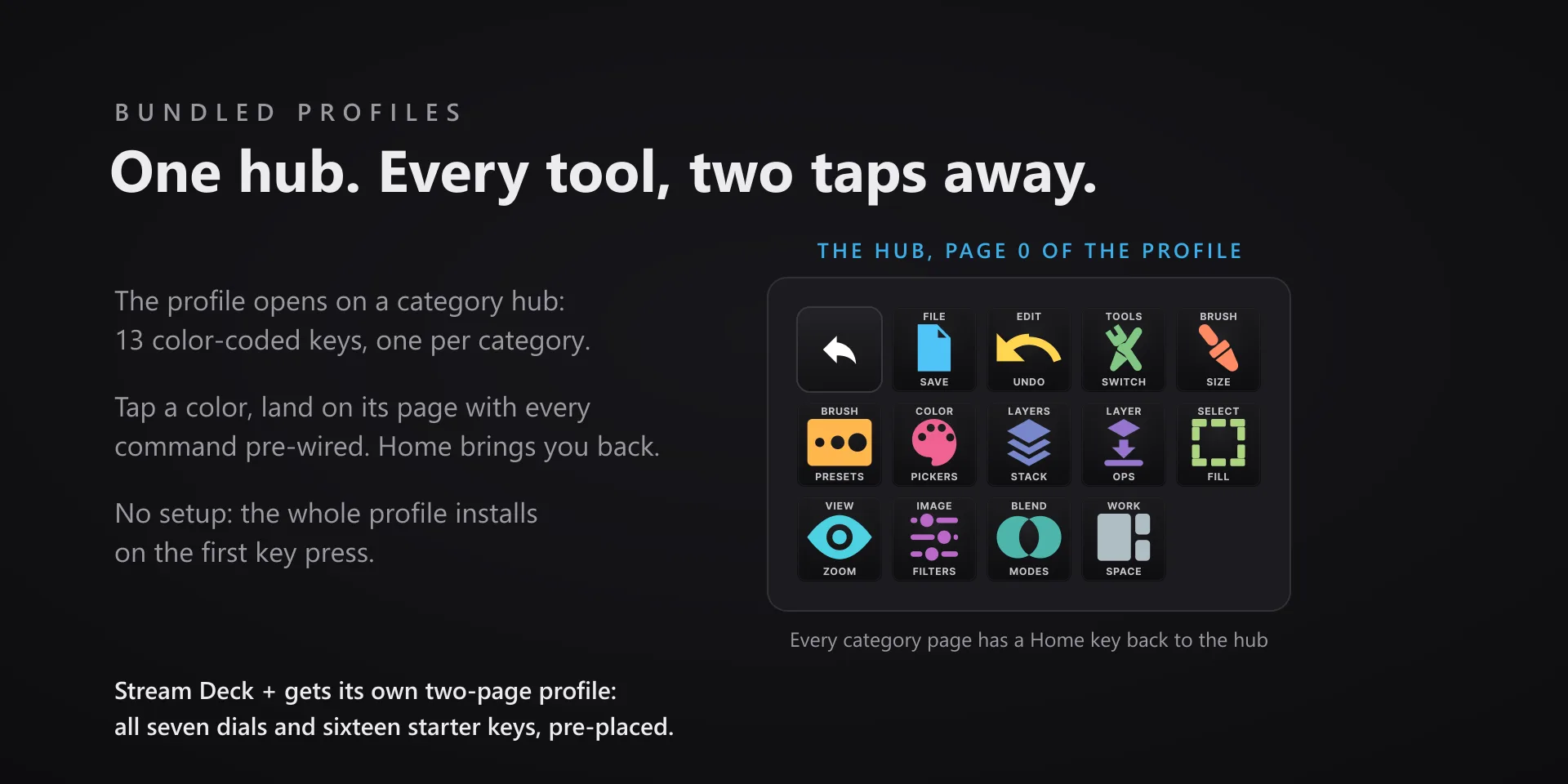
  • Every command has its own drawn key art, so the deck reads at a glance instead of listing shortcuts.

Read the full quick fixes, or see this plugin on the support hub.

Still stuck? Email [email protected] with the plugin name, your Stream Deck software version, and what you pressed versus what happened. A human answers.