PathfinderPrototyping · St. Paul MN

Development · Stream Deck plugin

Notepad++ Live Deck

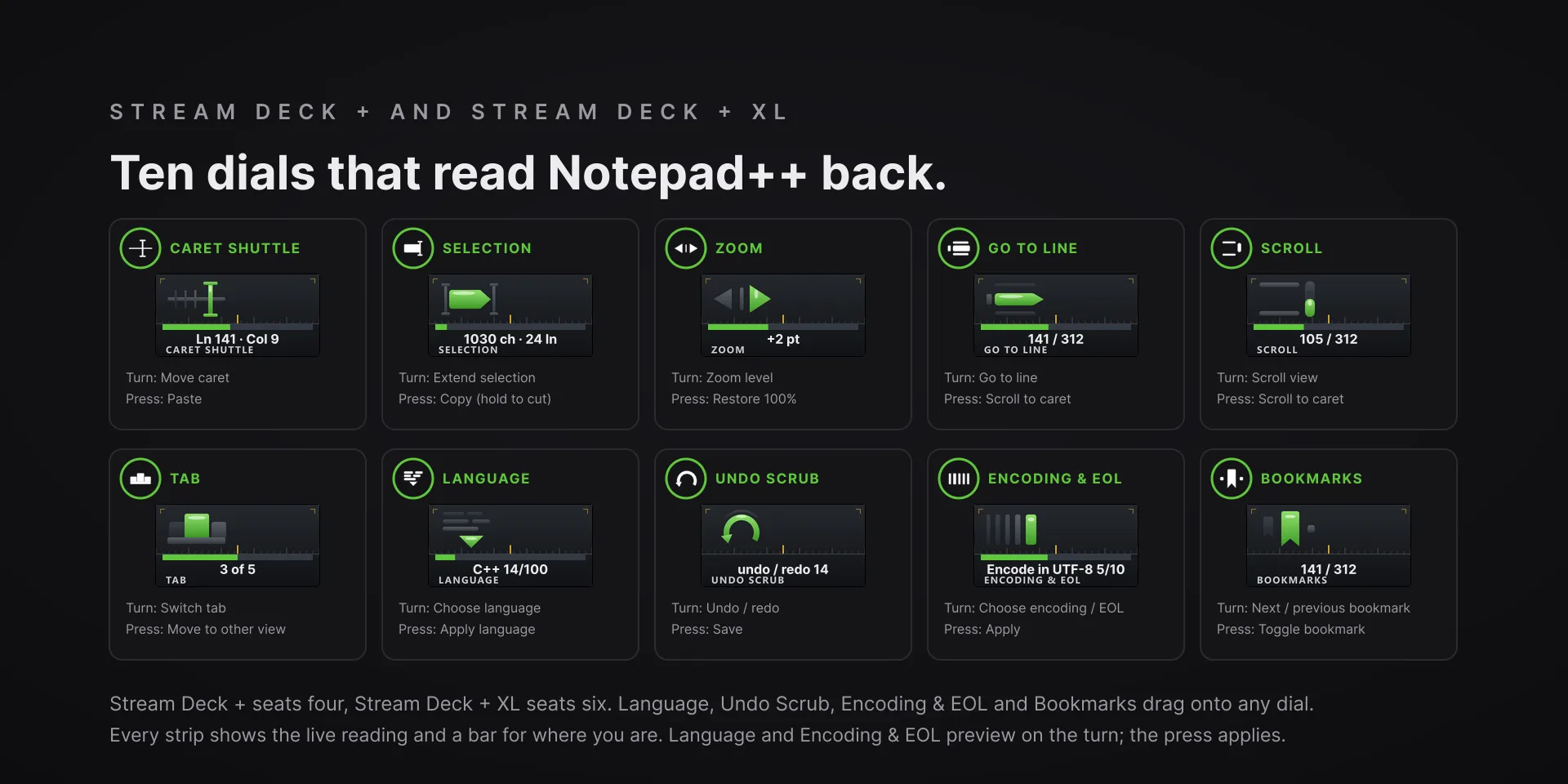
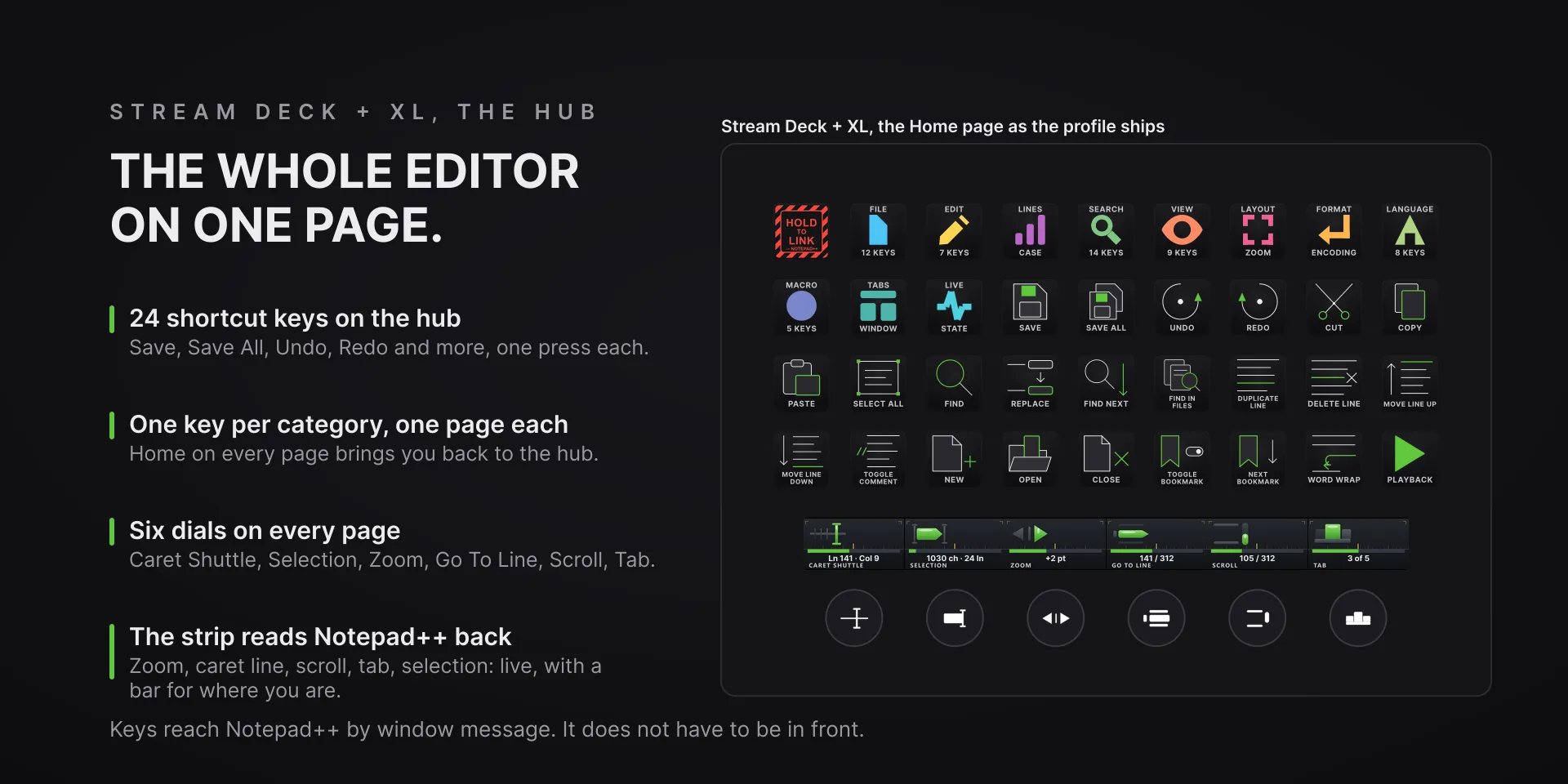
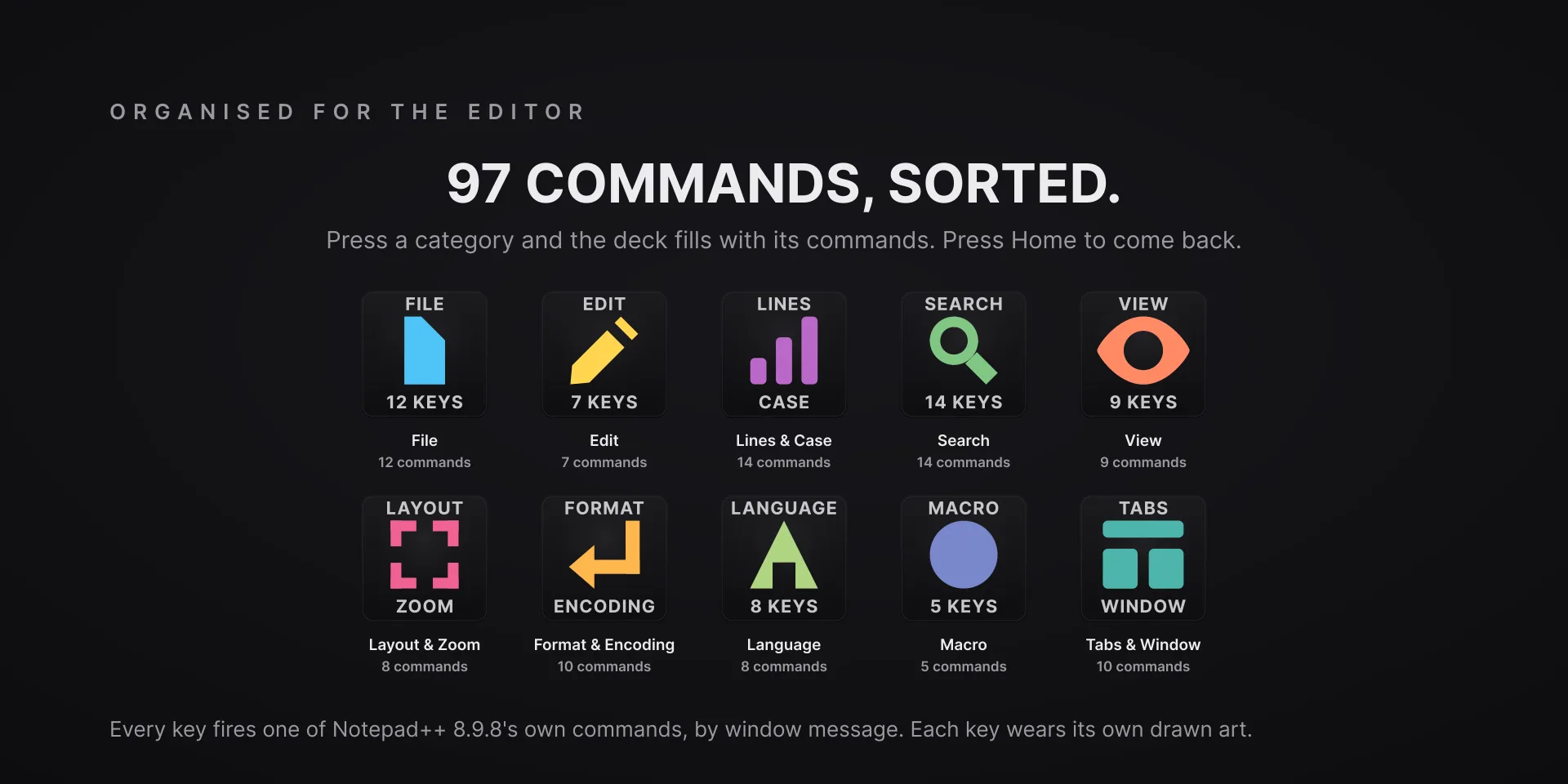
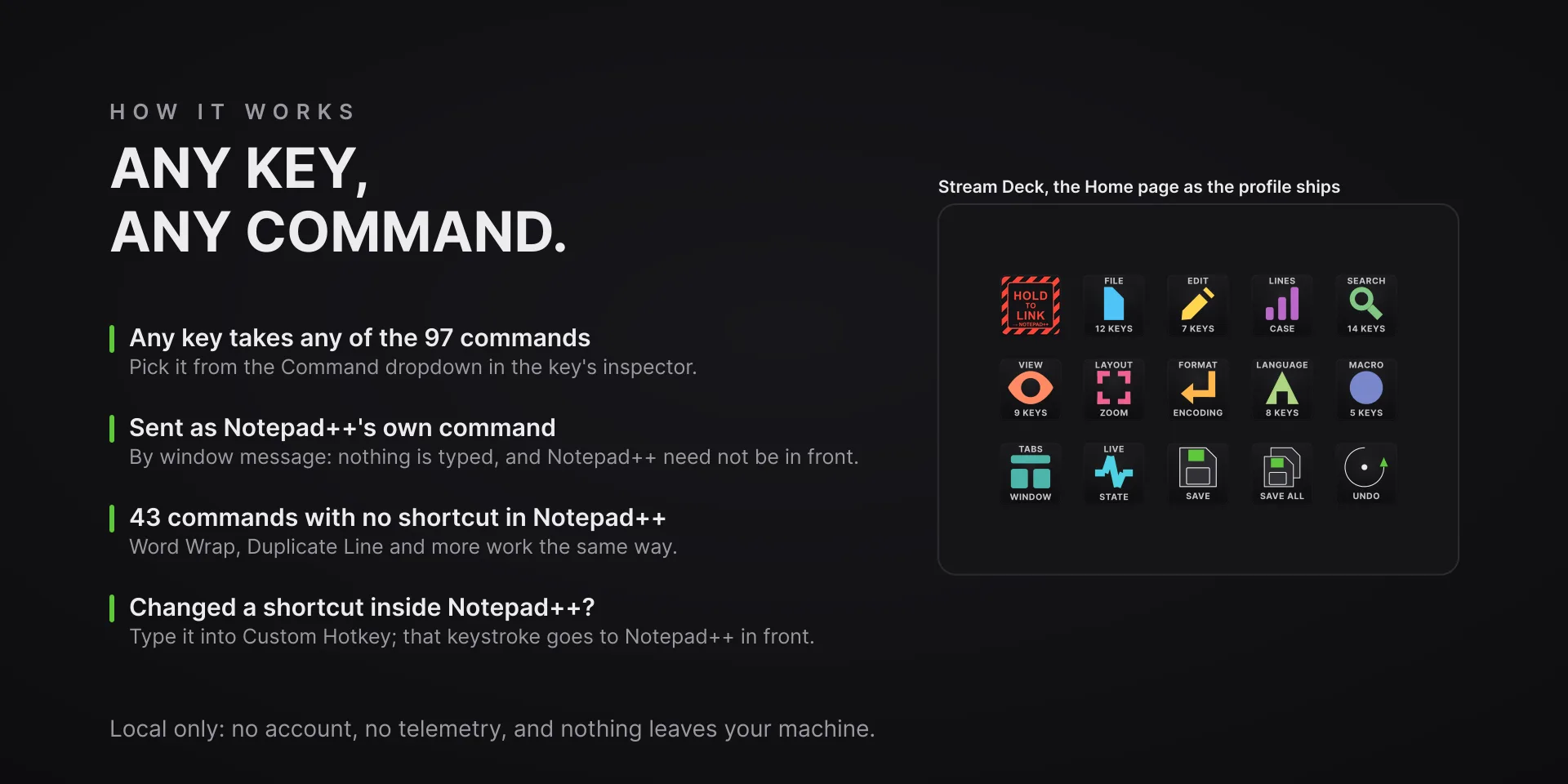
Notepad++ leaves most of its menu without a keyboard shortcut, Word Wrap and Show All Characters among them, so a keystroke plugin cannot reach those. Every key here hands Notepad++ the menu command itself: nothing is typed, nothing needs binding, and the dials read the editor back on the touch strip, from zoom level and caret line to tab and undo depth.

Download Now

On the Elgato Marketplace

What it does

What you need

Windows 10 or later, Stream Deck software 6.9 or newer, and Notepad++ 8.9.8 (tested on 8.9.8.1). Dials and the touch strip need a Stream Deck + or a Stream Deck + XL.

Support

Good to know

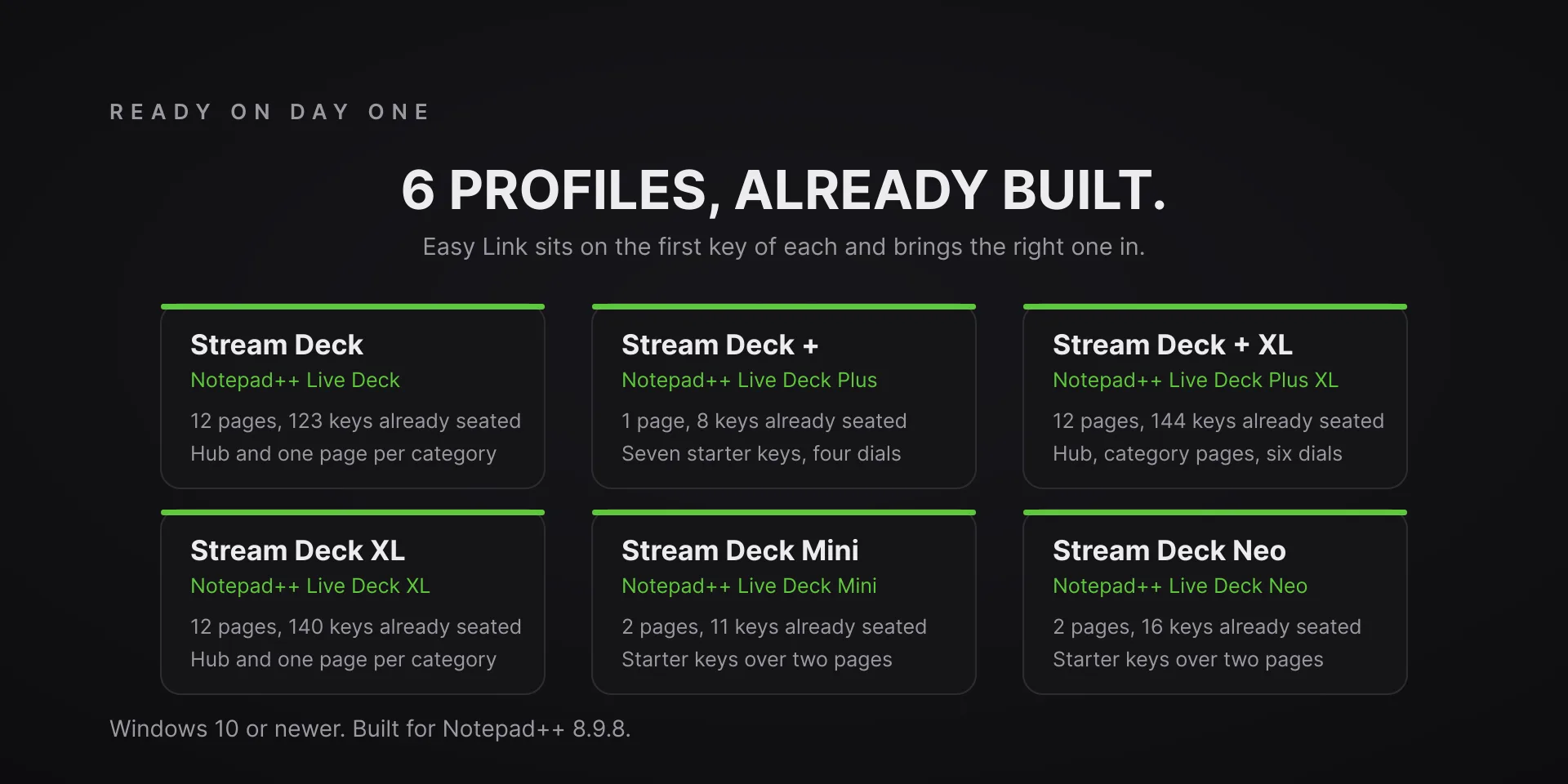
  • Built for Notepad++ 8.9.8 and tested on 8.9.8.1, on Windows 10 or later. Requires the Stream Deck app 6.9 or later. Profiles are bundled for six decks: the 15-key Stream Deck, the Stream Deck +, the Stream Deck + XL, the 32-key Stream Deck XL, the Stream Deck Mini and the Stream Deck Neo. The dials need a Stream Deck + or a Stream Deck + XL.
  • Notepad++ does not have to be in front. Keys and dials send their message to the Notepad++ window itself, so it only has to be running and visible. With Notepad++ closed, a key shows an alert and sends nothing, and the touch strip says Notepad++ is closed.
  • With the editor split into two views, the dials and the editor-level keys wait until you return to one view: with both views showing, the plugin cannot tell which one you mean, so it alerts rather than guess.
  • A Custom Hotkey typed into a key's property inspector overrides its command and is sent as that keystroke, so a key carrying one needs Notepad++ in front, like any shortcut.
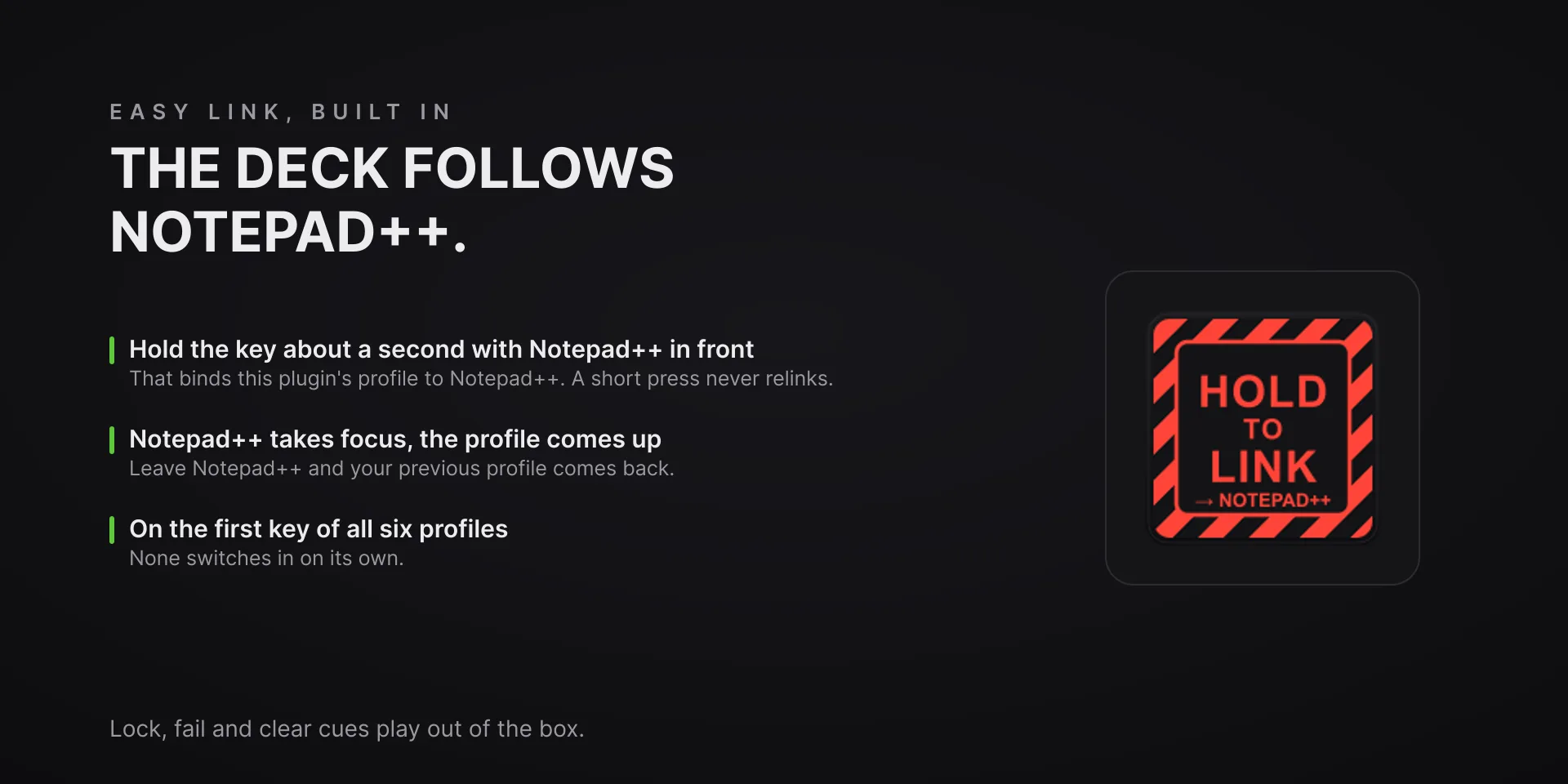
  • Auto profile switching: hold the Easy Link key, the first key of every bundled profile, for about a second while Notepad++ is in front. From then on the deck switches to this plugin's profile whenever Notepad++ takes focus and hands your previous profile back when you leave.

True of every plugin we make

  • Every key carries the app's own shortcut for that command, and every key is remappable. Type your combination into the key's property inspector (its settings panel in the Stream Deck app) or click Capture and press it once. Where an app leaves a command unbound, the key still reaches it by the route that app exposes.
  • Every command has its own drawn key art, so the deck reads at a glance instead of listing shortcuts.

Read the full quick fixes, or see this plugin on the support hub.

Still stuck? Email [email protected] with the plugin name, your Stream Deck software version, and what you pressed versus what happened. A human answers.