PathfinderPrototyping · St. Paul MN

Knowledge work · Stream Deck plugin

Obsidian macOS Master Commander

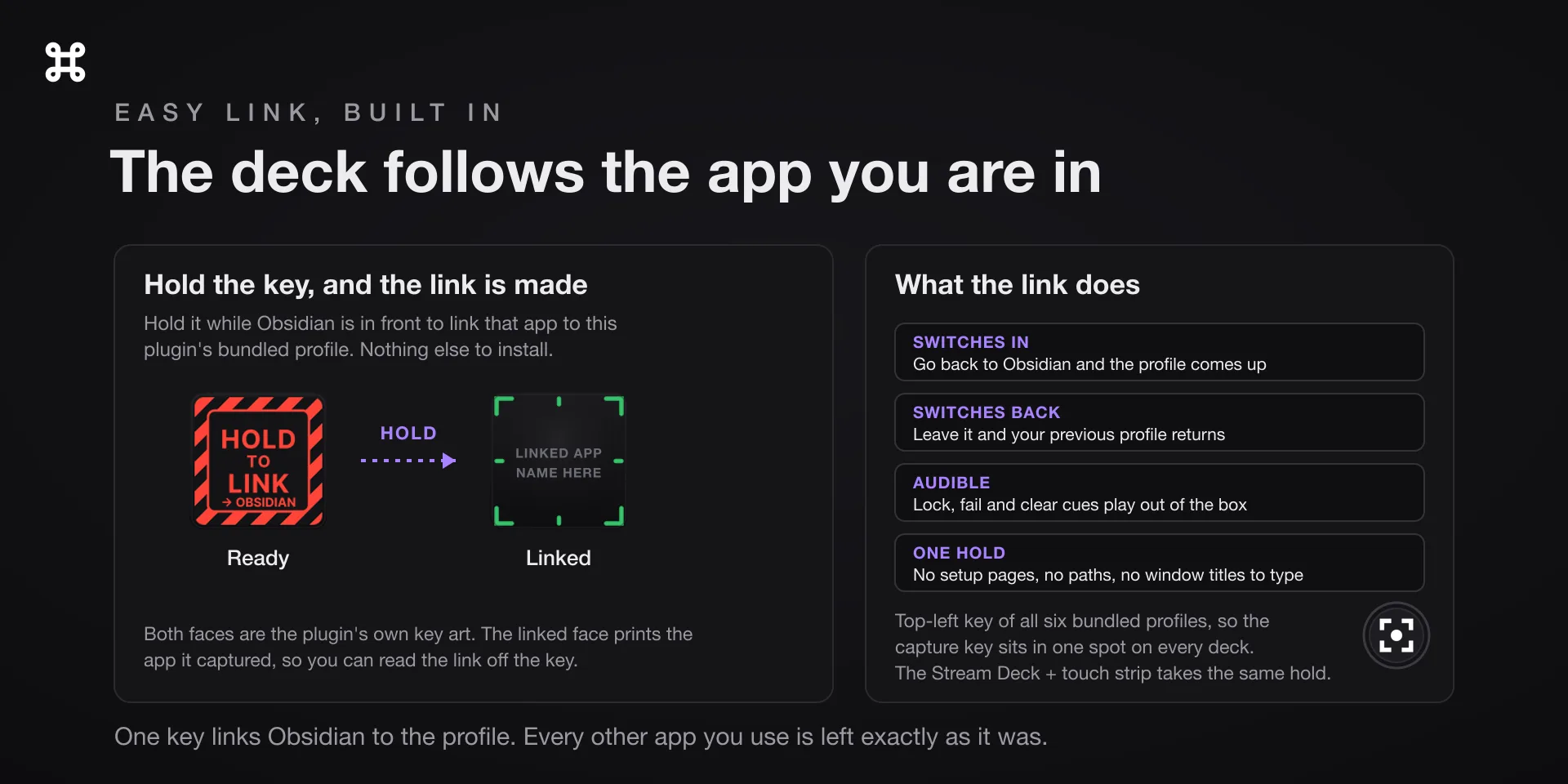
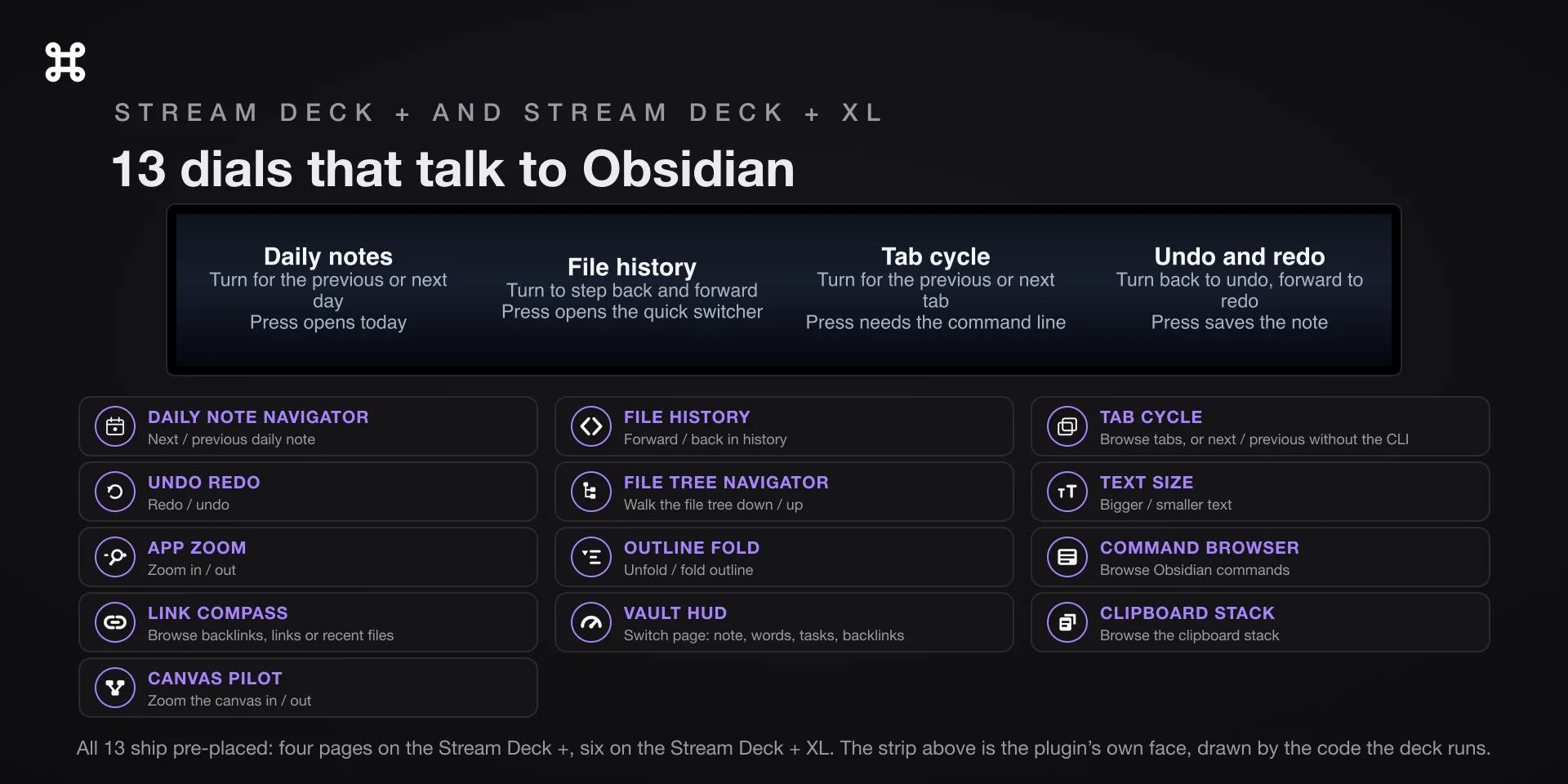
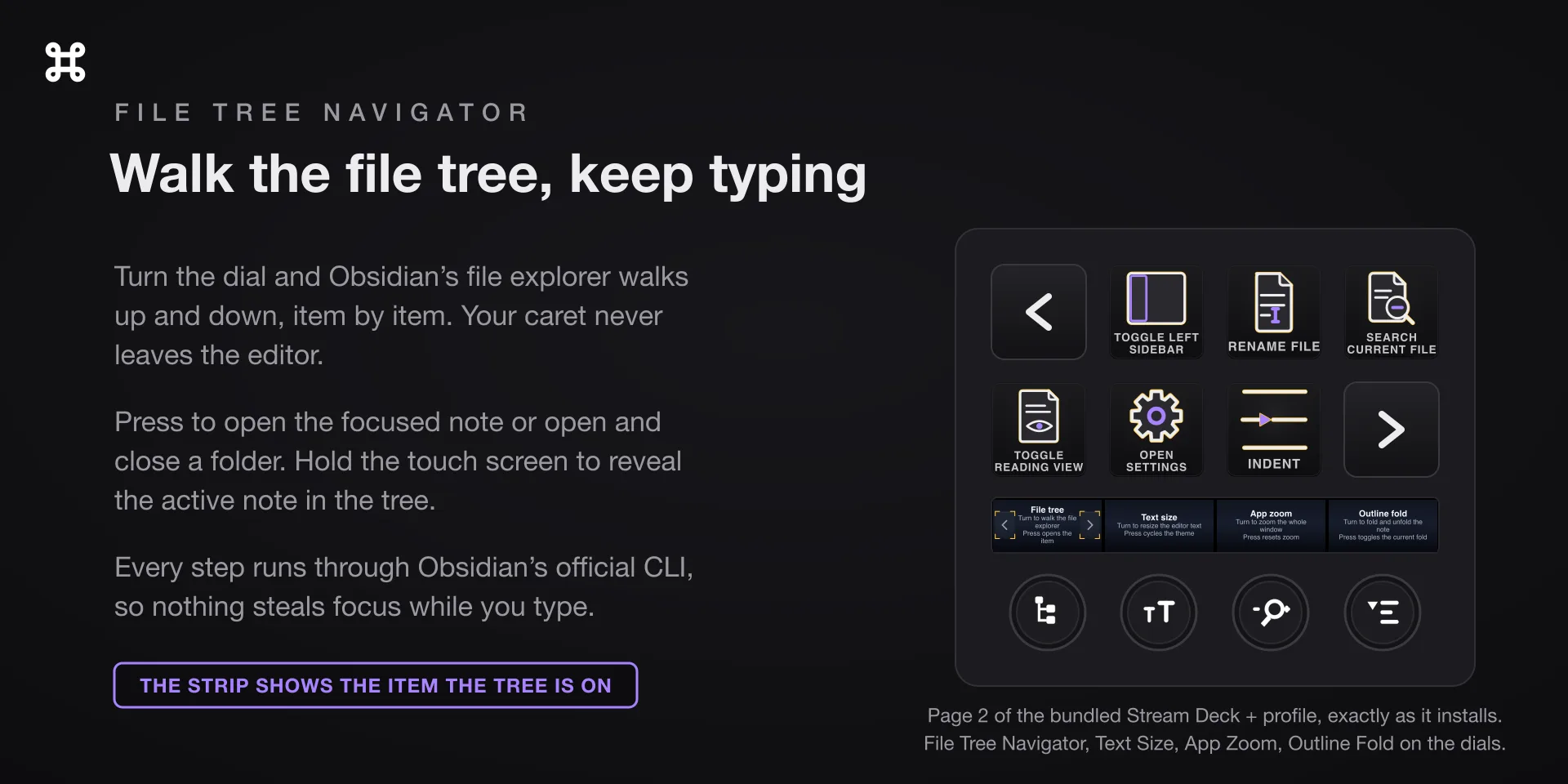
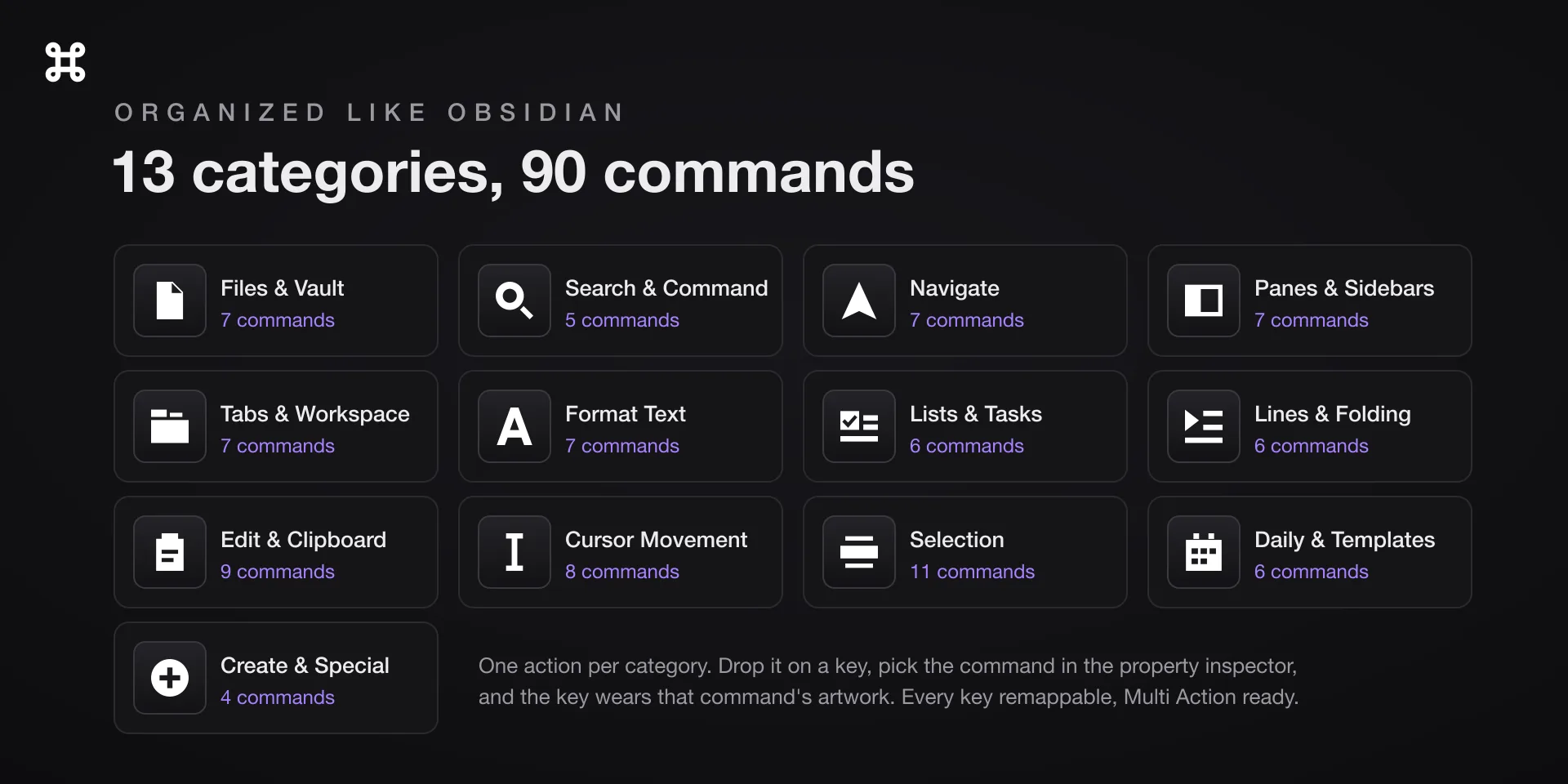
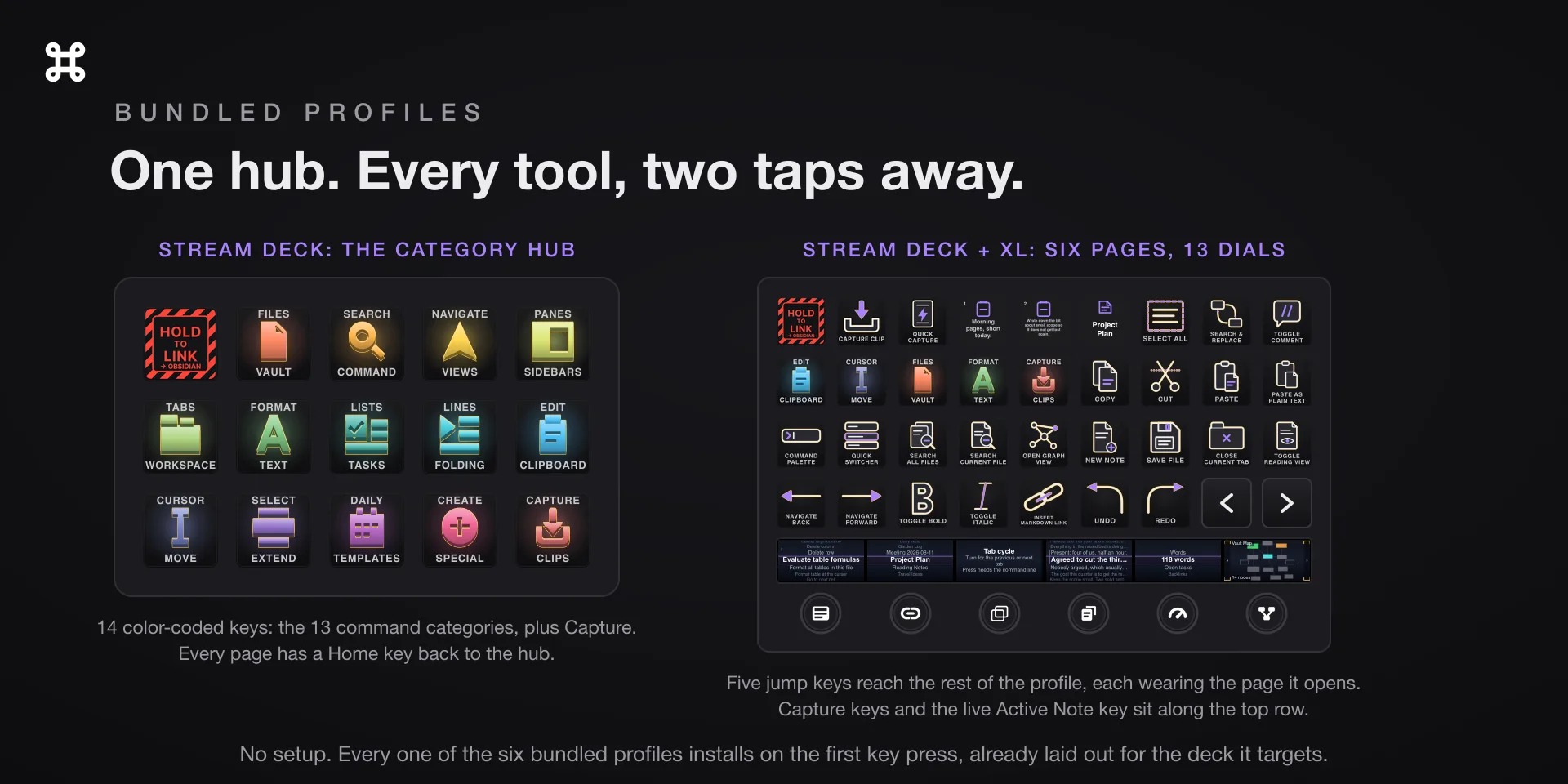
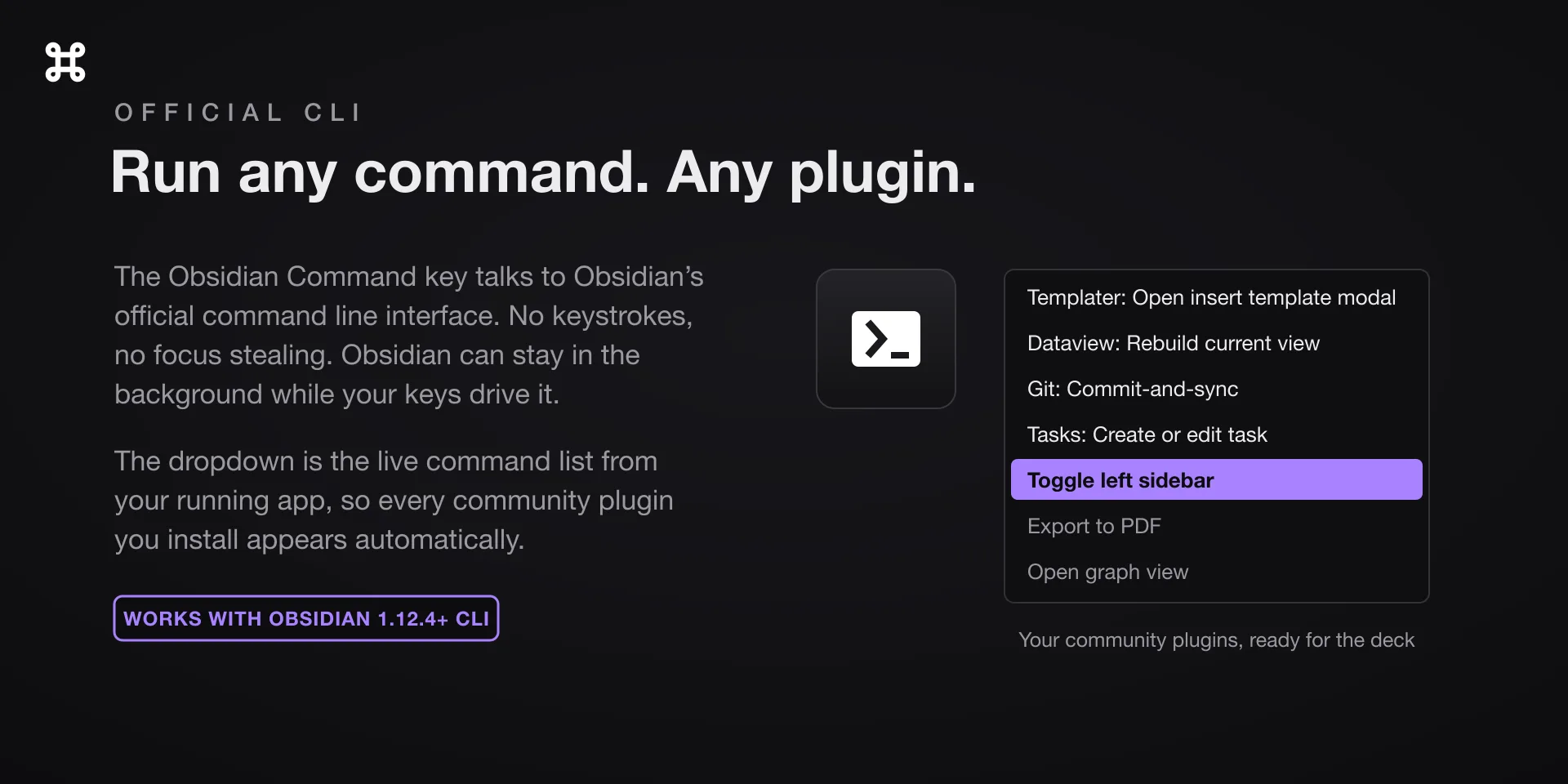
Obsidian leaves most of its commands unbound, and a deck cannot press a hotkey that does not exist. This one asks Obsidian to run the command by name through its own command line interface instead, so the unbound half arrives working and you bind nothing.

Download Now

On the Elgato Marketplace

What it does

What you need

The Obsidian desktop app 1.12.4 or later on macOS 13 or later, and Stream Deck software 6.9 or newer. Turn on Obsidian's command line interface once, under Settings, General, Advanced. This is the macOS listing. The Windows edition is Obsidian Hotkeys.

Support

Good to know

  • Keystroke keys need Accessibility, and macOS never prompts for it. Add Elgato Stream Deck under System Settings, Privacy & Security, Accessibility, then quit and reopen the Stream Deck app. Without it those keys show an alert triangle.
  • The first time a key talks to System Events, macOS asks whether Elgato Stream Deck may control it. Click OK. If you denied it, the switch is under System Settings, Privacy & Security, Automation, Elgato Stream Deck.
  • If a key alerts or a dial screen stays dim, Obsidian's command line interface is off. Turn it on under Settings, General, Advanced. It needs Obsidian 1.12.4 or later, and on macOS a command line press does not launch Obsidian, so keep it running.
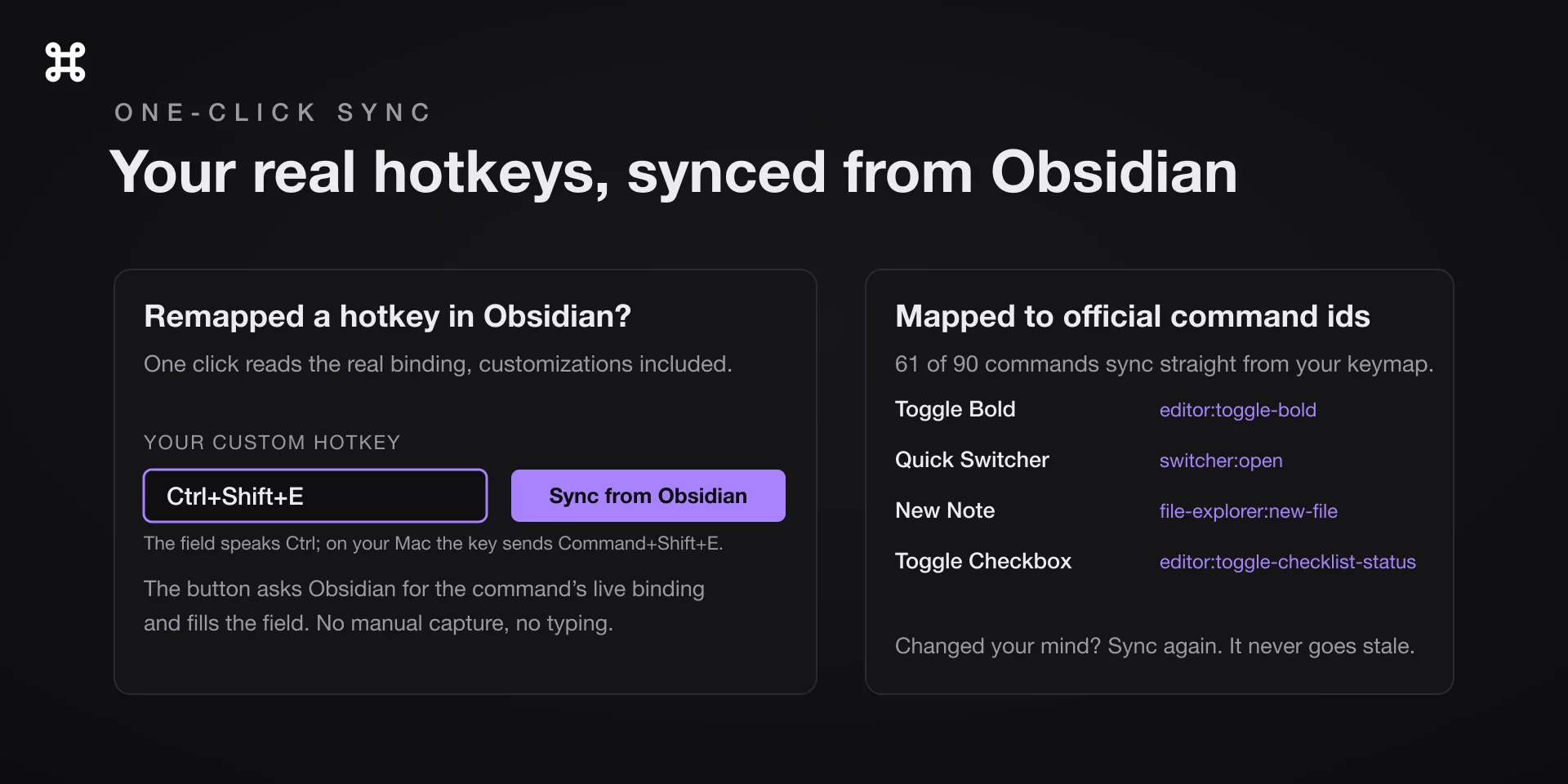
  • Keystrokes go to Obsidian only while it is the frontmost app, and they arrive as Mac chords. Where the property inspector shows Ctrl your Mac sends Command, and word-wise cursor moves use Option.

True of every plugin we make

  • Every key carries the app's own shortcut for that command, and every key is remappable. Type your combination into the property inspector or click Capture and press it once. Where an app leaves a command unbound, the key still reaches it by the route that app exposes.
  • Keystrokes go to the front window and nothing steals focus, so keep the target app in front when you press.
  • Every command has its own drawn key art, so the deck reads at a glance instead of listing shortcuts.

Read the full quick fixes, or see this plugin on the support hub.

Still stuck? Email [email protected] with the plugin name, your Stream Deck software version, and what you pressed versus what happened. A human answers.