PathfinderPrototyping · St. Paul MN

Image editing · Stream Deck plugin

Paint.NET Studio Deck

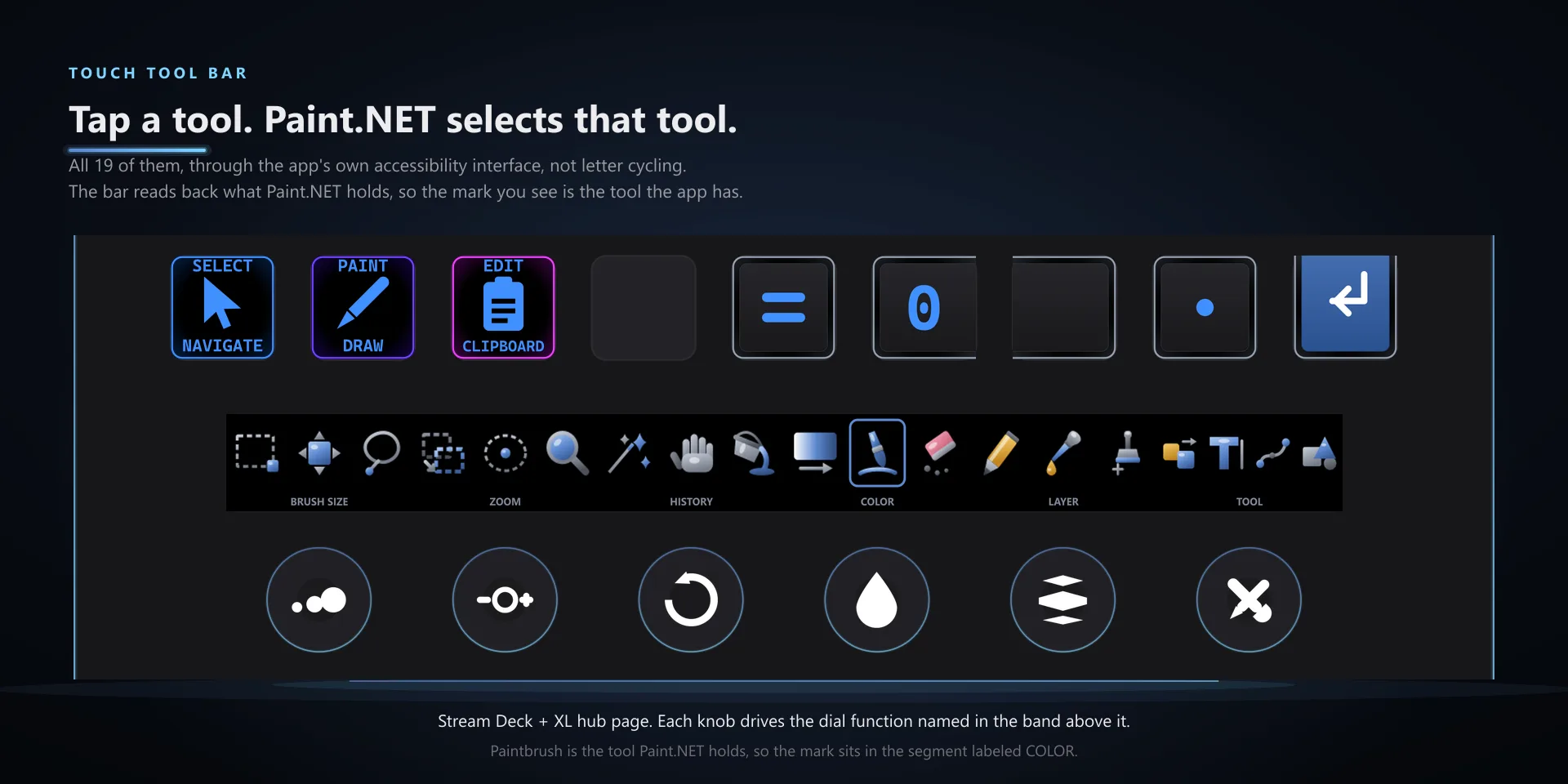
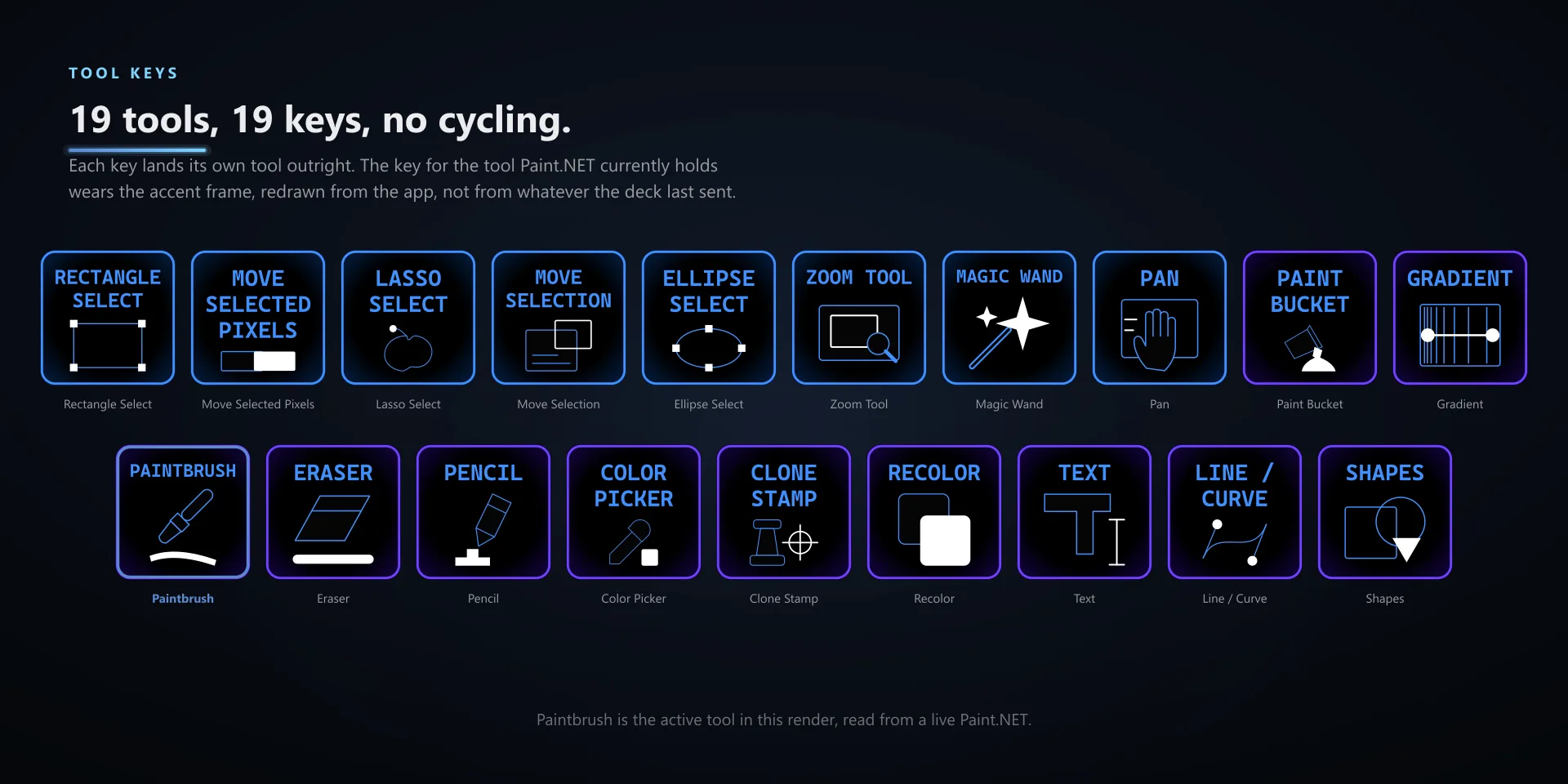
Paint.NET puts several tools behind one letter key, so landing on the one you want takes however many presses it takes. Selecting through the app's own accessibility interface means the key you press is the tool you get.

Download Now

On the Elgato Marketplace

What it does

What you need

Windows 10 or later, Stream Deck software 6.9 or newer, and Paint.NET 5.1.12, the classic desktop edition from getpaint.net.

Support

Good to know

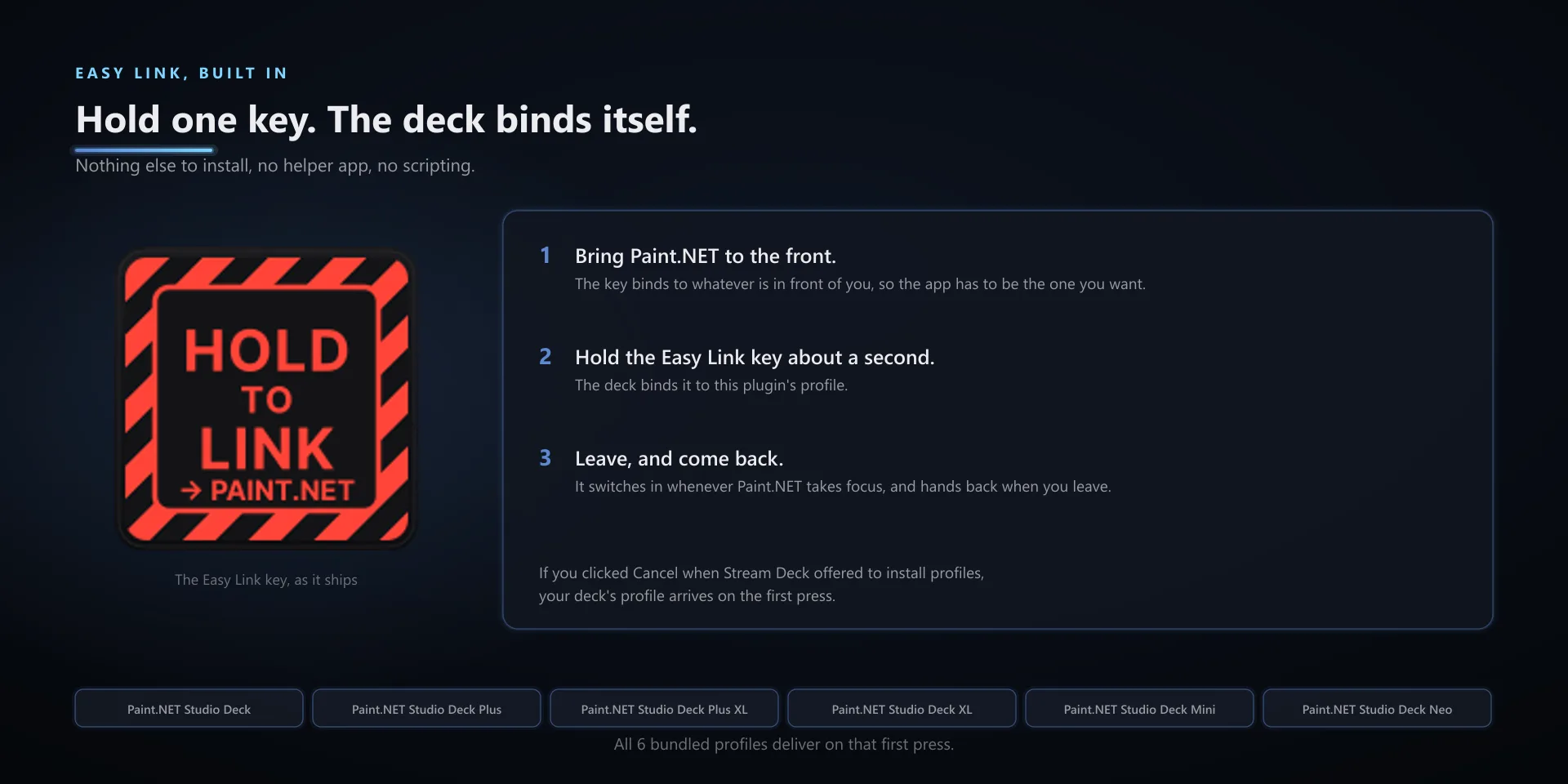
  • Built for Paint.NET 5.1.12, the classic desktop edition from getpaint.net, on Windows 10 and 11. Requires the Windows Stream Deck app 6.9 or later. Profiles are bundled for six decks: the 15-key Stream Deck, the Stream Deck +, the Stream Deck + XL, the 32-key Stream Deck XL, the Mini, and the Neo.
  • Exact tool selection needs Paint.NET's Tools panel open. With it hidden, five of the nineteen tool keys say so rather than guessing, the other fourteen fall back to their plain keyboard shortcut, and the Tool Cycle dial face goes blank because the tool is genuinely unknown.
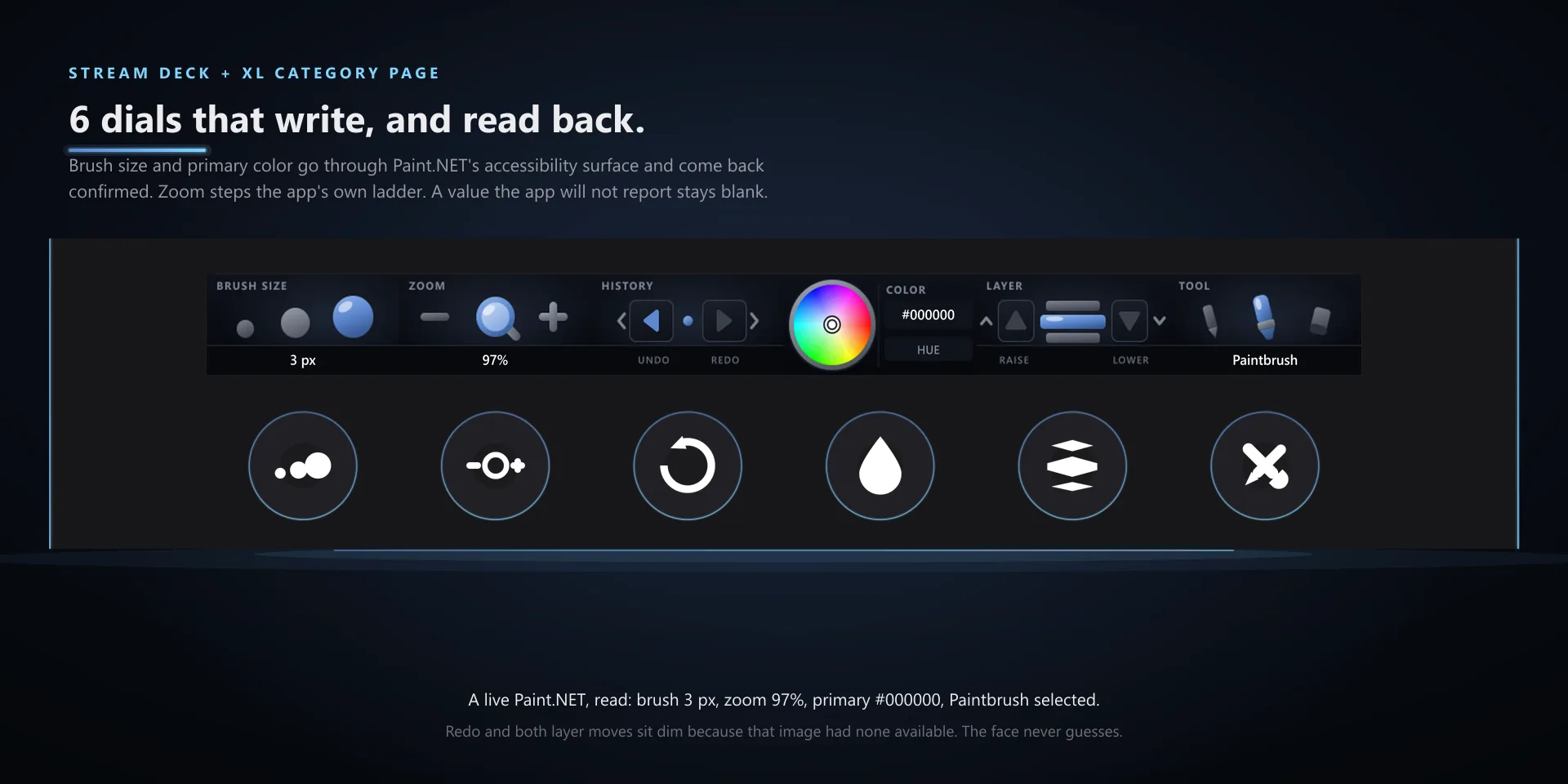
  • The Primary Color dial needs the Colors window open, and the Brush Size dial only acts while a brush-family tool is active. In both cases the dial says so and changes nothing, rather than writing a value blind.
  • A blank dial face means not readable, never zero. That is a non-brush tool, a hidden Tools panel, or Paint.NET closed or sitting in a modal. The first face after a profile switch can also take a beat to populate.

True of every plugin we make

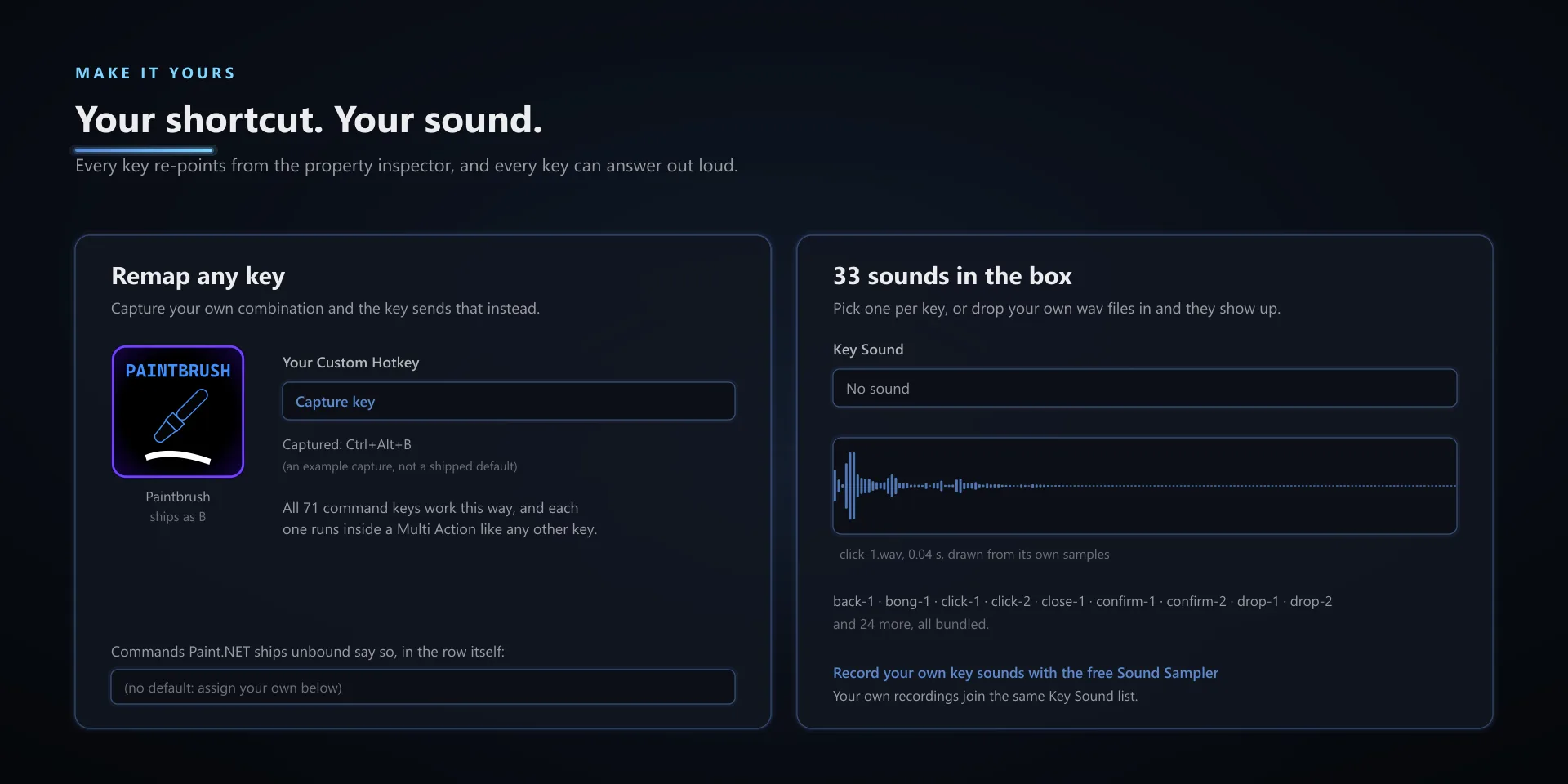
  • Every key ships with the app's stock default shortcut, and every key is remappable. Type your combination into the property inspector or click Capture and press it once.
  • Keystrokes go to the active window. The plugin never steals focus or targets a window, so keep the target app in front when you press.
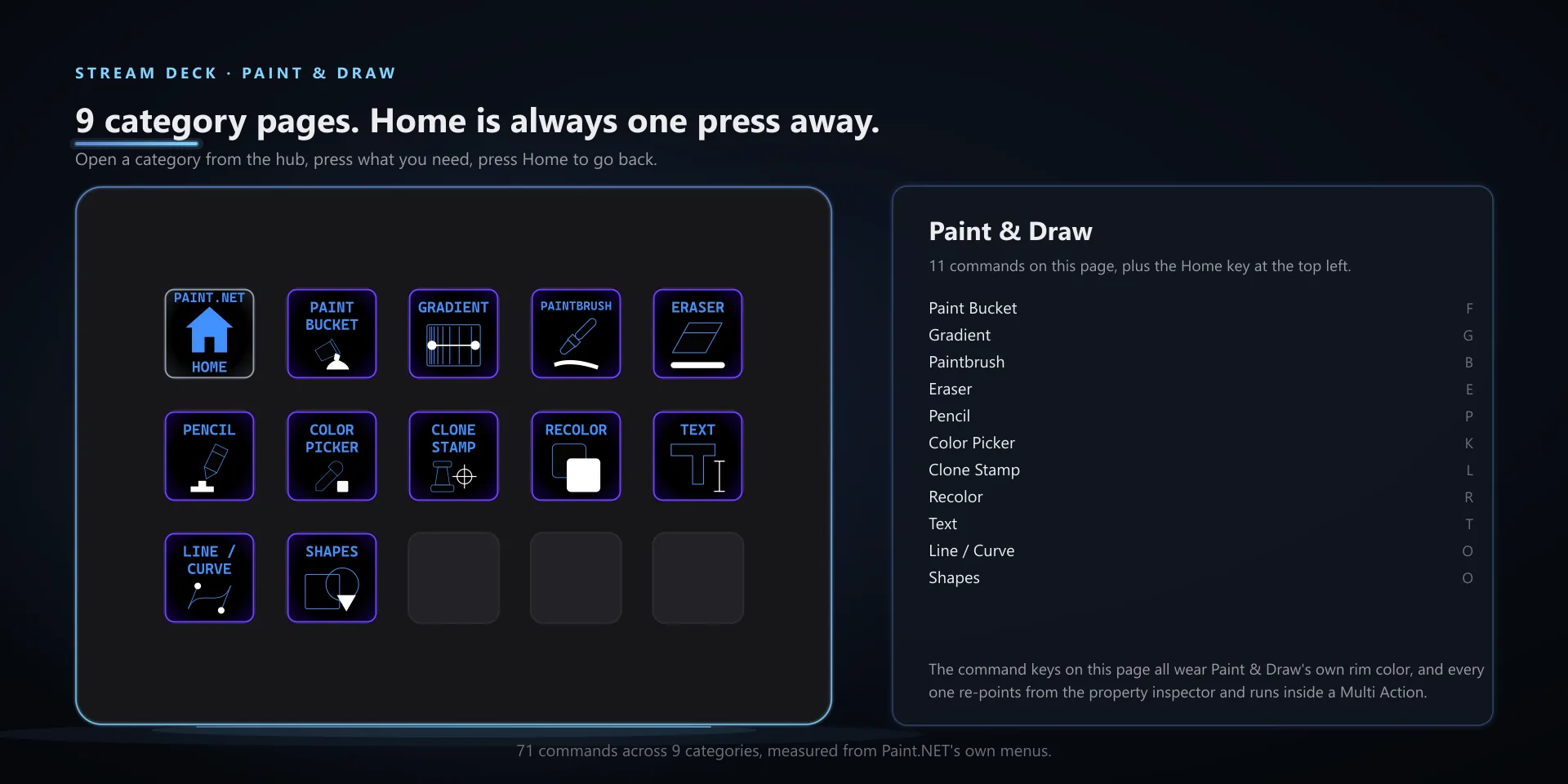
  • Every command has its own drawn key art, so the deck reads at a glance instead of listing shortcuts.

Read the full quick fixes, or see this plugin on the support hub.

Still stuck? Email [email protected] with the plugin name, your Stream Deck software version, and what you pressed versus what happened. A human answers.