PathfinderPrototyping · St. Paul MN

CAD modeling · Stream Deck plugin

Plasticity Hotkeys

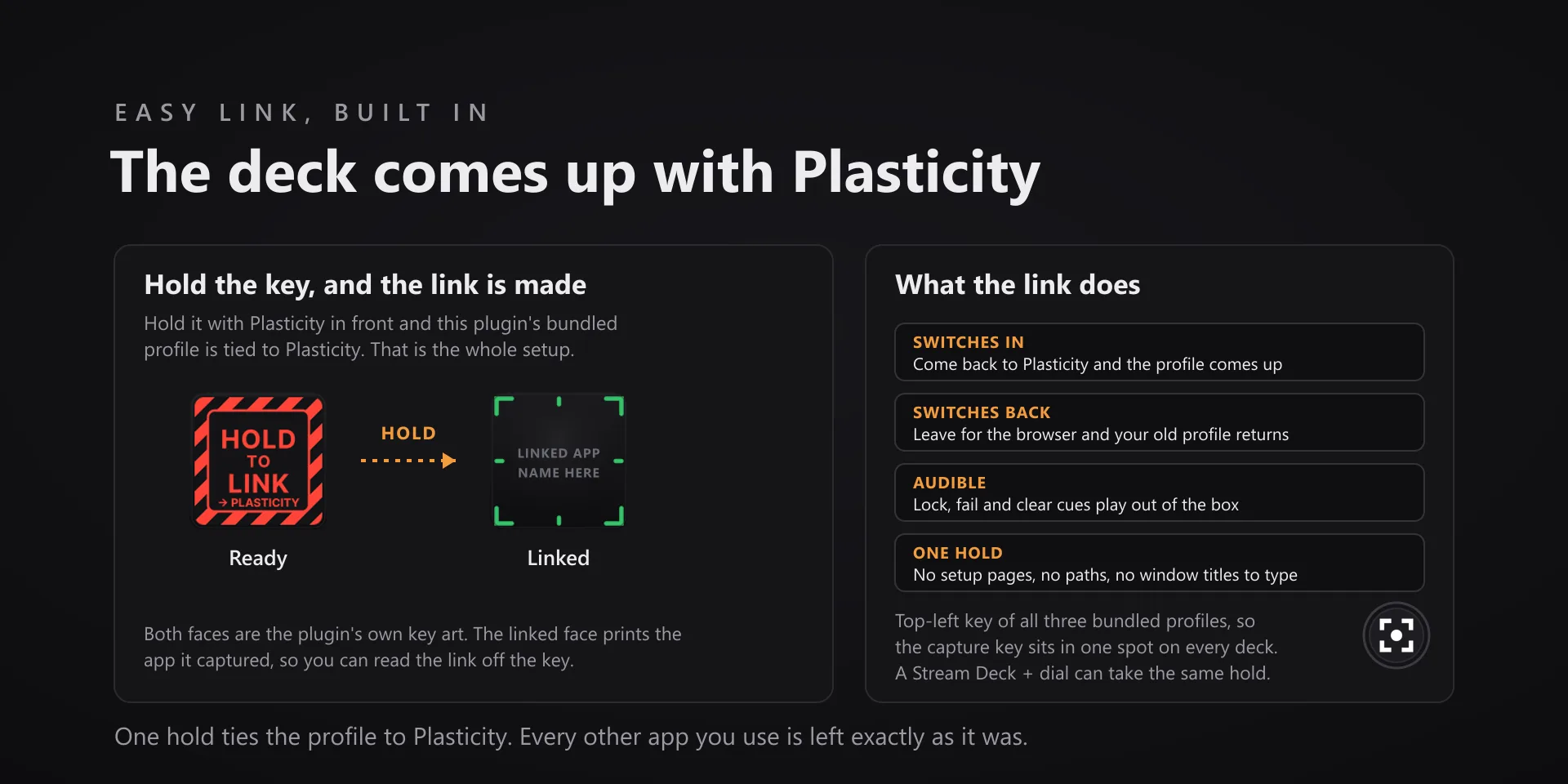
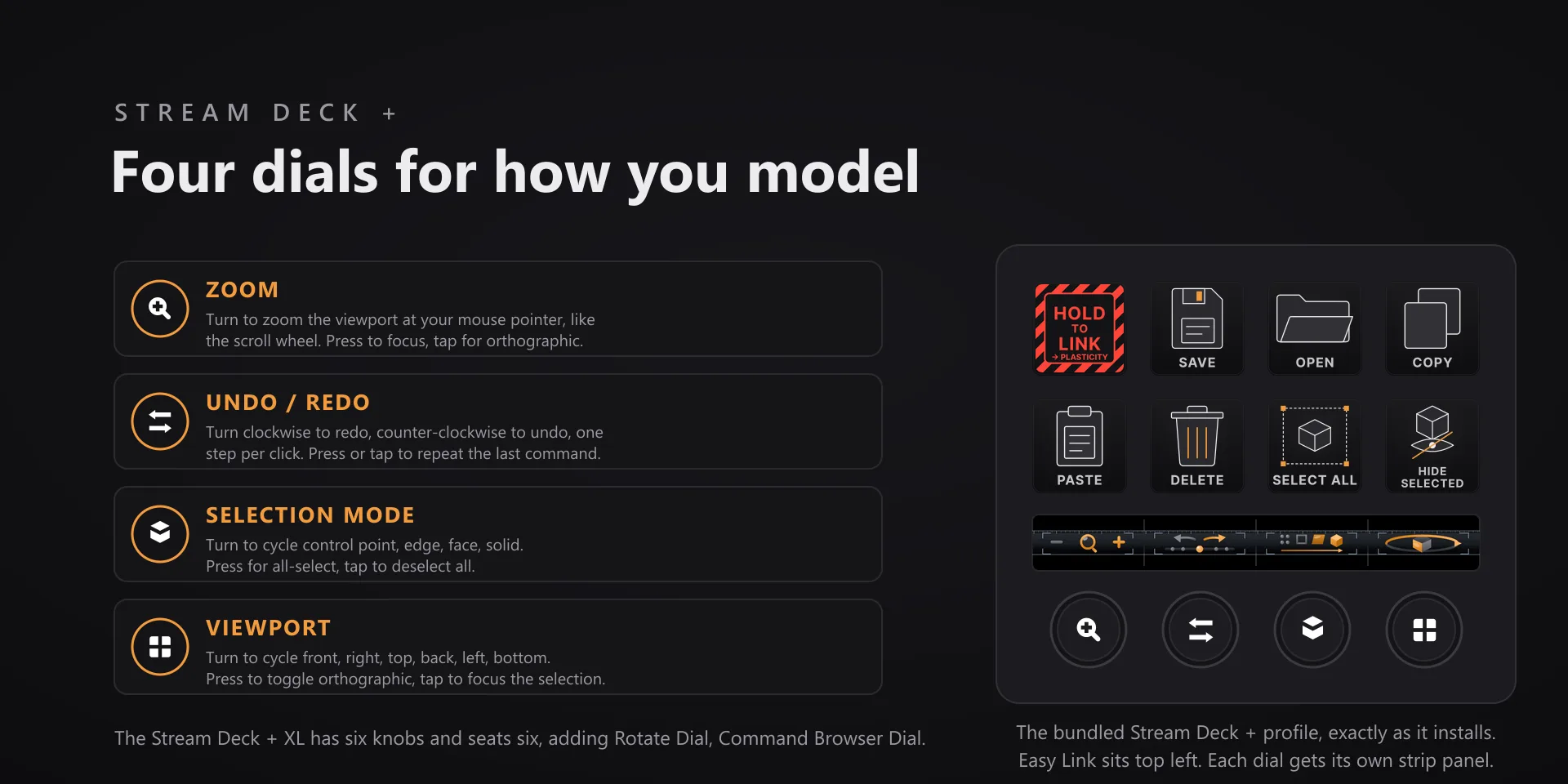
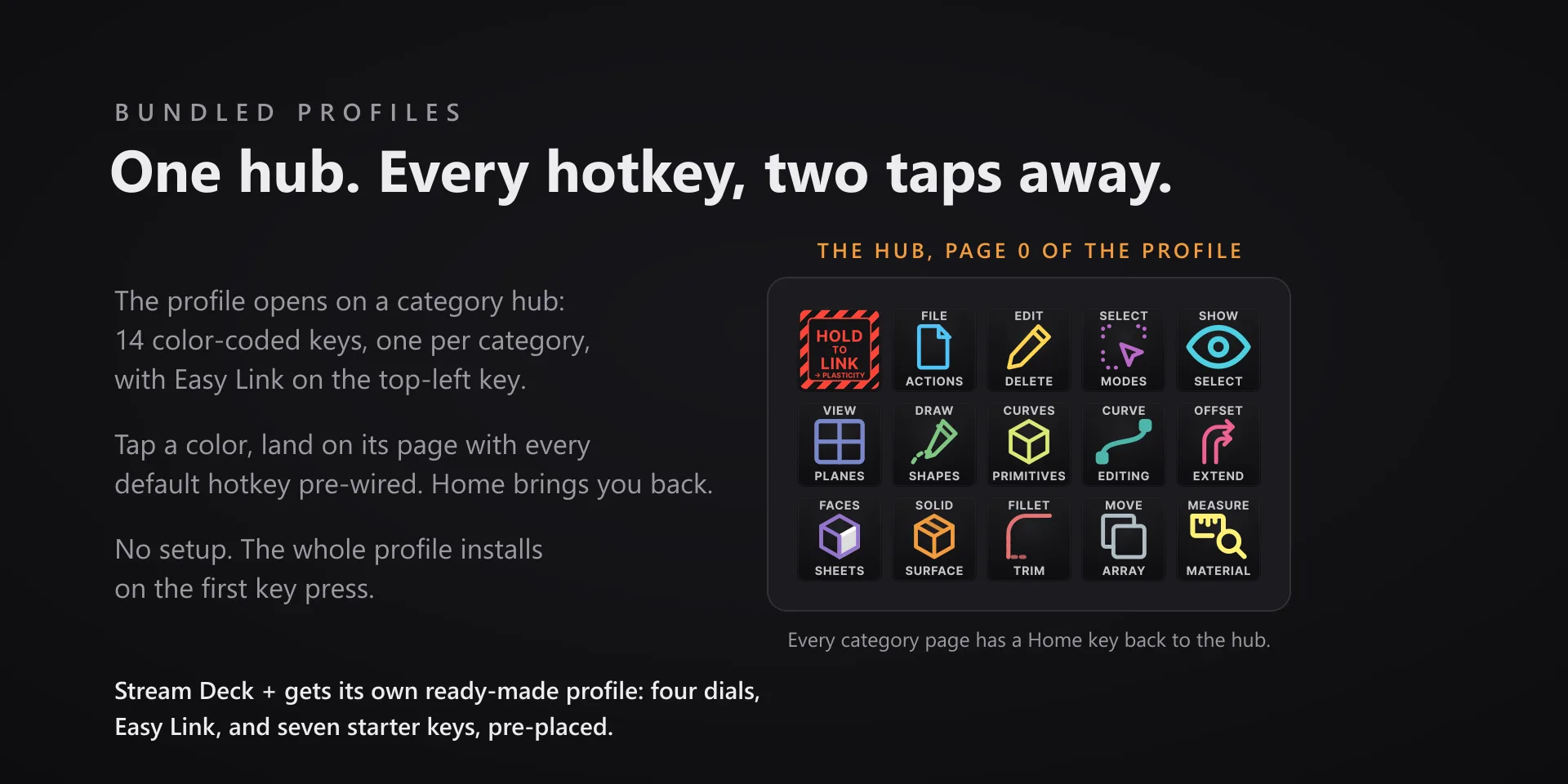
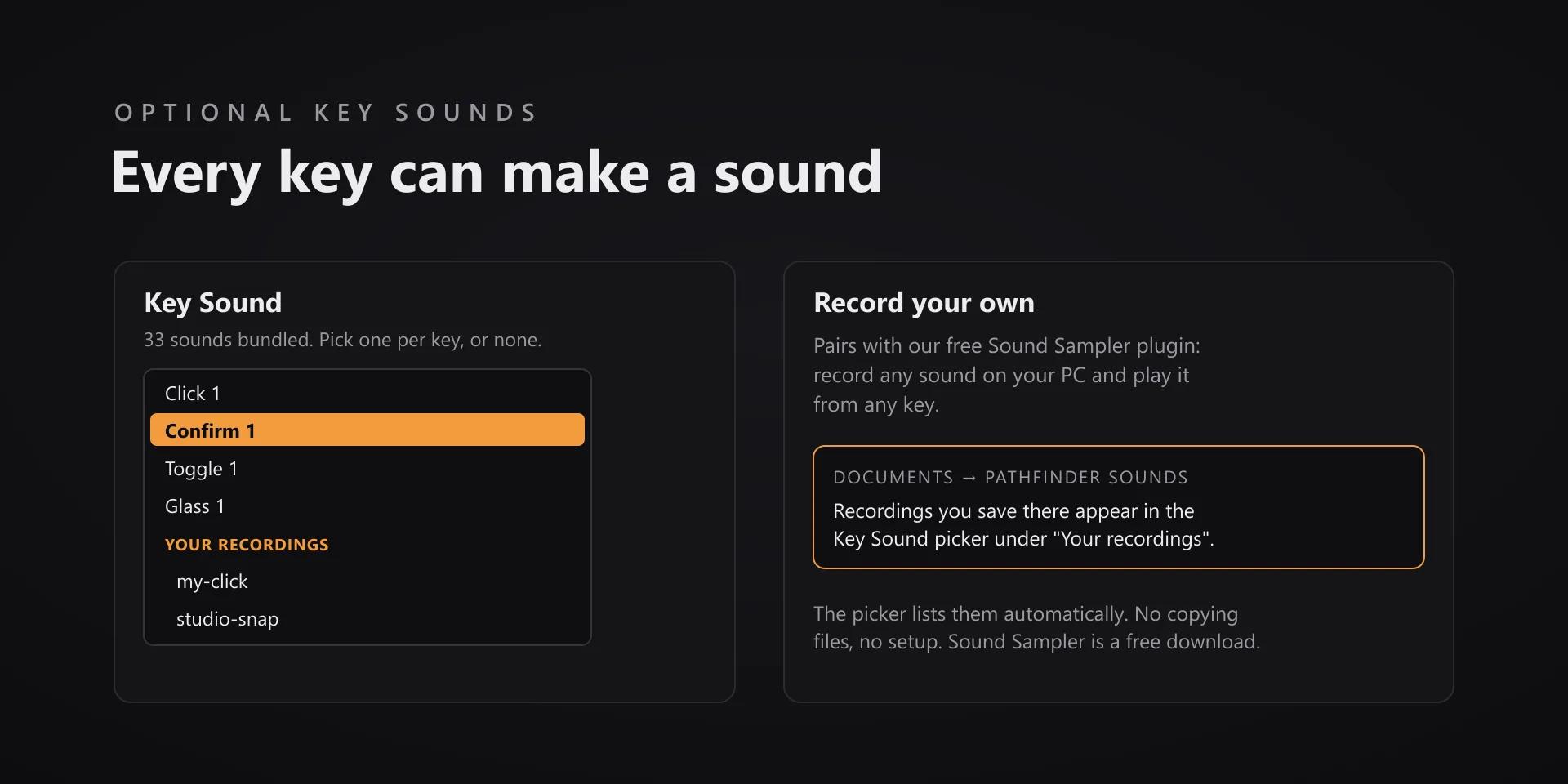
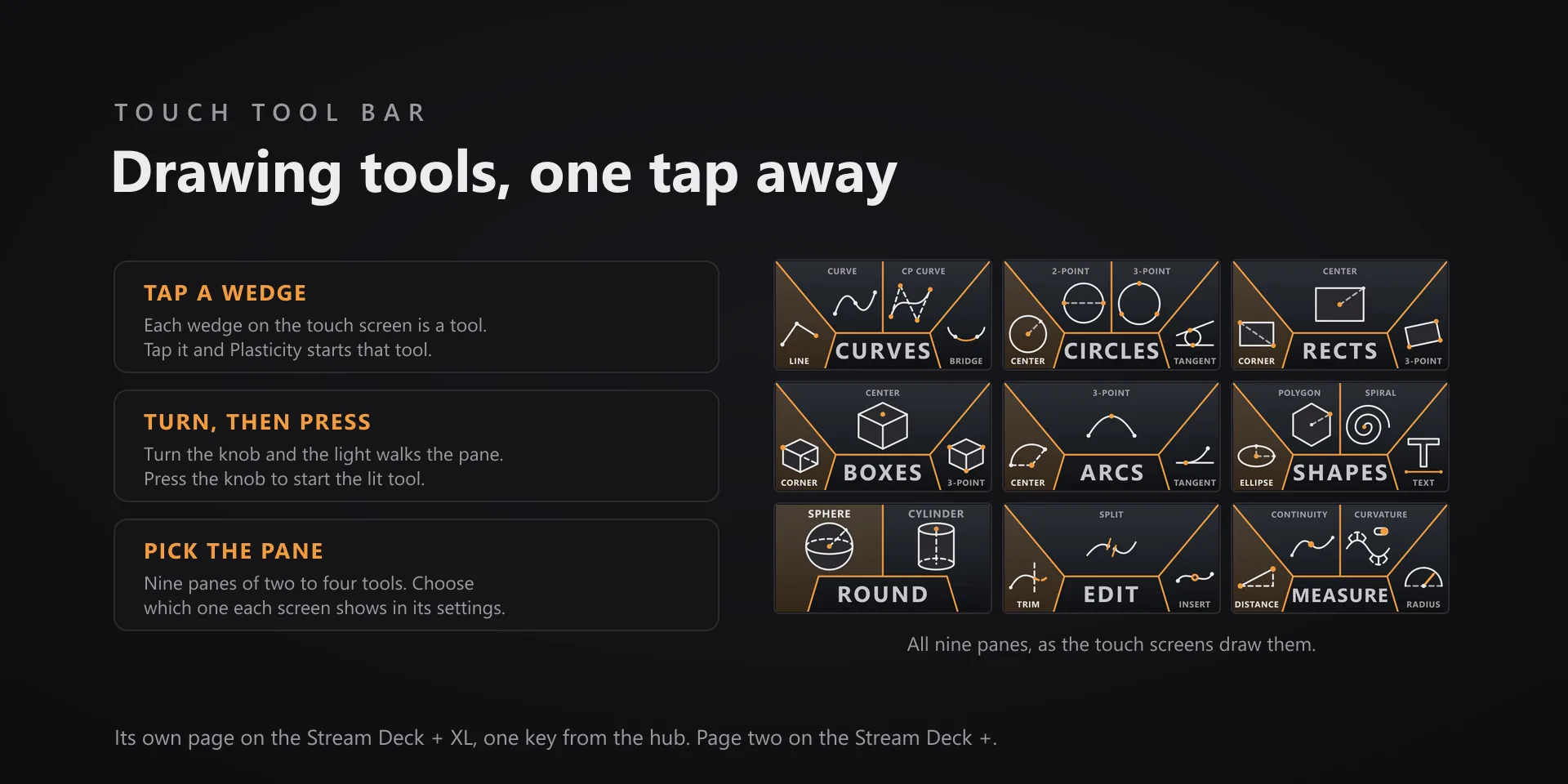
Keys you find by shape instead of by reading them. Every command is drawn, and every one can answer with a sound.

Download Now

On the Elgato Marketplace

What it does

What you need

Windows 10 or later, Stream Deck software 6.9 or newer, and Plasticity 26.1.3.

Support

Good to know

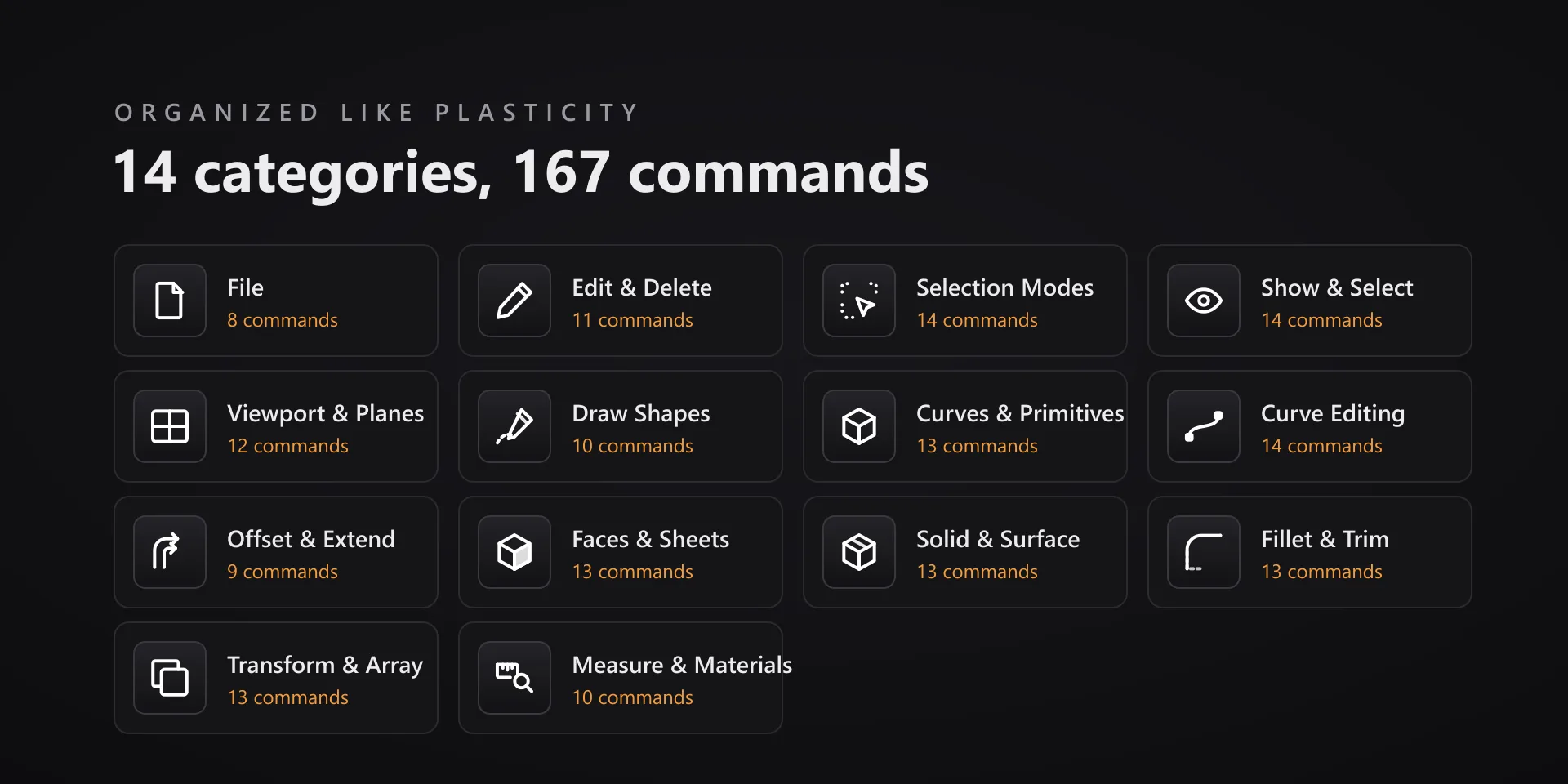
  • 106 of the 167 commands fire on a shortcut Plasticity already ships. The other 61 have none. For 58 of those, any hotkey key's settings carry a one-click Install Plasticity key bindings button that merges frozen F13 to F20 chords into Plasticity's own keymap. It backs that file up first, never overwrites a shortcut you set, and undoes cleanly. Restart Plasticity afterward.
  • Until you install those bindings, the affected keys show the deck's alert and send nothing. That is deliberate: a key that quietly does nothing is worse than one that tells you.
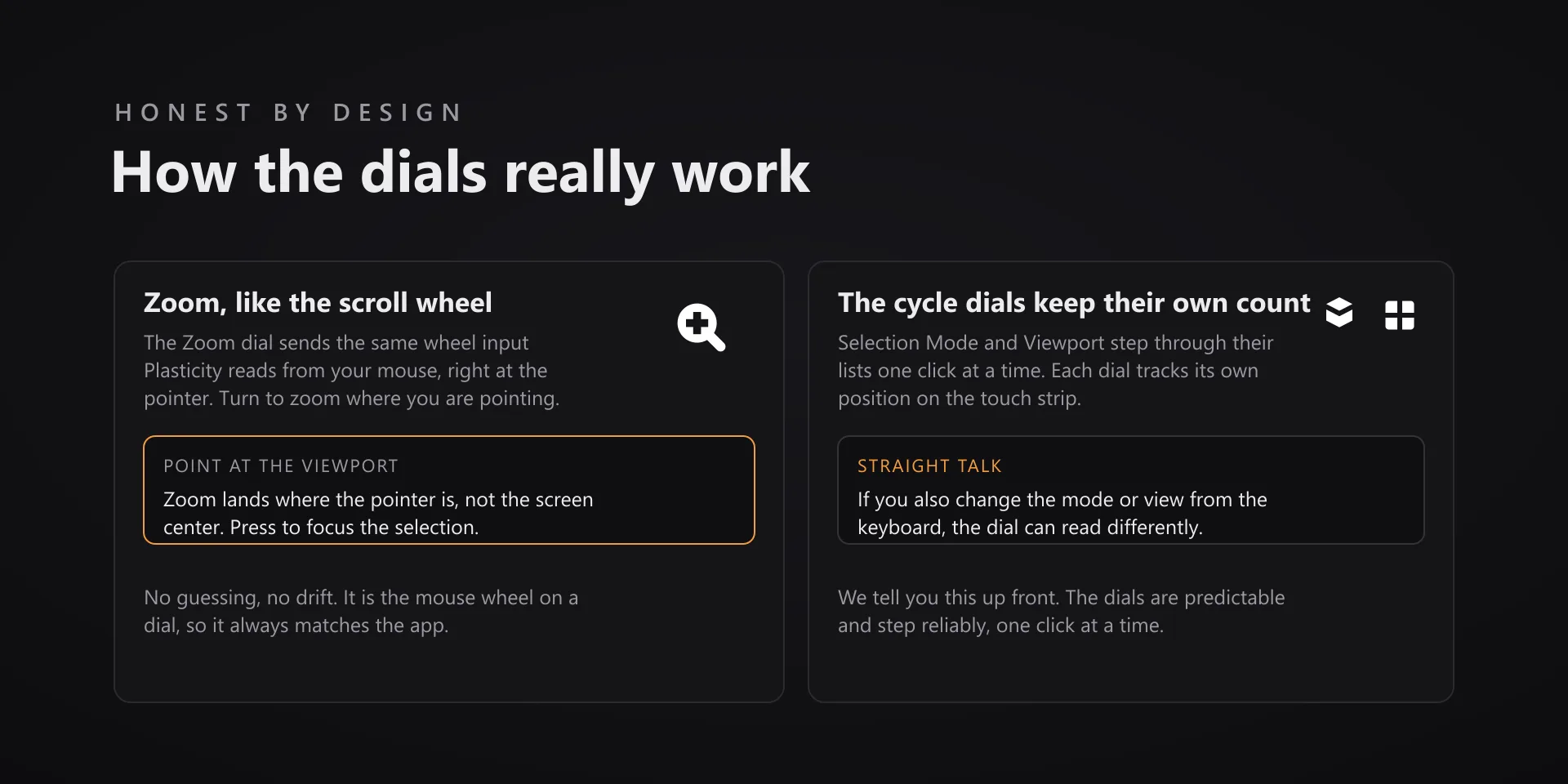
  • Per-key sounds play through the system default output device.
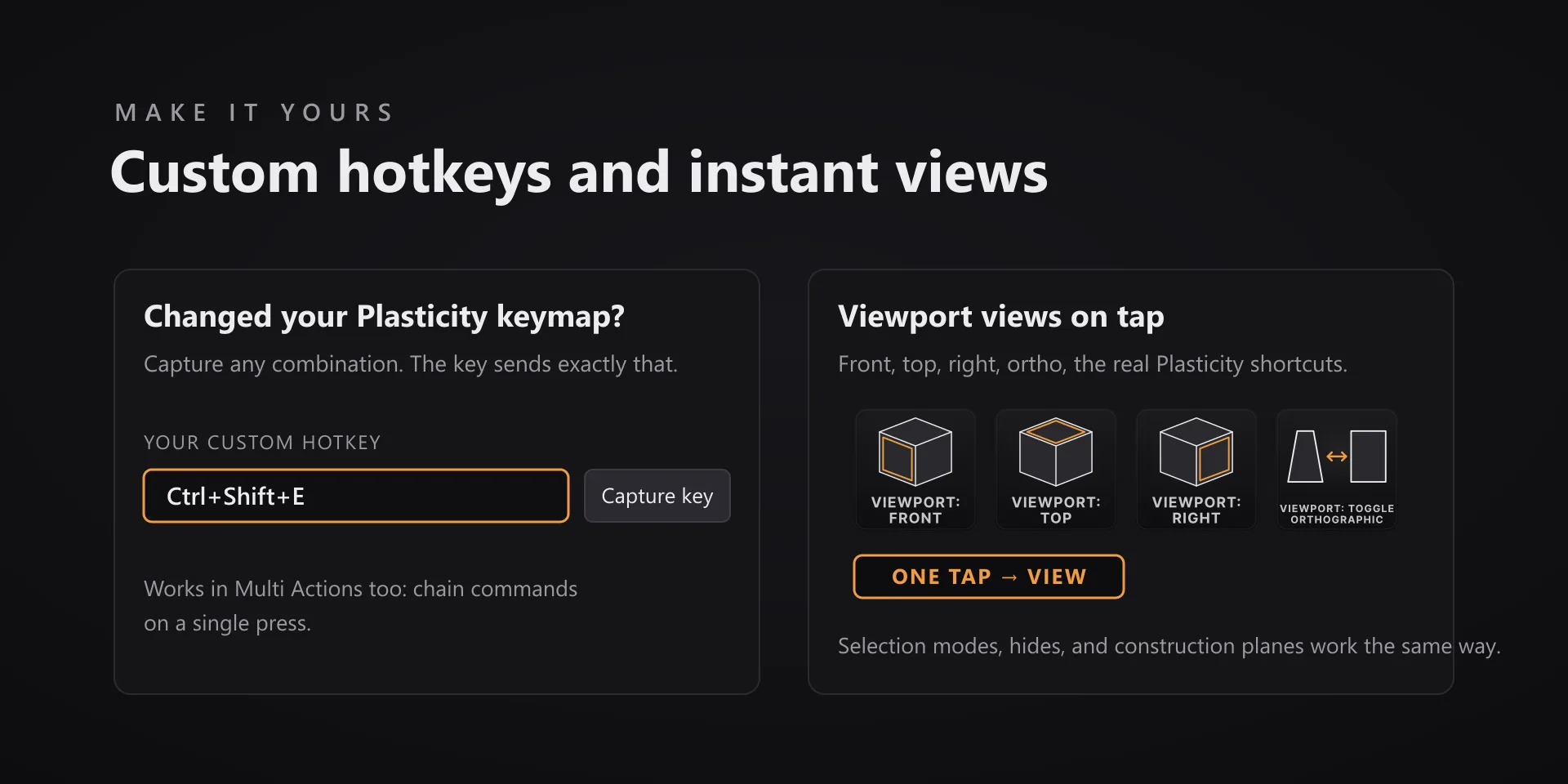
  • Plasticity's keymap is user-editable; remapped commands need the hotkey capture, same as everywhere else.

True of every plugin we make

  • Every key carries the app's own shortcut for that command, and every key is remappable. Type your combination into the property inspector or click Capture and press it once. Where an app leaves a command unbound, the key still reaches it by the route that app exposes.
  • Keystrokes go to the front window and nothing steals focus, so keep the target app in front when you press.
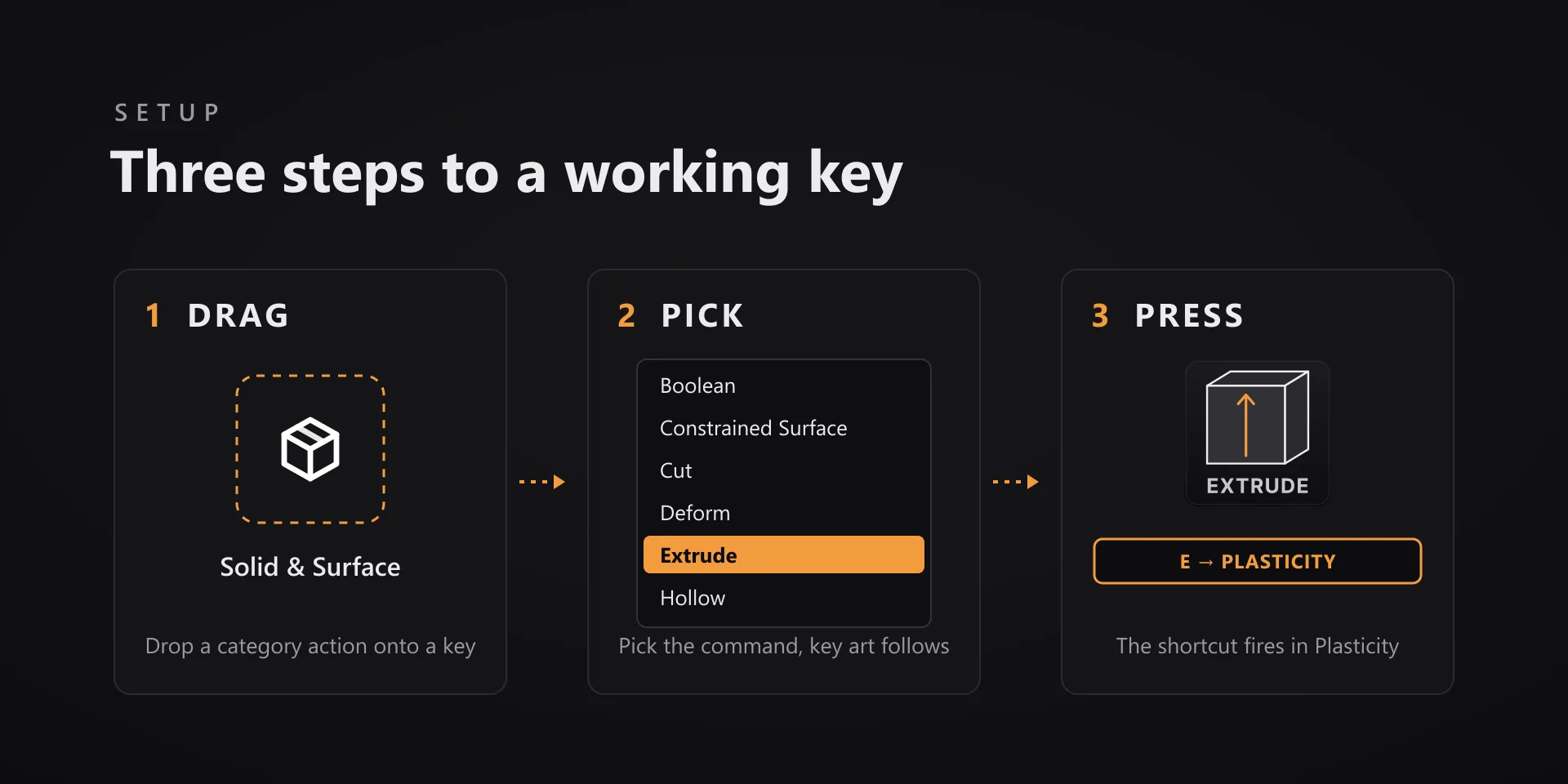
  • Every command has its own drawn key art, so the deck reads at a glance instead of listing shortcuts.

Read the full quick fixes, or see this plugin on the support hub.

Still stuck? Email [email protected] with the plugin name, your Stream Deck software version, and what you pressed versus what happened. A human answers.