PathfinderPrototyping · St. Paul MN

Reference boards · Stream Deck plugin

PureRef Hotkeys

A reference board is only useful when it is always in reach and never in the way. These keys move it, fade it, and draw on it without pulling you off the work.

Download Now

On the Elgato Marketplace

What it does

What you need

Windows 10 or later, Stream Deck software 6.9 or newer, and PureRef. Built and tested against PureRef 2.1.3.

Support

Good to know

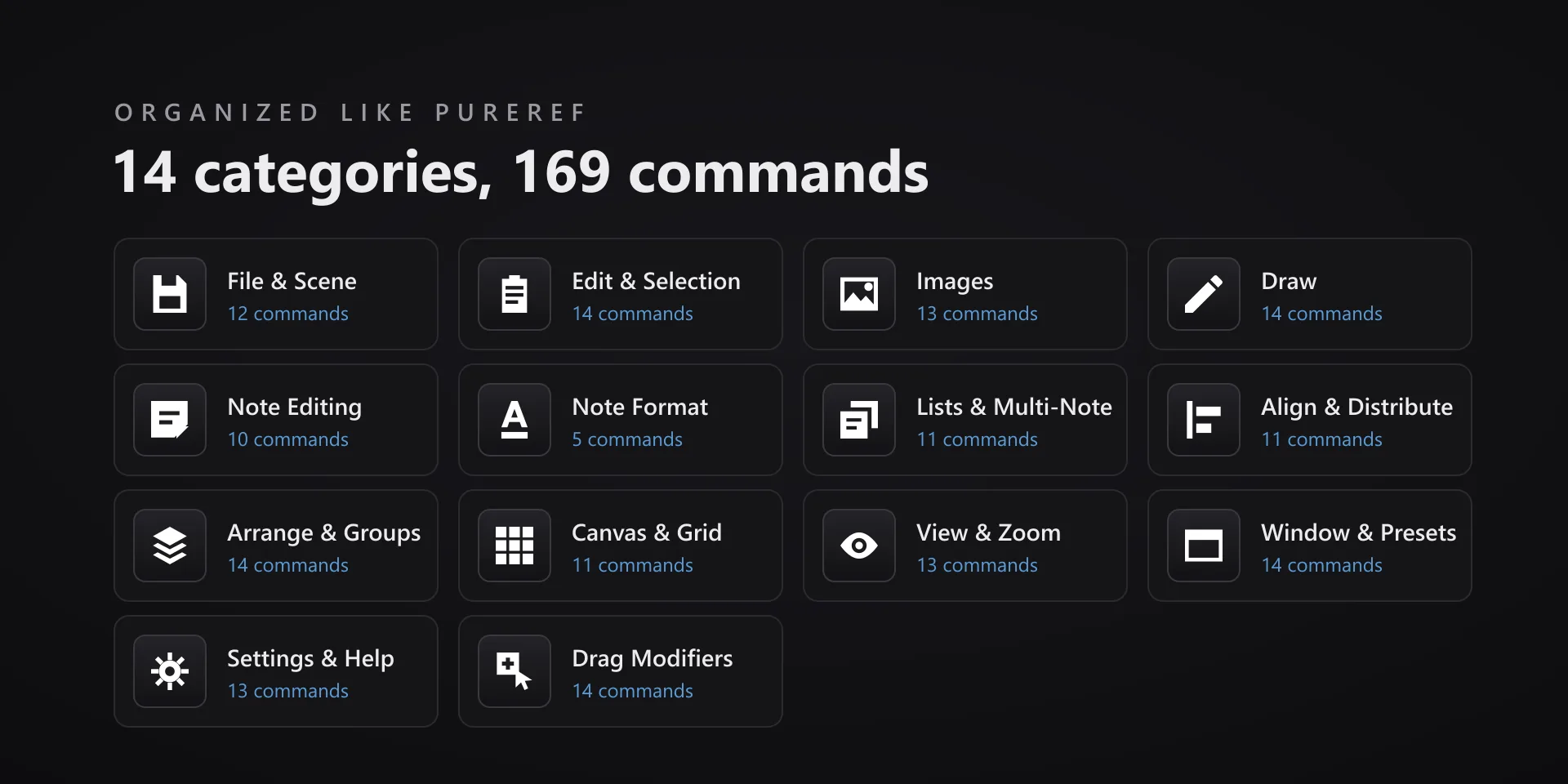
  • Draw keys follow PureRef's current tool mode, so the same key can behave differently while a drawing tool is active. That is by design.
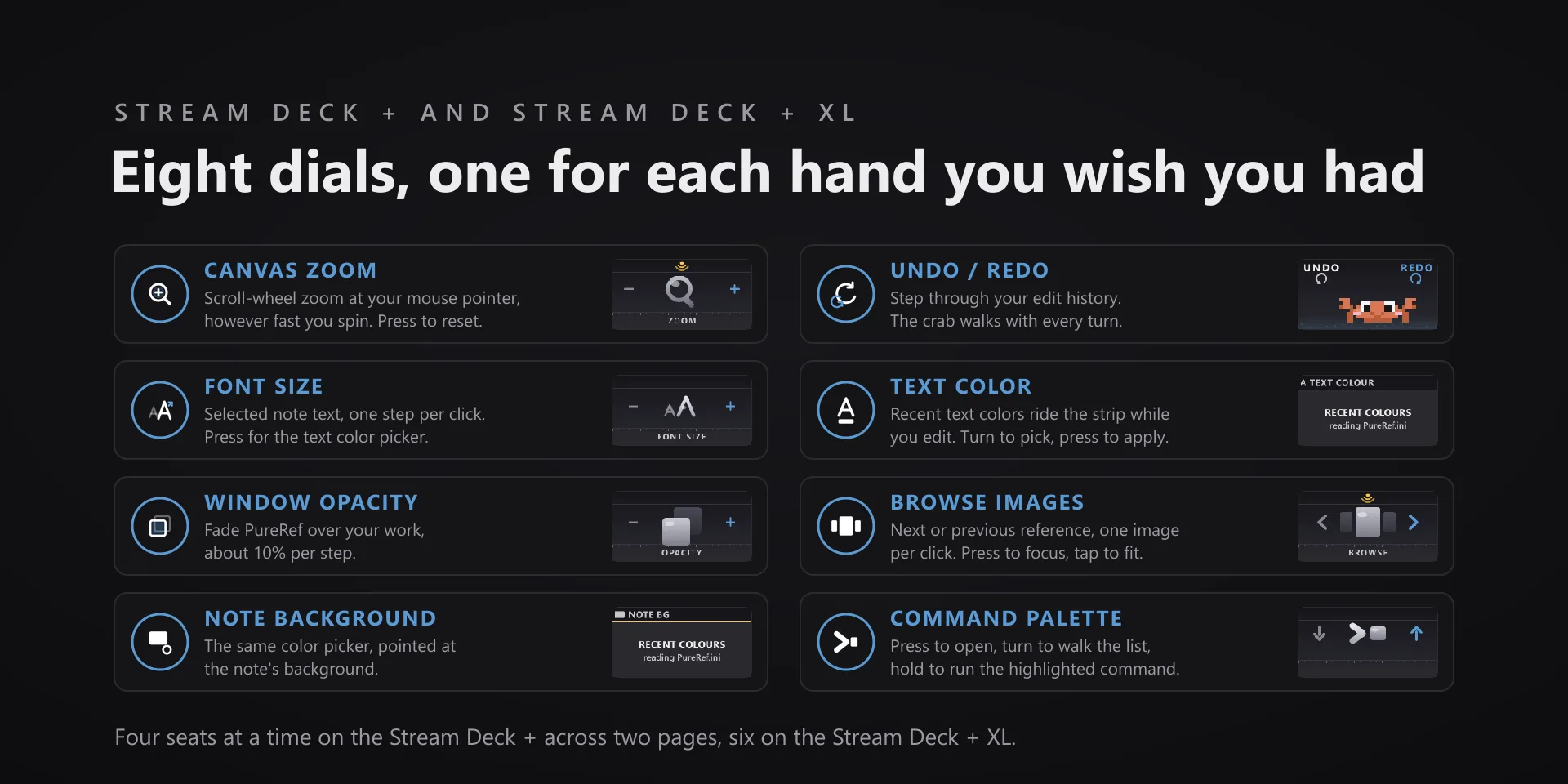
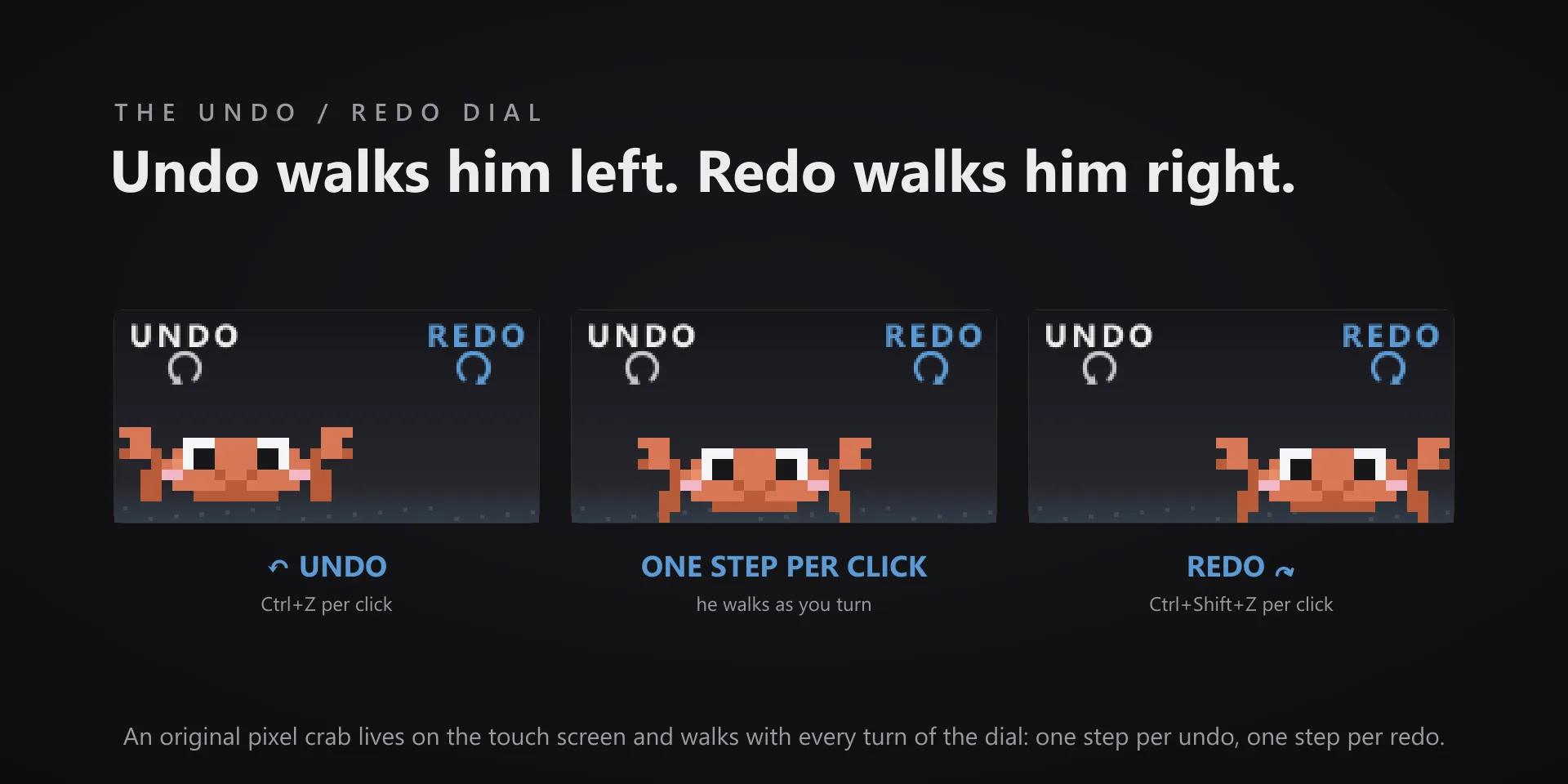
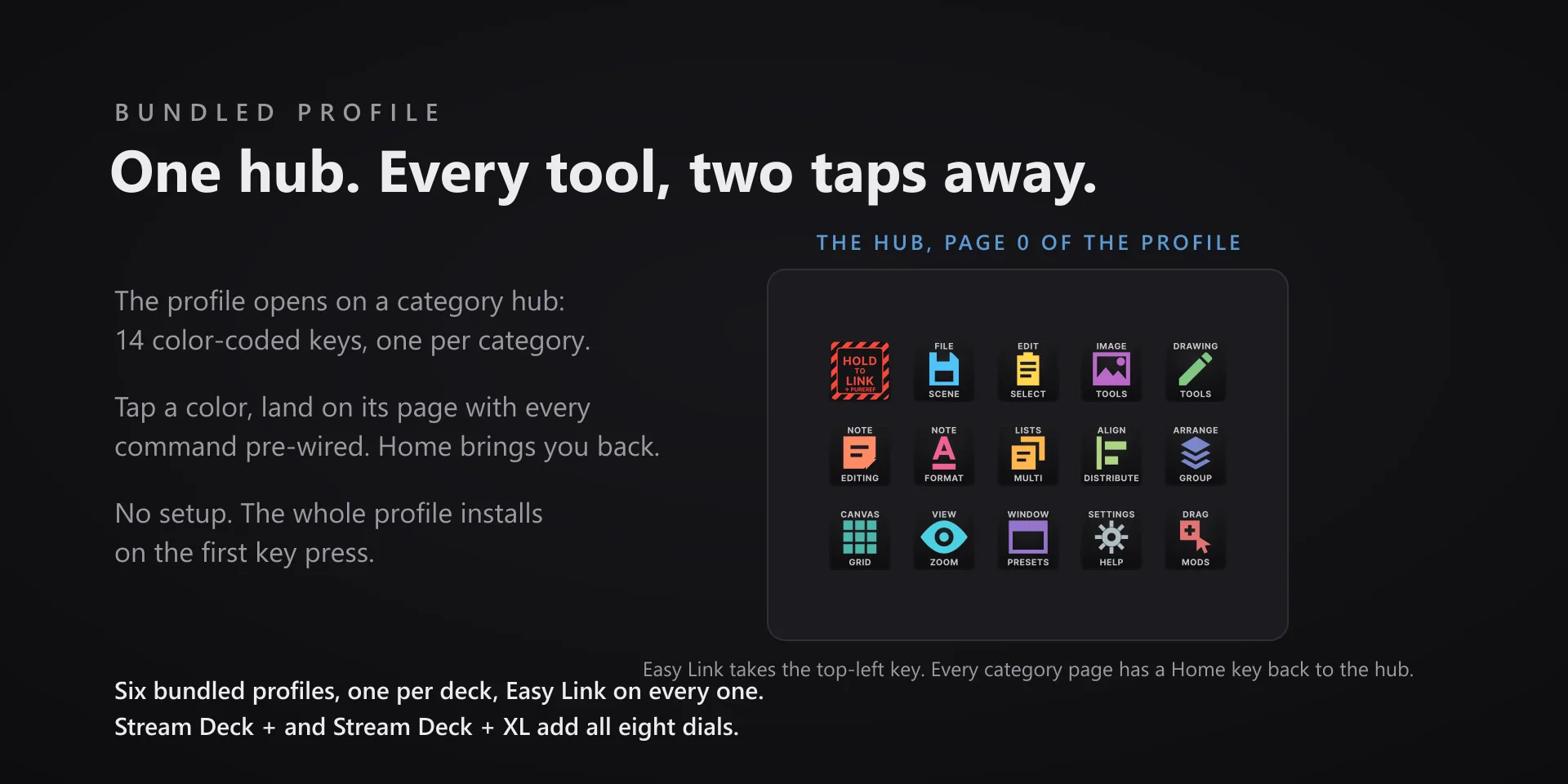
  • Bundled profiles ship for all six current Stream Deck models: Stream Deck, Stream Deck +, Stream Deck + XL, Stream Deck XL, Stream Deck Mini and Stream Deck Neo. The dial profiles need a deck with dials, the rest are keys only.

True of every plugin we make

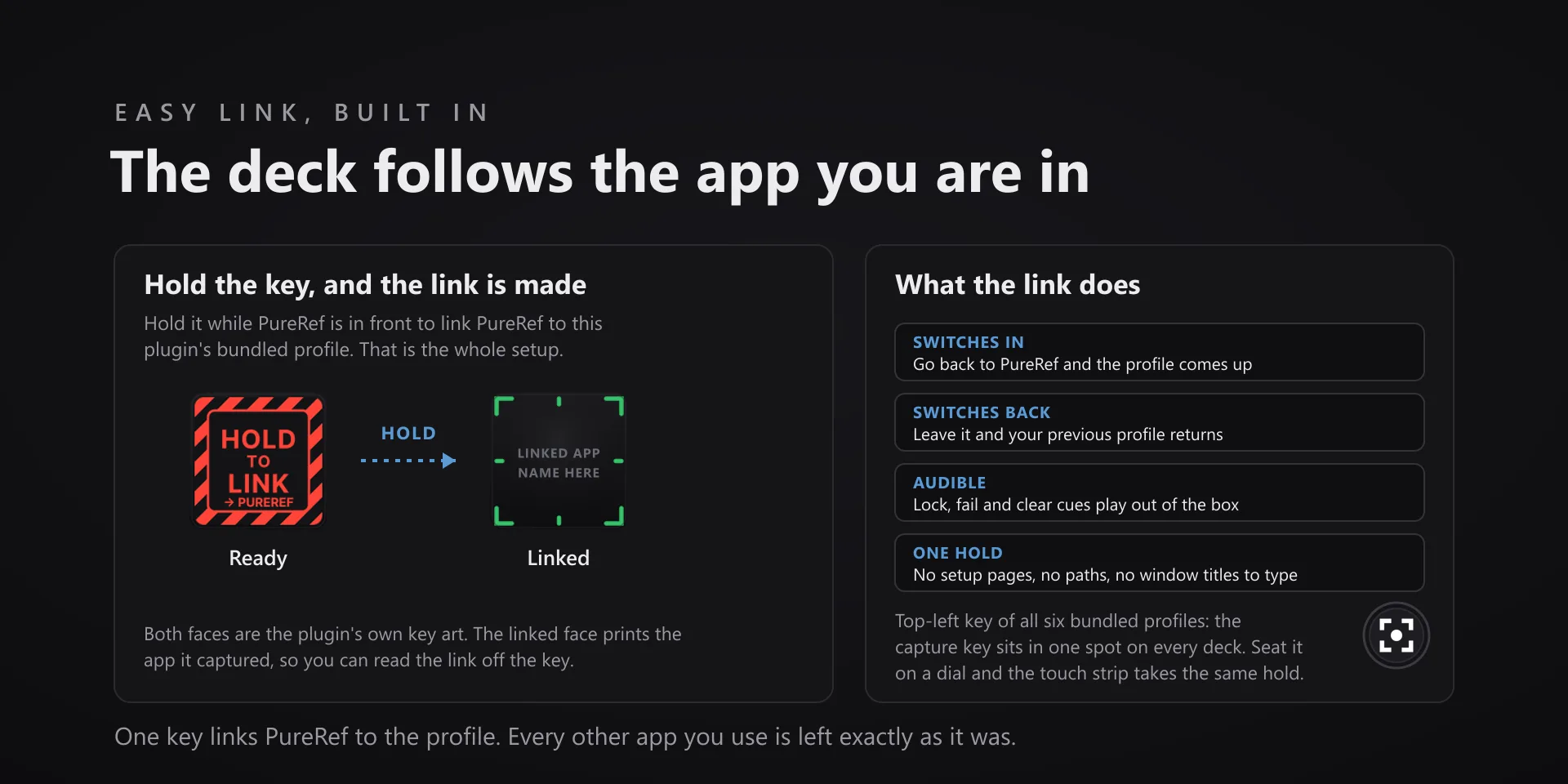
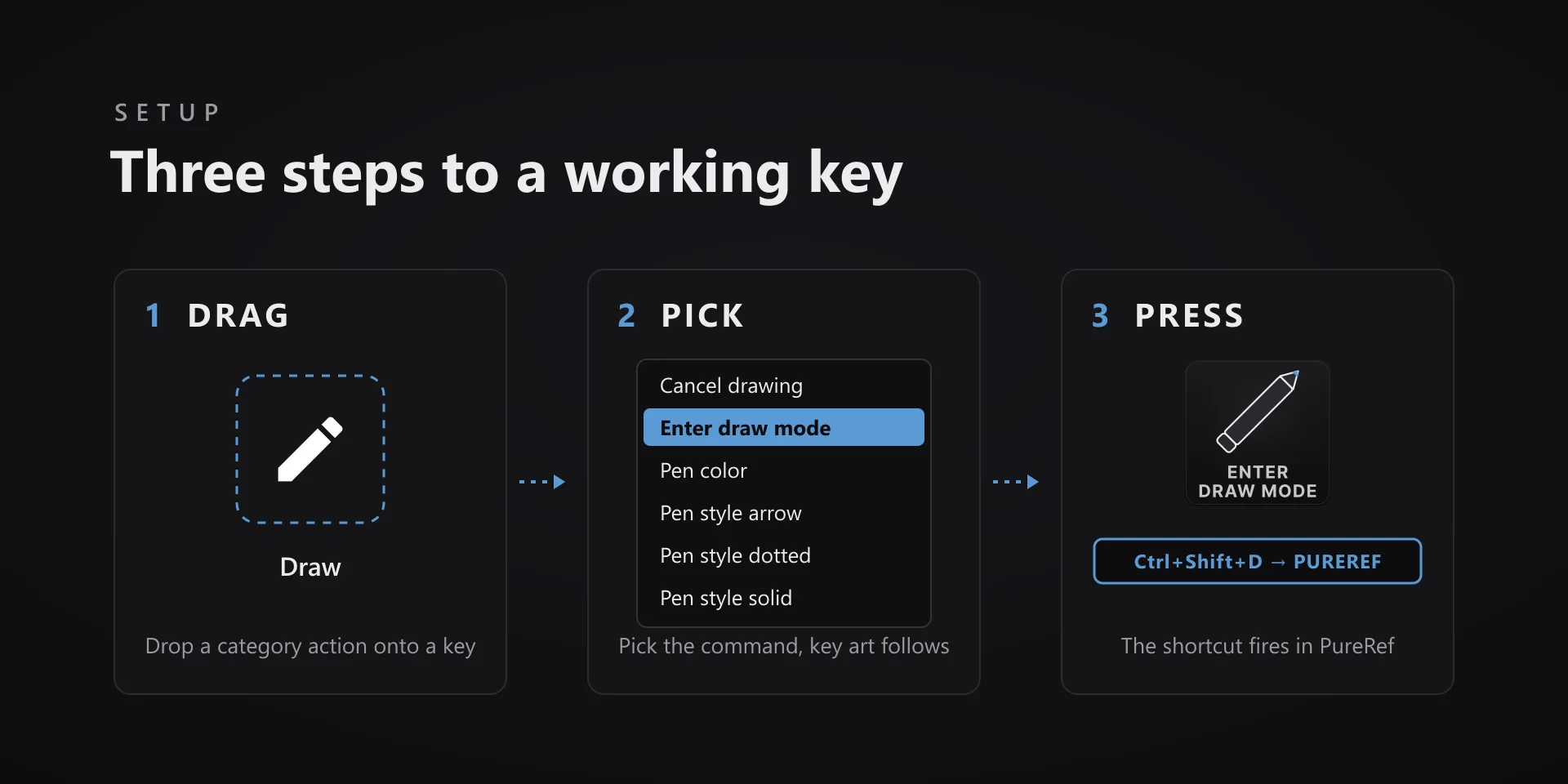
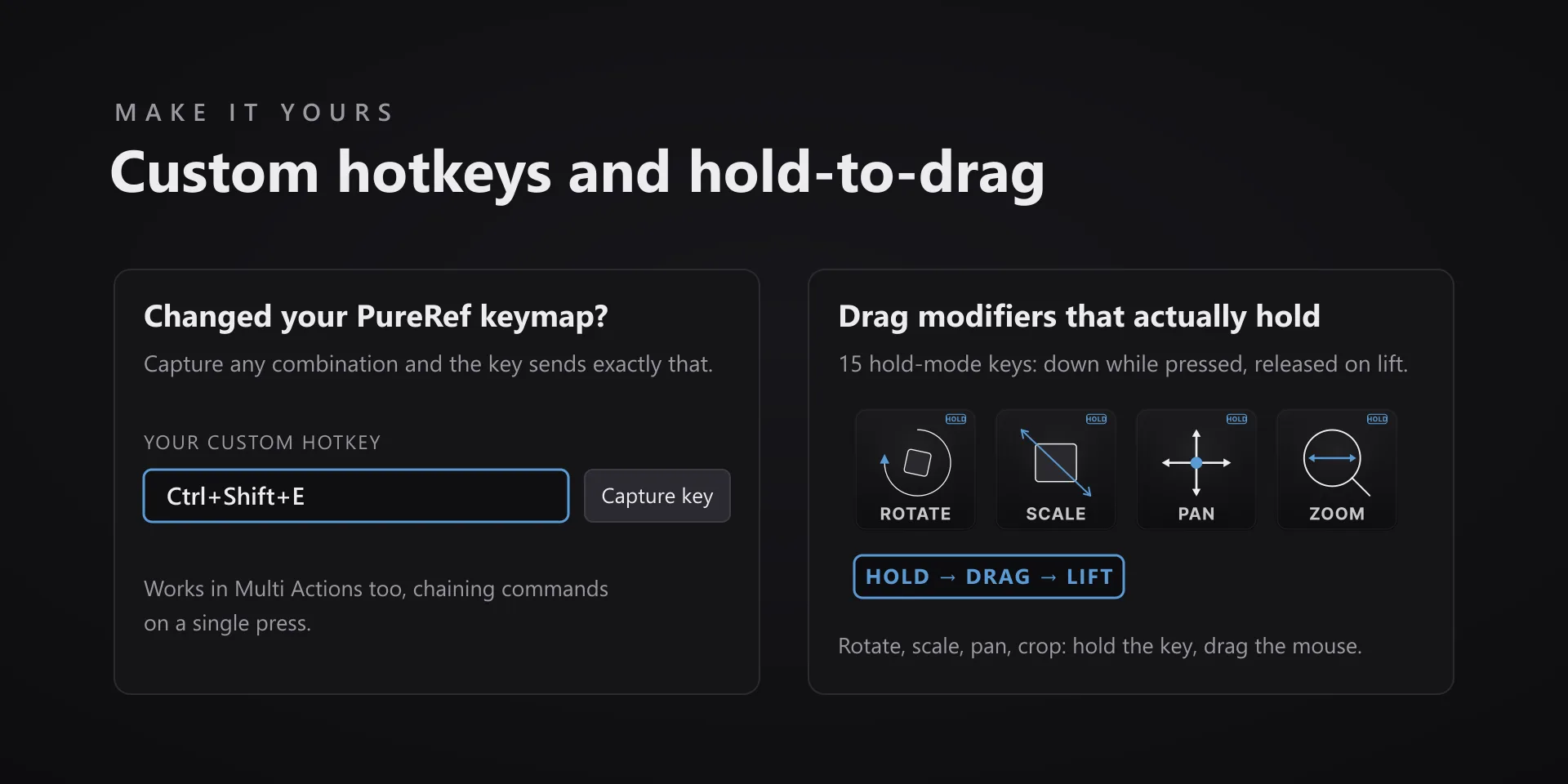
  • Every key carries the app's own shortcut for that command, and every key is remappable. Type your combination into the property inspector or click Capture and press it once. Where an app leaves a command unbound, the key still reaches it by the route that app exposes.
  • Keystrokes go to the front window and nothing steals focus, so keep the target app in front when you press.
  • Every command has its own drawn key art, so the deck reads at a glance instead of listing shortcuts.

Read the full quick fixes, or see this plugin on the support hub.

Still stuck? Email [email protected] with the plugin name, your Stream Deck software version, and what you pressed versus what happened. A human answers.