PathfinderPrototyping · St. Paul MN

3D modeling · Stream Deck plugin

Rhino Commander

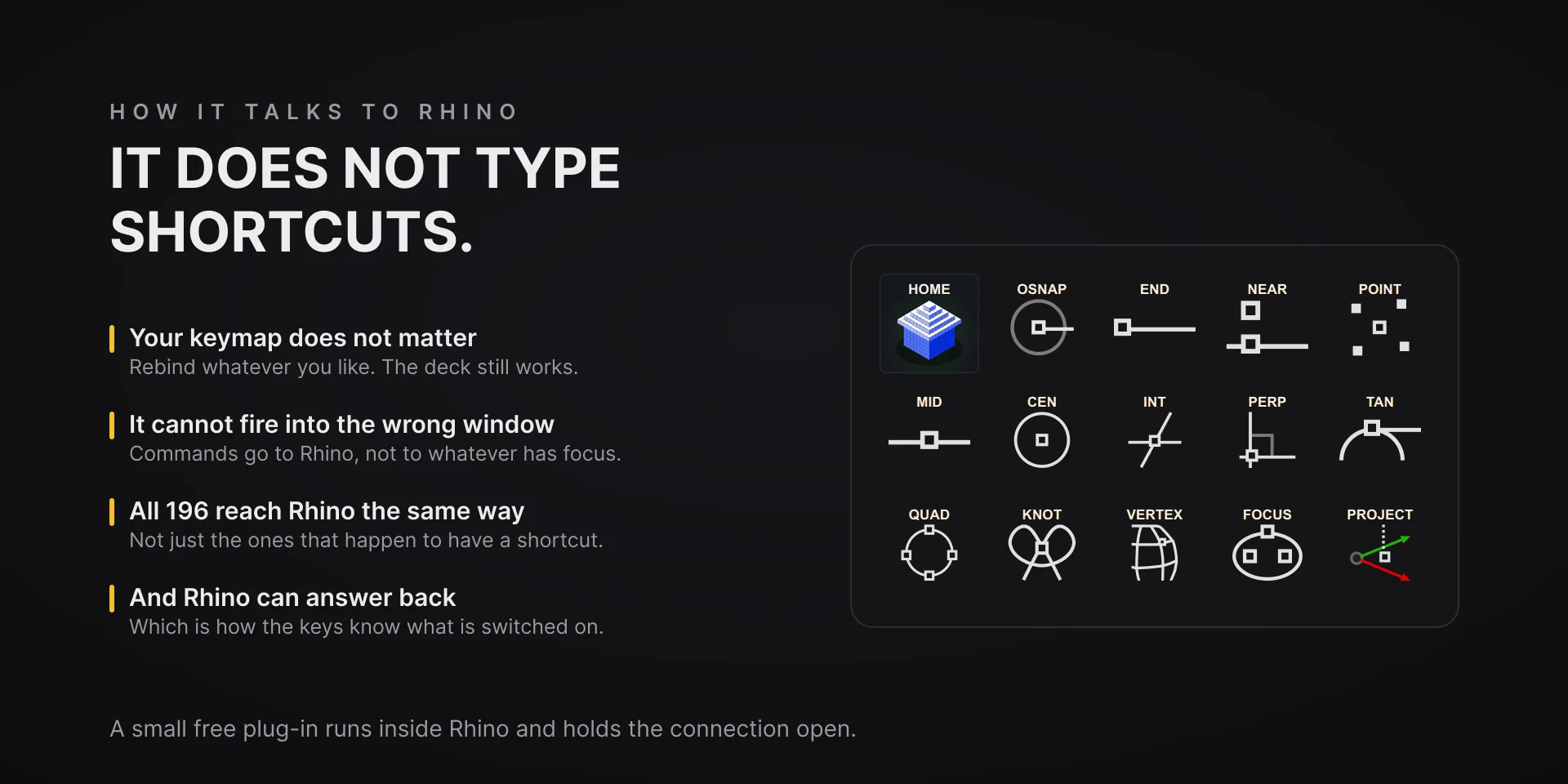
A shortcut only reaches the fraction of Rhino that has one. Sending the command itself reaches the whole set, cannot land in the wrong window, and does not care what you have rebound.

In Marketplace review Waiting on Elgato Marketplace review. Not purchasable yet.
What it does

What you need

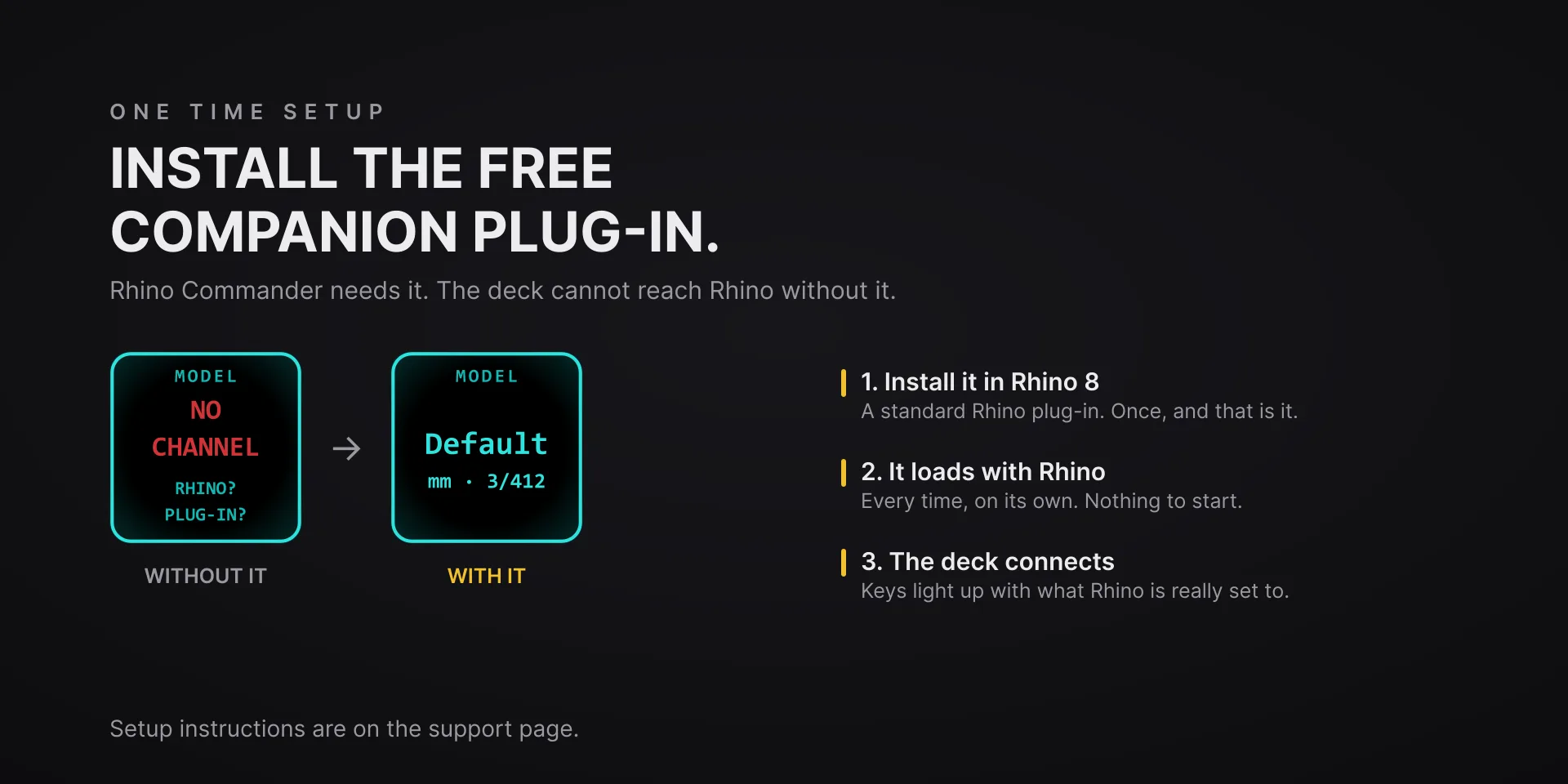
Rhino 8 on macOS 13 or newer or on Windows 10 or 11, verified against Rhino 8.35, and Stream Deck software 6.9 or newer. The companion plug-in Rhino needs is included and installs itself on first run; restart Rhino once after installing.

Support

Good to know

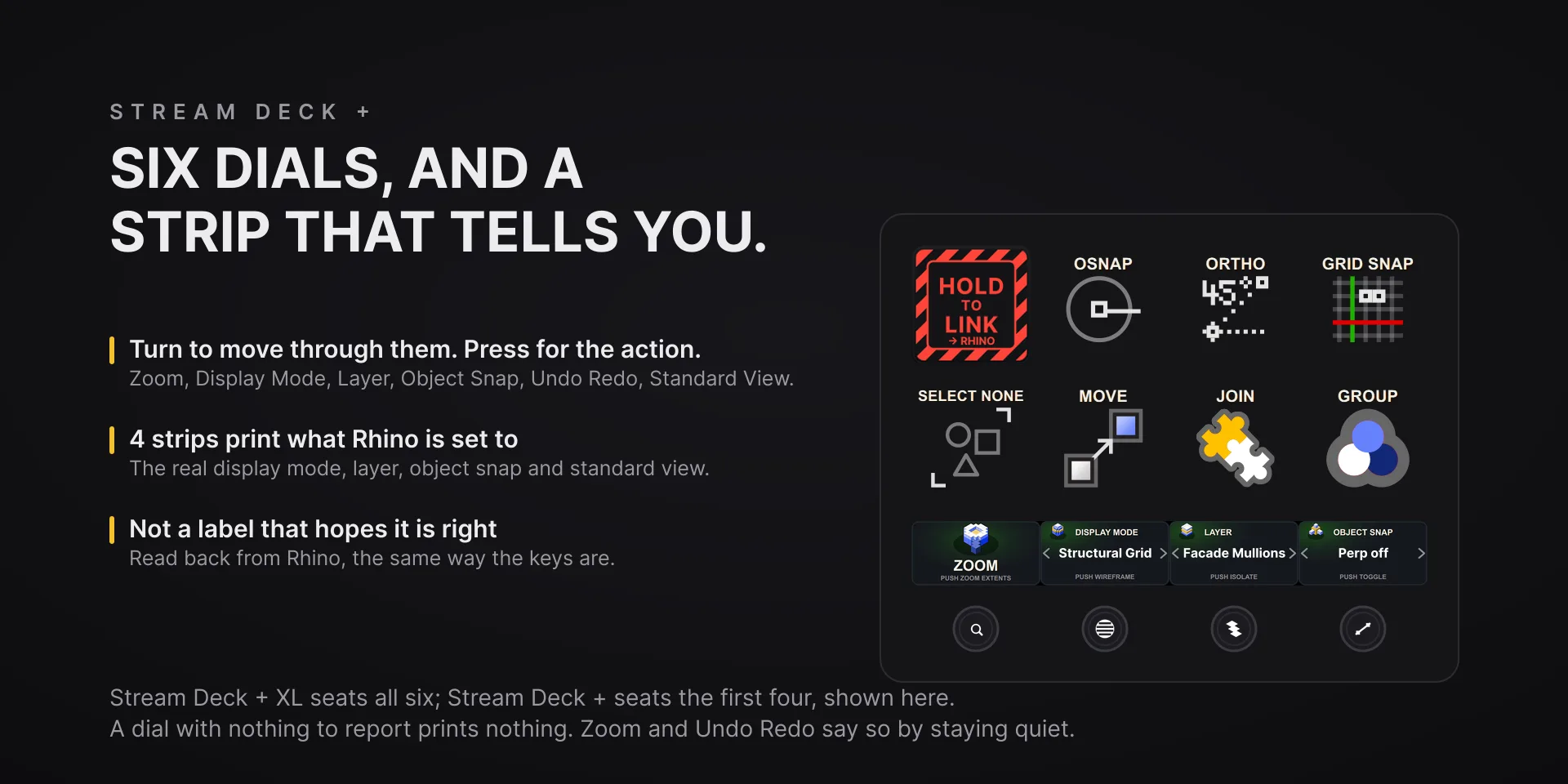
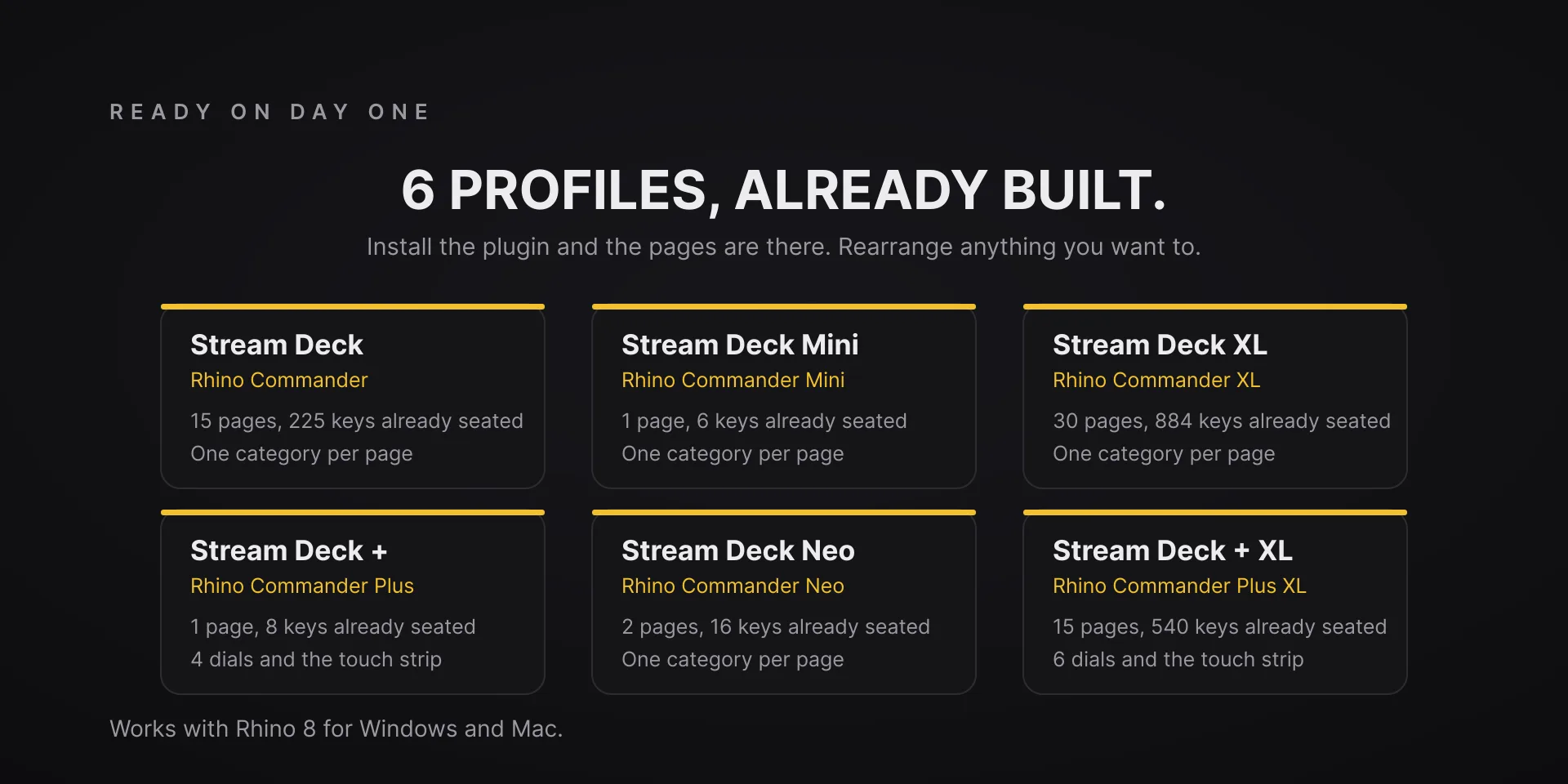
  • Rhino 8 for Windows and Mac, verified against Rhino 8.35, with Stream Deck software 6.9 or newer. Profiles are bundled for six decks: the 15-key Stream Deck, the Stream Deck +, the Stream Deck + XL, the 32-key Stream Deck XL, the Stream Deck Mini and the Stream Deck Neo.
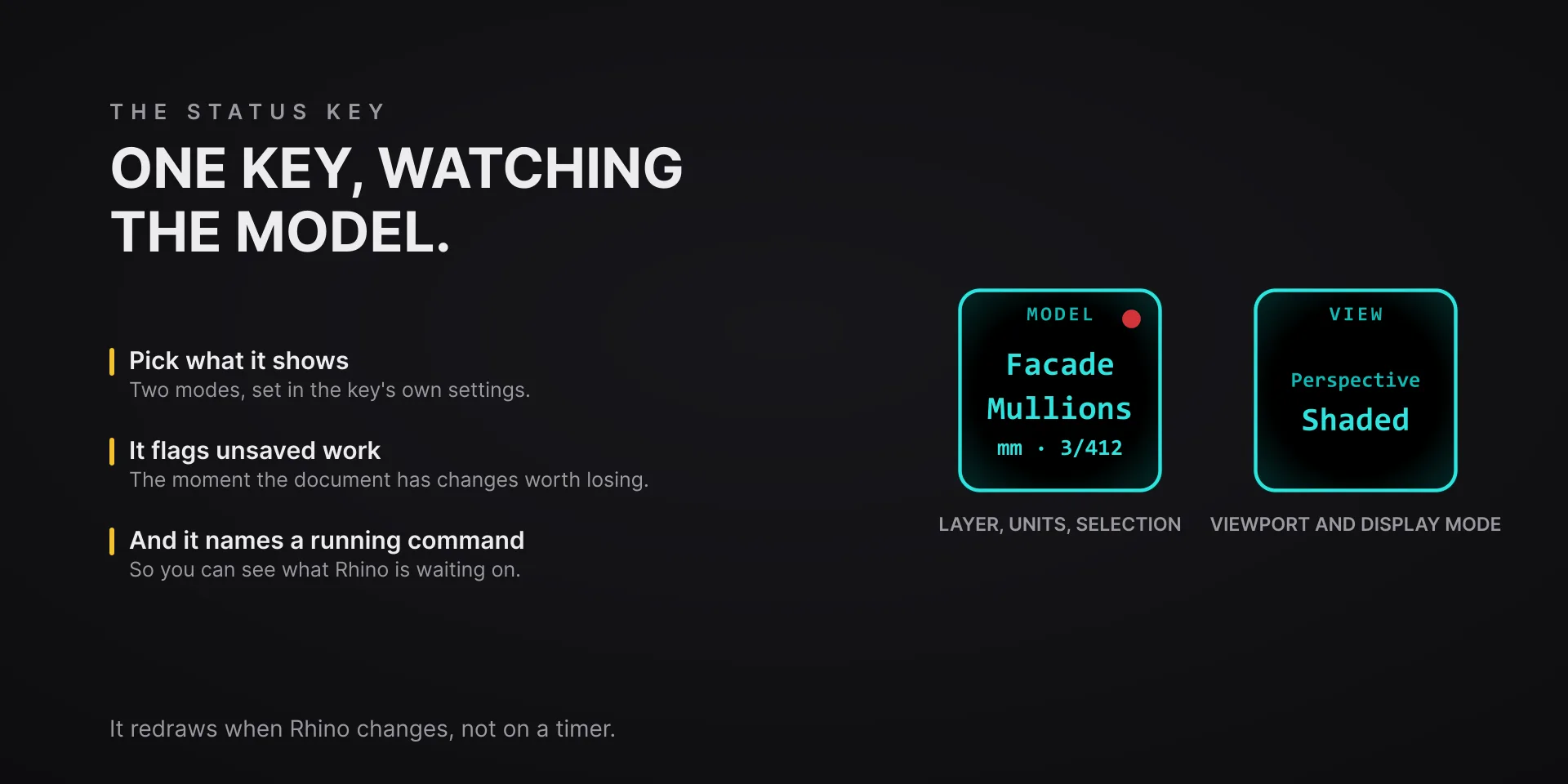
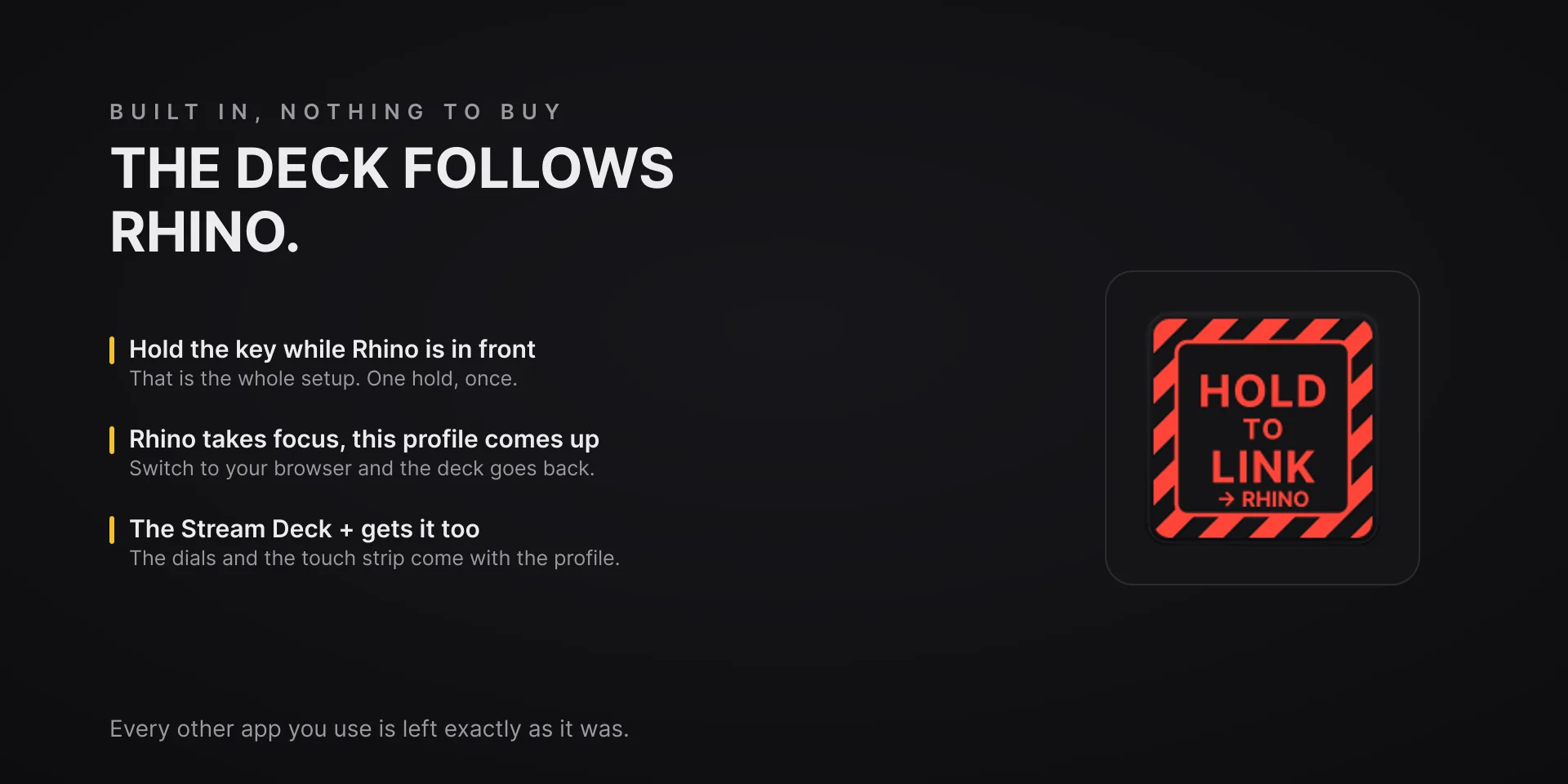
  • Setup is one restart. The Rhino 8 companion plug-in is included and installs itself the first time the plugin runs. Nothing to download. Restart Rhino once and the keys connect; the Status key tells you when that restart is due. The companion loads inside Rhino and listens only on this computer.
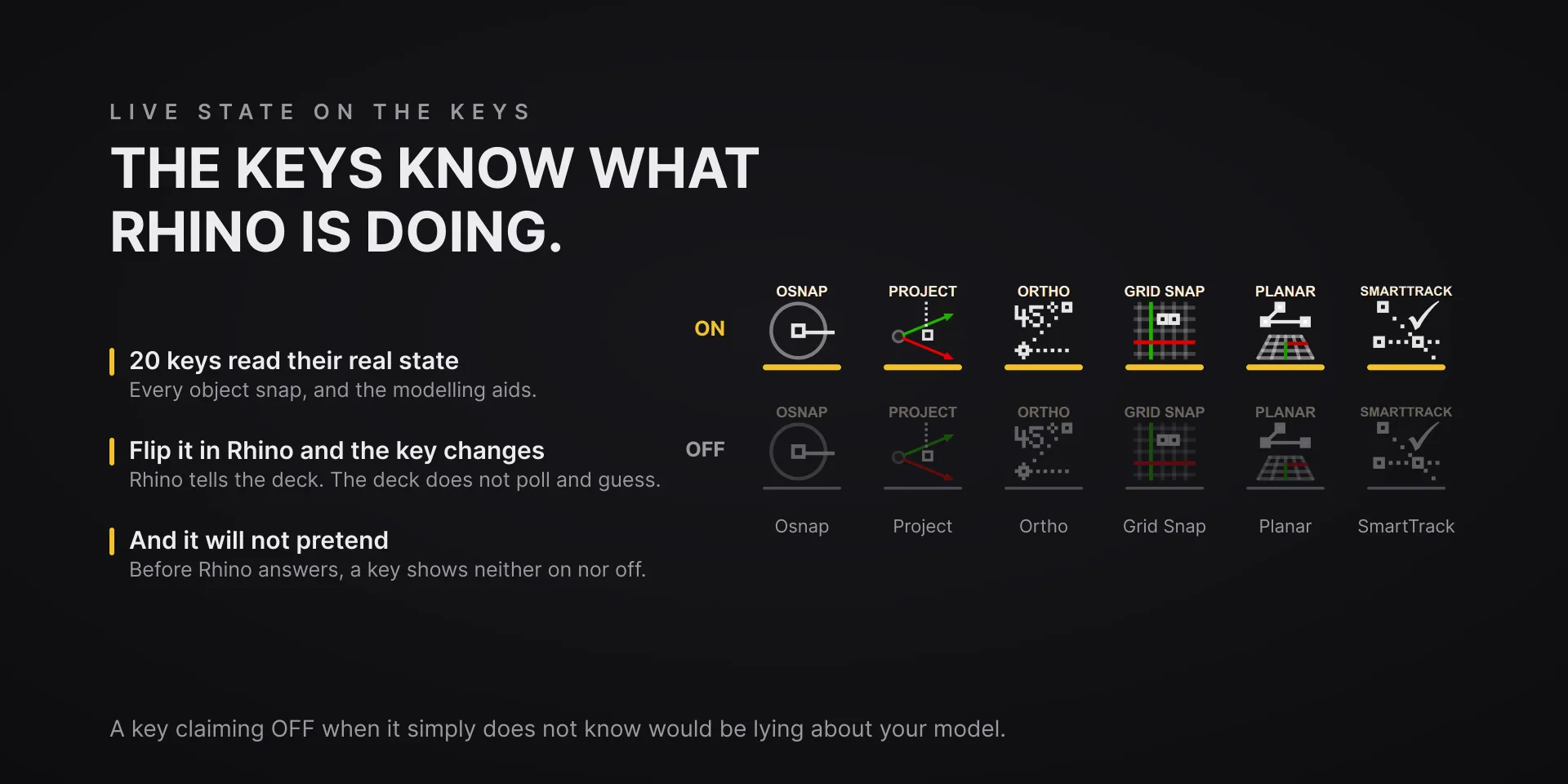
  • Commands go to Rhino directly, so they cannot land in another window and do not depend on your keyboard map. If Rhino is not answering, the keys dim and say so rather than typing into whatever is in front.
  • Rebound a command in Rhino? Any key can be remapped from the property inspector to the shortcut you use.

True of every plugin we make

  • Every key carries the app's own shortcut for that command, and every key is remappable. Type your combination into the property inspector or click Capture and press it once. Where an app leaves a command unbound, the key still reaches it by the route that app exposes.
  • Keystrokes go to the front window and nothing steals focus, so keep the target app in front when you press.
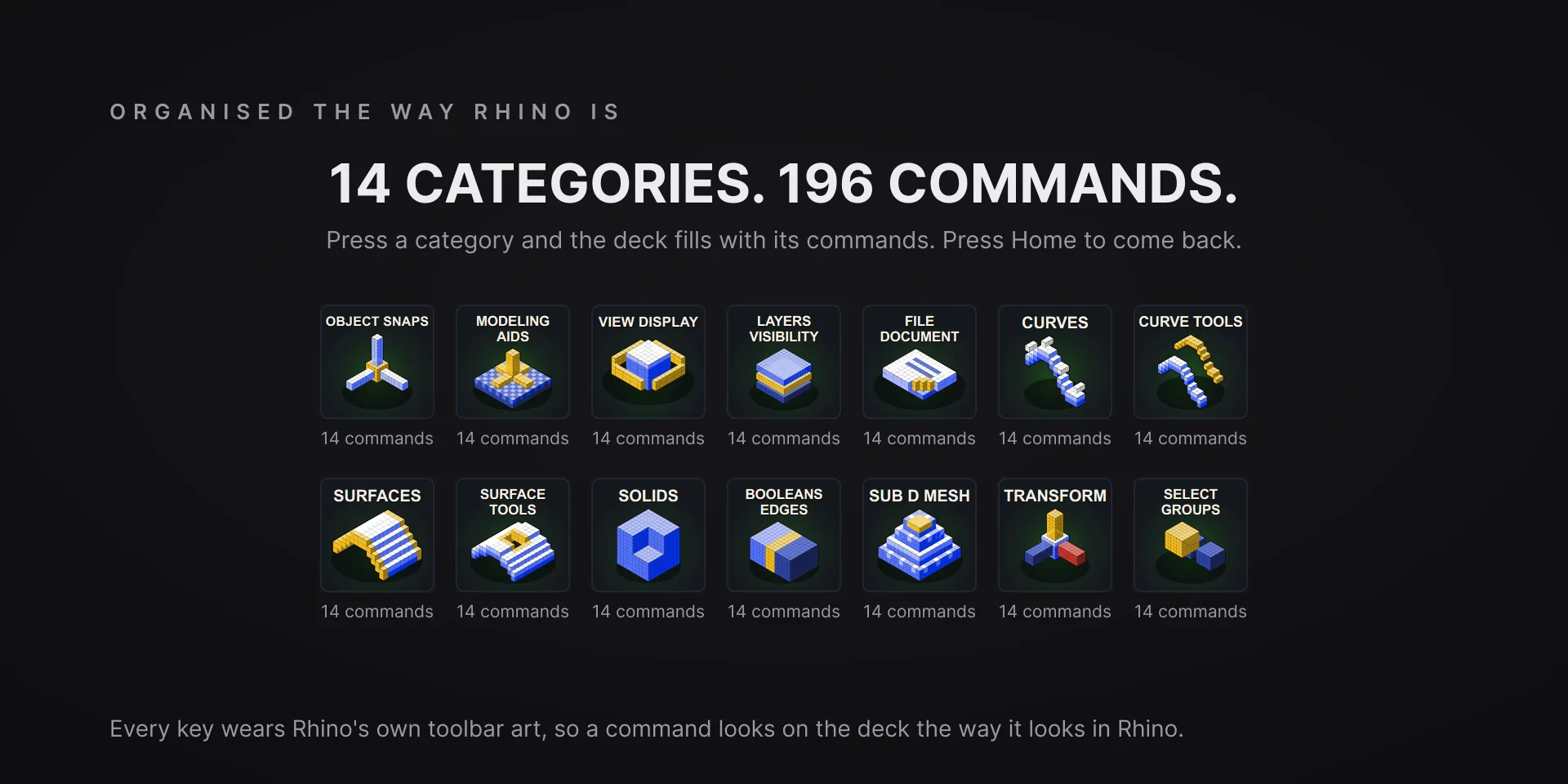
  • Every command has its own drawn key art, so the deck reads at a glance instead of listing shortcuts.

Read the full quick fixes, or see this plugin on the support hub.

Still stuck? Email [email protected] with the plugin name, your Stream Deck software version, and what you pressed versus what happened. A human answers.