PathfinderPrototyping · St. Paul MN

Laser design · Stream Deck plugin

xTool Laser Deck

Laying out a cut is a hundred small moves: nudge, align, zoom in, zoom back out. Each one costs a modifier chord or a trip to a menu, and your other hand is already on the mouse. This puts them under one finger.

Download Now

On the Elgato Marketplace

What it does

What you need

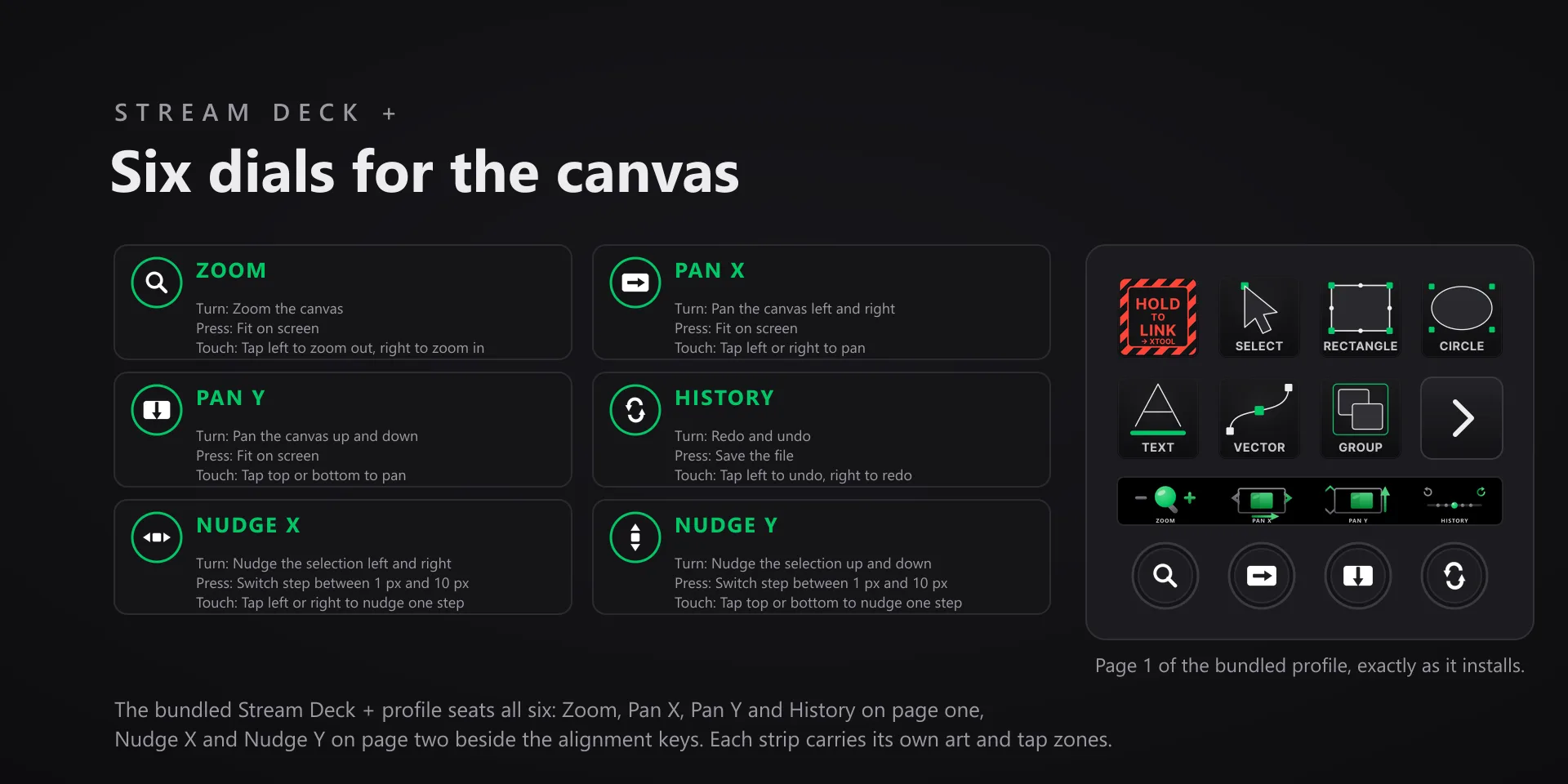
xTool Studio 1.8.14 on Windows 10 or 11, and Stream Deck software 6.9 or later. The six dials need a Stream Deck +; every key action works on any Stream Deck model.

Support

Good to know

  • Built and tested against xTool Studio 1.8.14 on Windows 10 and 11. Requires the Windows Stream Deck app 6.9 or later. The dials need a Stream Deck +; keys work on every Stream Deck model.
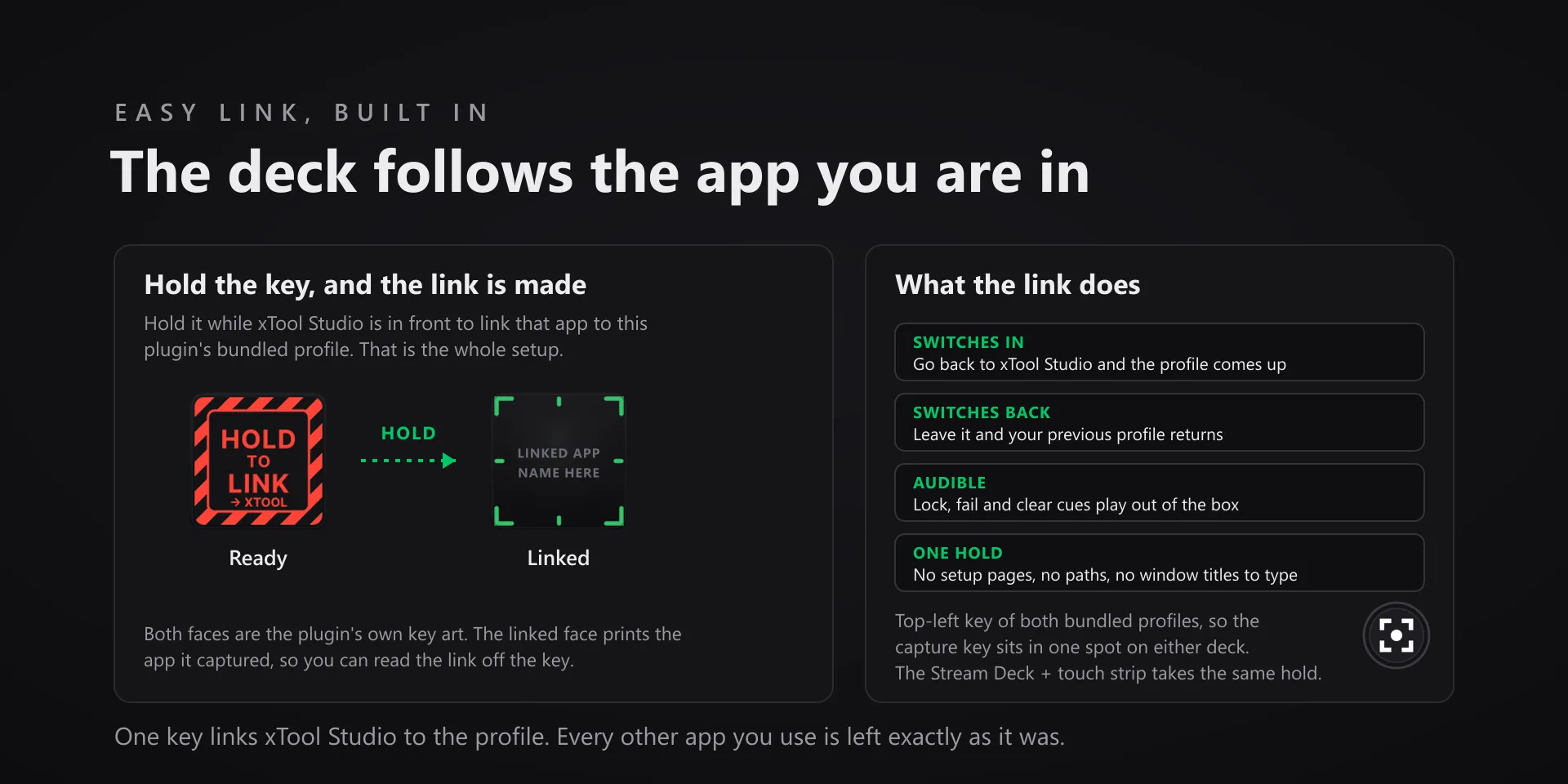
  • Keystrokes go to the active window, so keep xTool Studio in front when you press a key.
  • The Zoom, Pan X and Pan Y dials send a real mouse wheel event, the same way xTool Studio itself scrolls, so the pointer has to sit over the xTool Studio window. If it is somewhere else the dial refuses the send rather than scroll the wrong app. Pressing any of the three fits the drawing on screen.
  • The zoom keys send Ctrl with plus and minus. xTool's own published shortcut table lists the bare plus and minus keys, but the app does not answer those, so the plugin sends the combination that actually works.
  • Three keys are toggles the app keeps to itself: Lock / Unlock, Show / Hide and Auto-Snap. The key sends the flip, but xTool Studio exposes no way to read which state it landed in, so these keys do not display on or off.
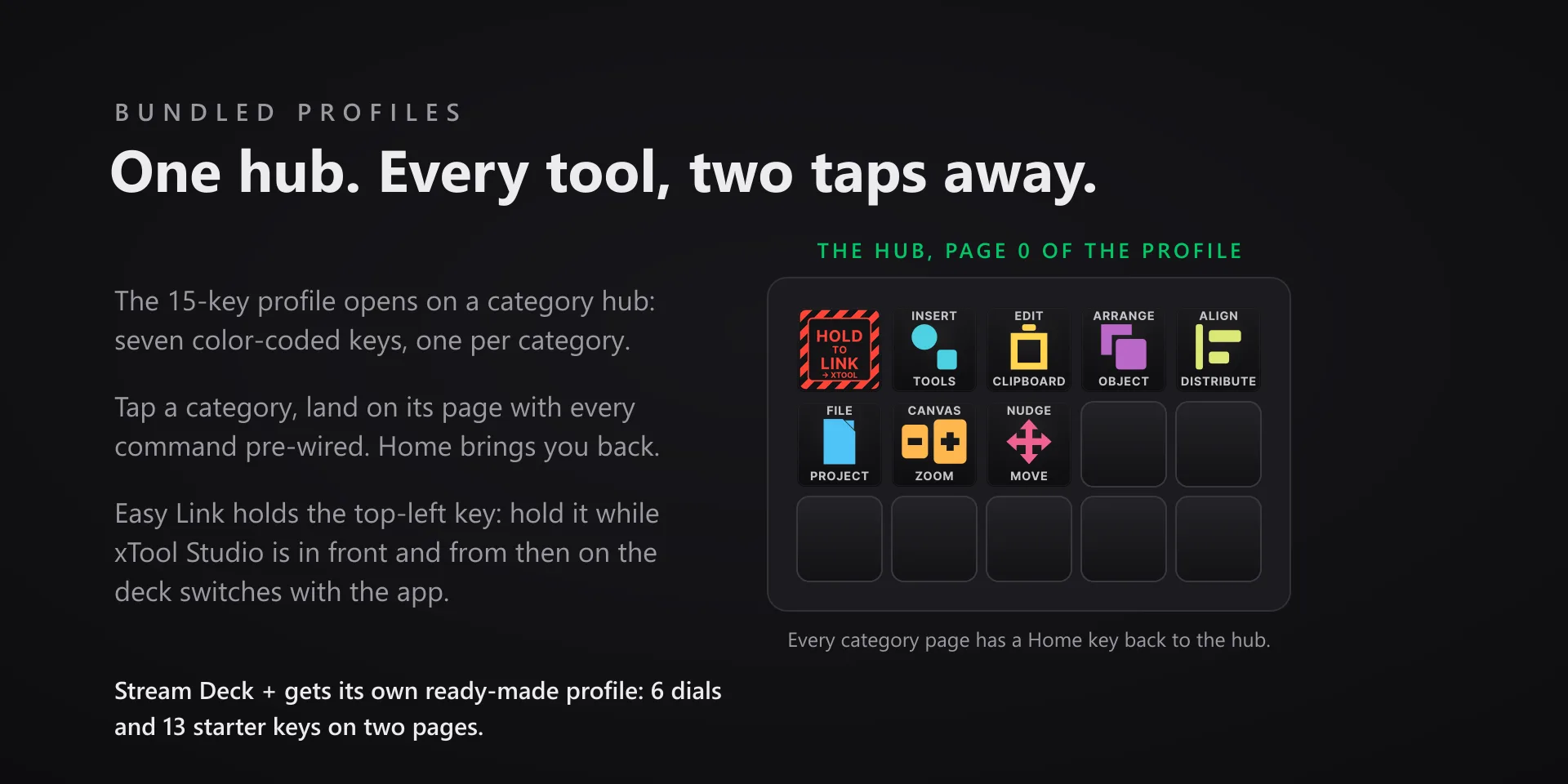
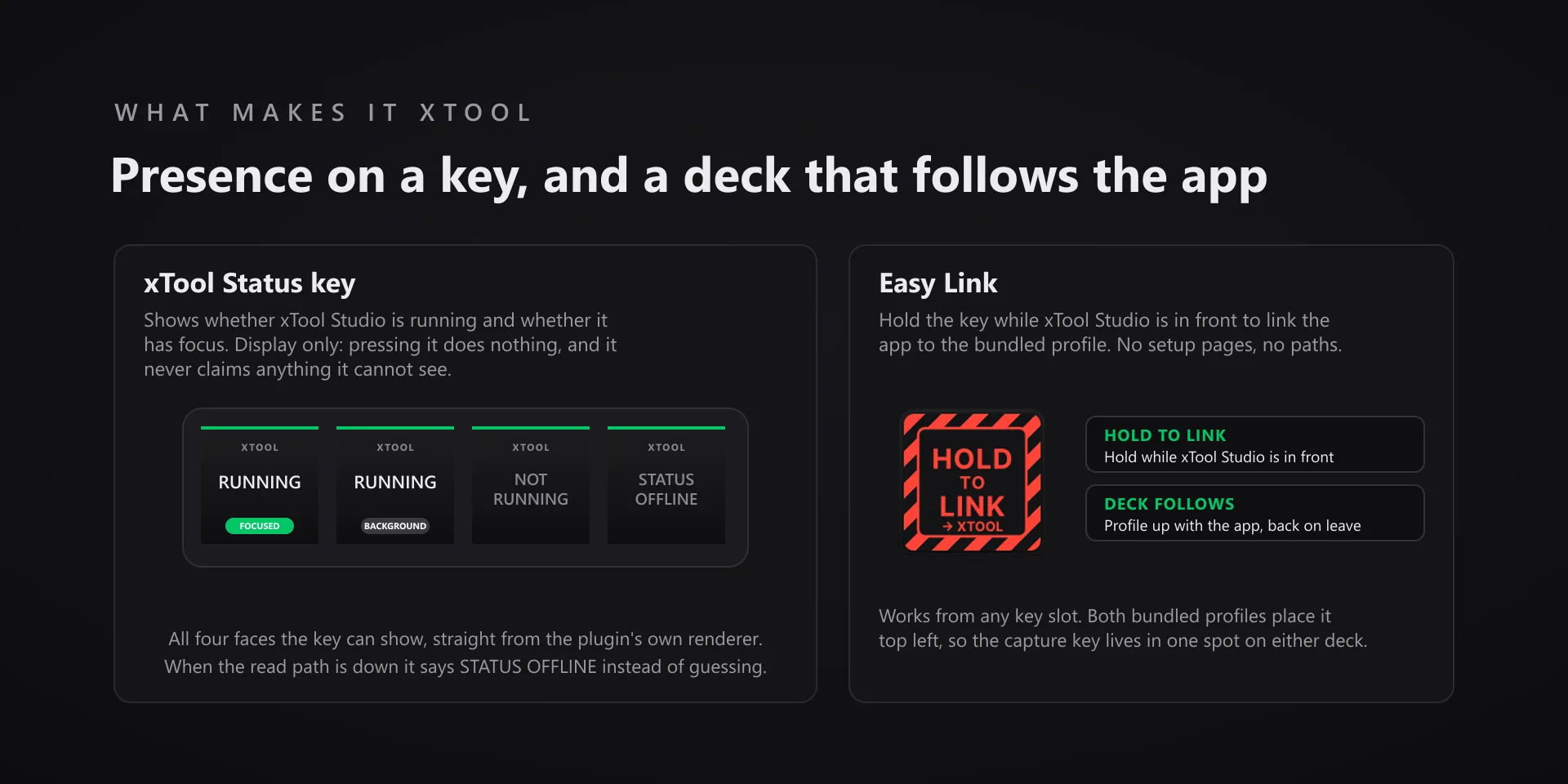
  • The xTool Status key shows whether xTool Studio is running and whether it has focus, and nothing more. Pressing it does nothing.
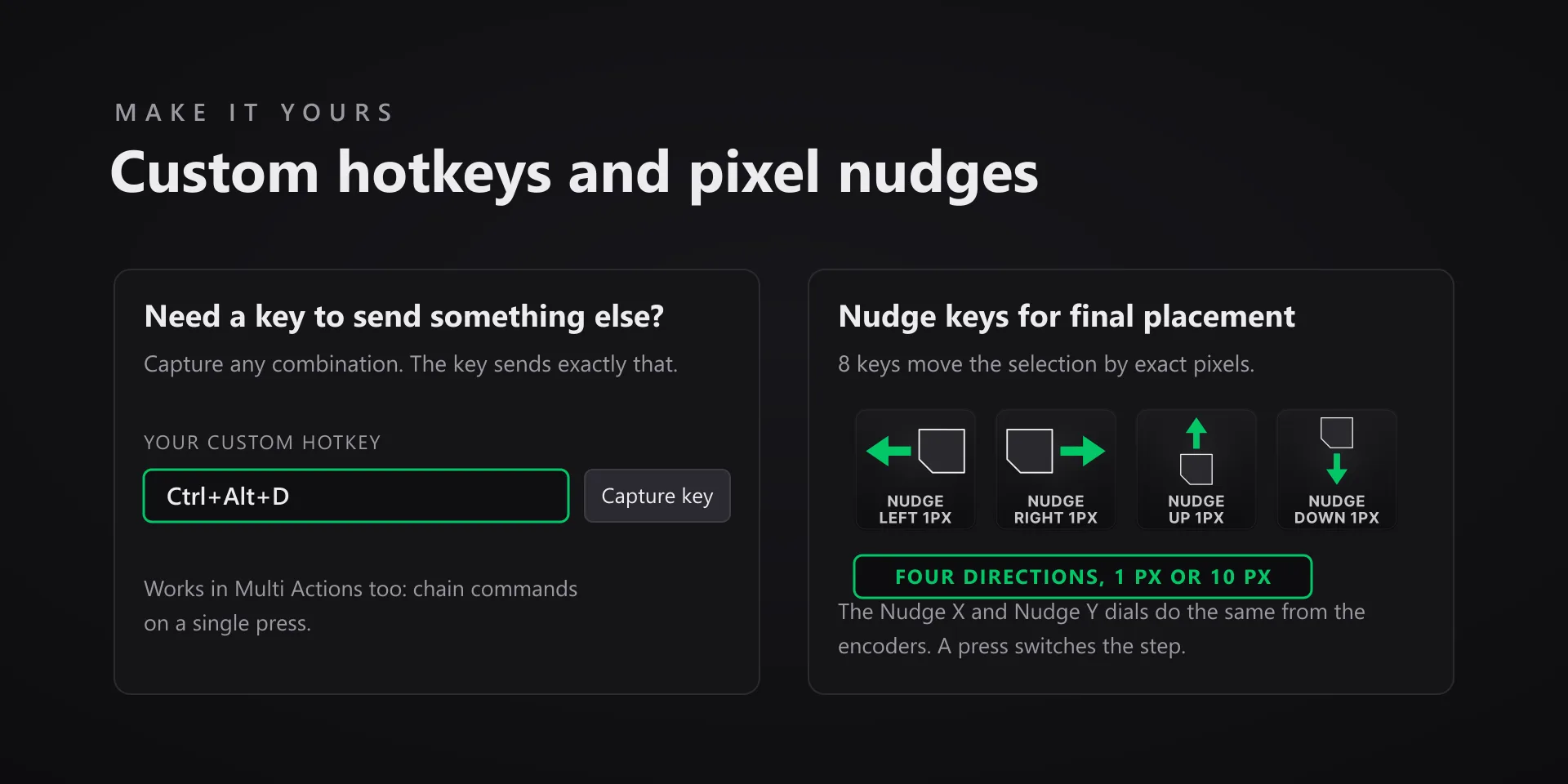
  • xTool Studio's own shortcuts cannot be reassigned, so every key already sends what the app binds. The Capture field in the property inspector is there when you want a key to send something different instead.

True of every plugin we make

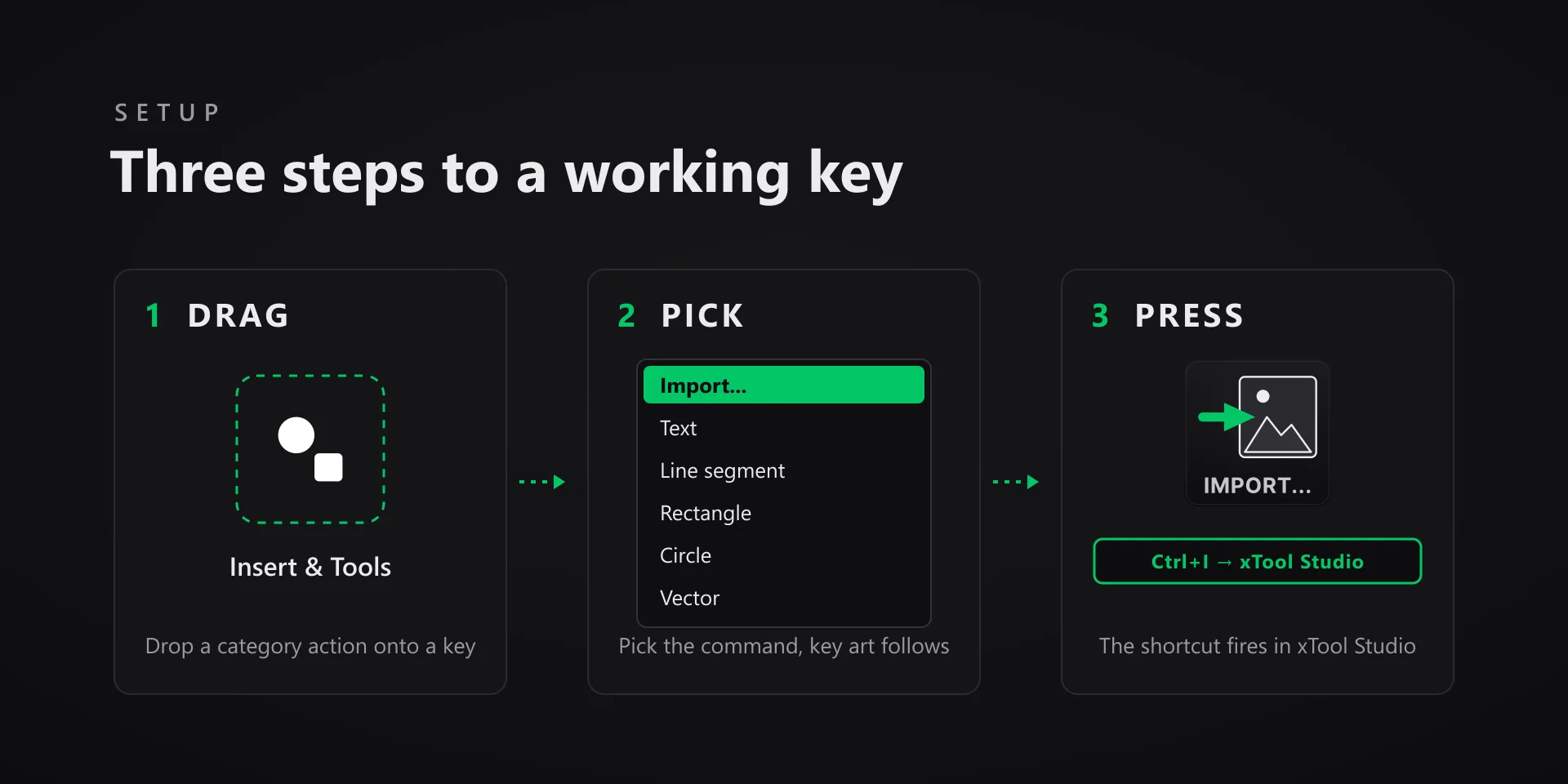
  • Every key ships with the app's stock default shortcut, and every key is remappable. Type your combination into the property inspector or click Capture and press it once.
  • Keystrokes go to the active window. The plugin never steals focus or targets a window, so keep the target app in front when you press.
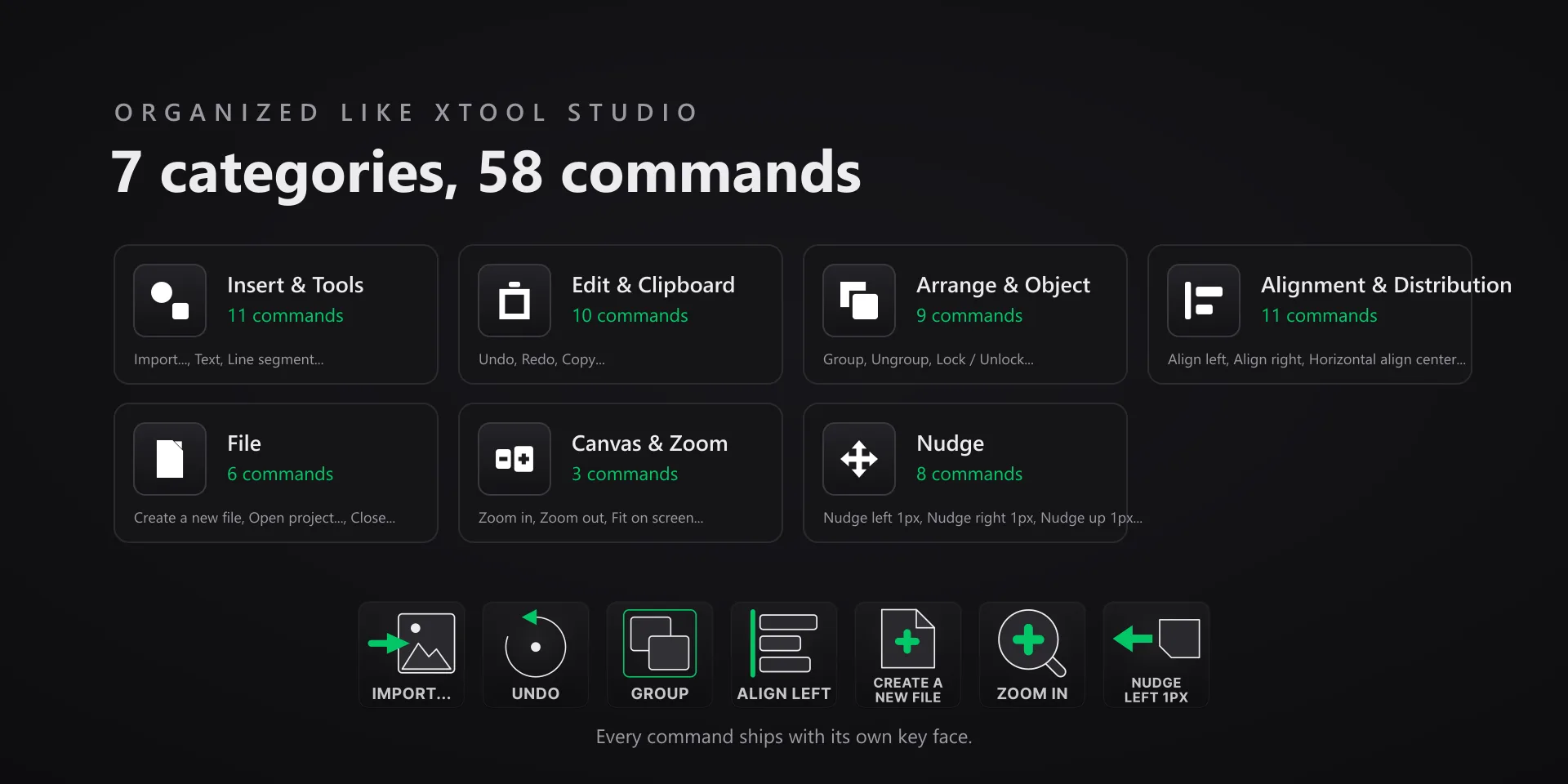
  • Every command has its own drawn key art, so the deck reads at a glance instead of listing shortcuts.

Read the full quick fixes, or see this plugin on the support hub.

Still stuck? Email [email protected] with the plugin name, your Stream Deck software version, and what you pressed versus what happened. A human answers.